
More than 70% of high-end visual effects shots on recent blockbuster films passed through at least one node of Autodesk Maya or SideFX Houdini. This shows how software choices affect both art and engineering at a large scale.
We offer a detailed guide to the top VFX software of 2025. It’s written for engineering professionals, students, and educators. It aims to help them navigate through a crowded toolset.
Visual effects software combines artistry with systems engineering. Tools like Maya, Houdini, Foundry Nuke, Blender, Adobe After Effects, ZBrush, and Substance Painter make creative ideas come to life.
In this guide, we discuss why some tools earn the trust of studios. We also mention Academy-level awards for Maya and Houdini. Plus, we compare the strengths of rendering engines like Arnold, V-Ray, and RenderMan.
Continuous learning and adaptability are key in the VFX pipeline. Our comparison focuses on workflow fit, rendering performance, and integration. We look beyond just feature lists.
For more information on industry partnerships, training, or production workflows, contact us at info@digiverse.studio.
The Evolution of VFX Software: A Brief Overview
We look back at how VFX software has evolved. From early experiments to today’s tools, this history shows why studios pick certain software. It helps teams choose the best VFX software for future projects.
Key Milestones in VFX Technology
Matchmoving became standard with 3DEqualizer in the late 1990s. It made photoreal integration easier. Autodesk Maya became key for animation in the 1990s, used in films like Dinosaur.
SideFX Houdini grew over 20 years, known for its procedural work. ZBrush changed sculpting and modeling. Mocha Pro improved tracking and rotoscoping for compositors.
These milestones show why compositing, matchmoving, and procedural tools are vital. They are the foundation of visual effects software history.
Impact of AI on VFX
AI is changing how we work: it helps with denoising, upscaling, and tracking. Studios see faster work with AI tools and human review. AI doesn’t replace creativity; it makes tasks faster and smarter.
Foundry and Adobe are adding AI to their tools. This changes how we pick VFX software for better workflows and artist productivity.
Trends Shaping VFX Software Development
Node-based and procedural workflows are key: Houdini, Nuke, and Fusion show this. Standards like Alembic and USD make sharing assets easier.
GPU acceleration and hybrid renderers are becoming common. Tools like Arnold and V-Ray are faster. Cloud rendering and virtual GPUs help smaller studios access powerful computers.
Studios mix tools for different tasks: Nuke for compositing, Houdini for simulation, and Maya for animation. This mix shows the complexity of modern pipelines.
Essential Features to Look for in VFX Software
We look at tools based on how they speed up work, keep assets safe, and grow with studios. The right choice depends on the interface, rendering power, and how it fits into your current workflow. These factors help teams find VFX software that meets their production needs.
User Interface and Accessibility
We compare different systems like Nuke, Fusion, and Houdini with Adobe After Effects and Apple Motion. Node-based systems offer detailed control for complex tasks. Layer-based tools are easier to learn and better for beginners.
Good training and community support are key. After Effects and Maxon Cinema 4D have lots of tutorials and forums. Houdini and Nuke need more time to learn but offer advanced control. Think about your team’s learning pace when choosing software.
Rendering Capabilities
Fast and accurate rendering is vital for meeting deadlines. Look for support for renderers like Arnold, V-Ray, and RenderMan. GPU acceleration, like on RTX-class cards, speeds up work.
For detailed simulations, Houdini and Maya work well with specialized renderers. Render management is important for working with farms and cloud services. Make sure your hardware can handle demanding scenes.
Integration with Other Software
Good pipeline integration is key. Tools like Alembic, USD, and FBX are essential for sharing geometry and animation. Strong plugin ecosystems extend workflows.
Collaboration tools are vital for remote work. Frame.io inside After Effects and Resolve + Fusion collaboration speed up reviews. Compatibility with tools like Mocha Pro and Silhouette ensures accurate tasks. Scripting and automation are must-haves for professionals.
Security and scalability are critical: version control, asset management, and credential handling protect your work. Consider how a package supports automation, cloud credentials, and large-scale asset pipelines when choosing software.
Leading VFX Software to Consider in 2025
We look at top VFX software for 2025. Each tool is great for different tasks like compositing and 3D. We talk about how to use them, how hard they are to learn, and their place in today’s workflows.
Adobe After Effects
Adobe After Effects is top for motion graphics and compositing. It works well with Premiere Pro and Creative Cloud. This makes moving assets easy between editors and motion teams.
It has Frame.io for better reviews and a subscription keeps it updated. Learning advanced features takes time, but it’s key for commercials and TV. Even with new tools, many can’t do without it.
Blender
Blender is a free 3D suite that’s ready for production. It has tools for modeling, sculpting, and compositing. Plus, it has a fast real-time viewport.
Small teams and indie studios like Blender for its cost and ease of use. Its community and updates keep it competitive for short films and previs.
Autodesk Maya
Autodesk Maya is the top choice for 3D animation and rigging. It’s used in big productions for film and TV.
Maya is deep and needs a lot of learning. But, its wide use means there are many experts and tools available.
Foundry Nuke
Foundry Nuke is the best node-based compositor for big projects. Major studios use it for high-resolution compositing and more.
For those watching their budget, Natron and Blackmagic Fusion in DaVinci Resolve are good alternatives. Nuke is the best for big compositing and deep pipeline work.
For effects, Houdini is the top choice for procedural FX. ZBrush, Mudbox, Substance Painter, Mari, Mocha Pro, and matchmoving tools also play a role. Renderers like Arnold, V-Ray, and RenderMan are key for rendering.
The Role of Cloud-Based VFX Tools

Cloud VFX tools change how studios work. They make top-notch hardware accessible, speed up teamwork, and cut down costs. Small teams can use many GPUs and lots of memory without buying servers. Big studios can grow their power fast to meet tight deadlines.
Cloud rendering lets studios use compute as they need it. They can pay for GPU hours, get reserved instances, or use credits. With AMD Threadripper PRO CPUs and lots of RAM, they can work faster on complex scenes.
Dedicated servers keep apps and files ready for next time. Tools like Windows GPU clients and macOS drives make moving files easy. Storage and network mounts make working with assets smoother.
Advantages of Cloud Computing for Studios
Cloud computing means studios can grow fast without big upfront costs. They can quickly add more power for big projects, then scale back. This saves time and lets engineers focus on improving the pipeline.
Having help 24/7 cuts down on work for the team. Managed services handle updates and keep everything running smoothly. This lets artists focus on their work without worrying about the tech.
There are many ways to pay for cloud services. Studios can choose credits, hourly rates, or special deals. This makes top tools affordable for smaller teams.
Popular Cloud-Based VFX Software Options
Services like iRender support many renderers and host common 3D apps. Other places offer GPU rentals for distributed rendering. They work with Maya, Blender, Houdini, and Cinema 4D.
It’s important for the cloud to work with your tools. Look for good storage, transfer methods, and render queue systems. This helps keep things running smoothly and fast.
| Capability | What to Expect | Why It Matters |
|---|---|---|
| Scalable Compute | From single GPU to multi-RTX 4090 clusters | Speeds up final frames and reduces queue delays |
| Storage & Transfer | S3-compatible buckets, iRender Drive, network mounts | Faster asset sync and fewer failed transfers |
| Renderer Support | V-Ray, Arnold, RenderMan, Houdini native jobs | Runs studio pipelines with no rework |
| Billing Models | Pay-as-you-go, credits, subscriptions | Cost control for short bursts and long projects |
| Security & SLA | Encryption, access controls, 24/7 support | Protects IP and ensures uptime for deadlines |
When picking a cloud service, think about network speed, how it handles simulations, and data rules. Tools like Frame.io or cloud DaVinci Resolve make working together faster.
Cloud VFX tools open up advanced workflows for everyone. They combine fast rendering with smooth pipeline work. This keeps costs down for teams of all sizes.
Real-Time VFX: The Future of Animation
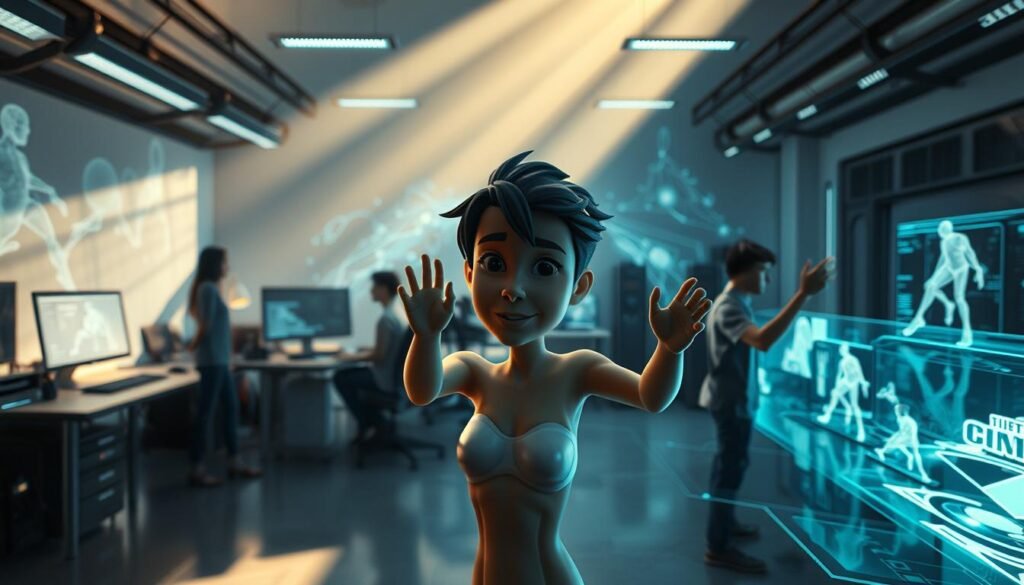
We’re seeing a big change in how animation and visual effects are made. Real-time tools make it faster to try out new ideas. This is great for studios, teachers, and students.
They like using a mix of old and new methods. This mix changes how they work and how long projects take.
Understanding Real-Time Rendering
Real-time rendering makes frames fast enough for live viewing. This is key for virtual productions, previs, and live events. It lets artists see changes right away.
Working with real-time rendering means artists can test things quickly. They can try out camera moves, lighting, and effects without delay.
This way, everyone can work together better. Directors can say yes to ideas faster, and tech artists can fix problems sooner.
Key Software for Real-Time VFX
Unreal Engine and Unity are at the forefront of real-time VFX. They work well with tools like Autodesk Maya, Blender, and Houdini. This makes it easy to move assets around.
Tools for motion graphics and previs, like Cinema 4D and Motion, also fit well. For detailed surfaces, Substance Painter and Mari are key. Making scenes run smoothly is all about optimizing assets.
Studios mix real-time engines with offline renderers like Arnold and V-Ray. Real-time is perfect for VR and interactive projects. But offline renderers are needed for perfect, cinematic frames.
Teaching both old and new tools is important. It prepares students for the modern world of VFX. They learn the top software used in film, games, and live events.
Comparison of VFX Software: Price vs. Features
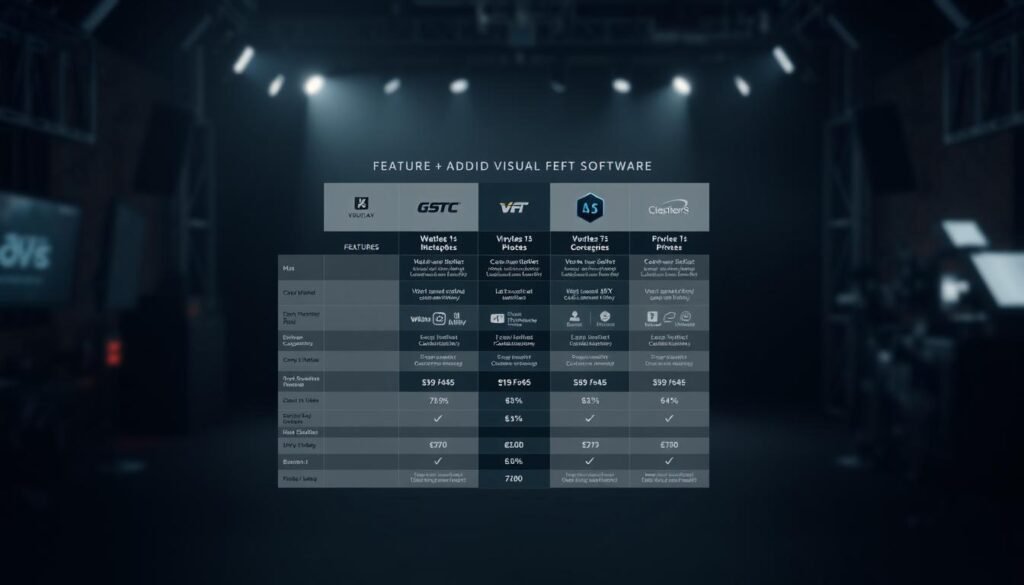
We compare costs to capabilities so studios and learners can find the right tools. This guide helps you understand the differences between affordable and professional VFX software. It shows which tools are best for those with limited time and resources.
Budget-friendly options
Blender is a free 3D suite with modeling, animation, and rendering. Natron offers open-source node-based compositing. Blackmagic Fusion is free inside DaVinci Resolve, great for editing and color work. HitFilm Express is free for beginners, with editing and compositing tools.
These tools are great for students and freelancers. They show that you can get important VFX features without spending a lot. They’re perfect for those on a tight budget or just starting out.
Mid-to-high-tier prosumer tools
Adobe After Effects is great for motion graphics and works well with Premiere Pro. Cinema 4D is easy to learn and supports strong render plugins. Substance Painter is key for realistic textures and fits many art pipelines.
These tools offer a balance of ease and advanced features. They’re priced between entry-level and professional suites, making them versatile.
High-end professional software
Foundry Nuke is top for complex compositing and scripting. SideFX Houdini has powerful procedural effects. Autodesk Maya is for character rigging and animation at a studio level. Autodesk Flame is for high-budget finishing tasks.
Big studios use these for complex, repeatable work. They cost more but offer advanced features for high-end projects.
Costs beyond licenses
Renderers like Arnold and V-Ray need separate licenses or cloud fees. Cloud services add costs for compute time and data transfer. Remember to include these when planning your budget.
Cost/benefit and productivity
Choosing the right tool can save time. After Effects and Fusion work well with editing. Houdini and Nuke use automation to reduce manual work. Investing in training and automation can save money in the long run.
| Tier | Representative Software | Key Strengths | Typical Users |
|---|---|---|---|
| Free / Affordable | Blender, Natron, Fusion (free), HitFilm Express | Full 3D suite, node compositing, entry-level compositing | Students, indie creators, small studios |
| Prosumer | Adobe After Effects, Cinema 4D, Substance Painter | Motion graphics, approachable UI, texture painting | Freelancers, small agencies, educators |
| High-end | Foundry Nuke, SideFX Houdini, Autodesk Maya, Flame | Procedural FX, scalable pipelines, studio-grade finishing | Large studios, VFX supervisors, pipeline engineers |
When comparing prices and features, the best choice varies. It depends on project size, team skills, and goals. This guide helps you understand the trade-offs between affordable and high-end VFX software. It guides beginners and helps production teams make informed decisions.
VFX Software for Beginners: Getting Started
We aim to make starting in visual effects easy and useful. Choose tools that fit your needs: from quick compositing to 3D assets for games. A clear path helps in learning and keeps you moving forward.
Best software for newcomers
Blender is a great choice: it’s free and covers many areas like modeling and animation. HitFilm Express offers a simple compositing workflow without the high cost. Blackmagic Fusion is free inside DaVinci Resolve and introduces node-based compositing early.
Adobe After Effects has a huge community and many tutorials, but it requires a subscription. Apple Motion is perfect for Mac users who want an easy-to-use motion tool.
Learning resources and tutorials
Begin with official guides: Blender.org tutorials, Autodesk Learning, and Foundry documentation are great starting points. Courses from fxphd, Gnomon, and Pluralsight offer structured learning and credentials.
Community channels like YouTube and artist blogs share valuable content. Look for project-based lessons to learn by doing.
Try open-source tools to hone specific skills: Natron for compositing and Substance Painter trials for texturing. These tools pair well with tutorials.
Practical workflow and community learning
Join forums like Blender Artists and Stack Exchange to get help and see others’ work. Use free trials to compare tools before buying. Challenge-driven learning, like ArtStation challenges, boosts skills and builds a portfolio.
Learn basic scripting in Python to automate tasks. This makes your workflow more efficient. For hardware, NVidia RTX-class GPUs are best for local work. Try cloud rendering for heavy tasks to save money.
For educational discounts or partnership advice, email info@digiverse.studio.
Community and Support: Importance in VFX Software

Strong ecosystems are key to keeping pipelines smooth and talent growing. A vibrant VFX software community boosts learning, shares fixes, and drives innovation. Studios and artists gain when peers and vendors collaborate.
Online Forums and User Communities
Spaces like Blender Artists, the Foundry forums, SideFX community, and Adobe forums are like live classrooms. They offer bug reports, shader snippets, and step-by-step guides to help teams quickly solve problems.
Following specialized subreddits and GitHub repos for shared scripts and plugins is a good idea. Community assets like shaders and node trees can save a lot of time in production.
Local meetups, SIGGRAPH, GDC tracks, and webinars offer hands-on learning and networking. These events turn abstract tips into practical techniques for your studio.
Official Customer Support Channels
Vendor documentation and knowledge bases are the foundation of reliable VFX software support. Autodesk, Foundry, Adobe, SideFX, and Blackmagic publish guides and release notes that are essential for pipeline stability.
For serious needs, paid support tiers and enterprise plans offer escalation paths and guaranteed response times. When we file tickets, having reproducible test cases and clear version tracking helps speed up resolution.
Third-party training from Gnomon and fxphd adds to official support. Cloud-render partners that offer 24/7 help can assist with file transfer and compatibility during onboarding.
To coordinate collaboration, training, or enterprise support queries, contact info@digiverse.studio
Industry Applications of VFX Software
We explore how modern studios use leading tools in various fields. VFX software is key for film shots, game worlds, and ads. It’s about finding the right balance between speed, quality, and cost.
Film and Television
Big studios use powerful suites for compositing and simulation. Foundry Nuke is a top choice for precise compositing. SideFX Houdini excels in complex effects like smoke and fire.
Autodesk Maya is great for animation and rigging. It works well with ZBrush for sculpting and RenderMan for final rendering. Matchmoving tools like 3DEqualizer link live-action with CG.
Many use a mix of commercial and custom tools to meet deadlines. This mix makes VFX software flexible and scalable for different needs.
Video Games
Game development focuses on real-time engines like Unreal Engine and Unity. Offline tools like Maya and Blender are used for asset creation. The goal is to balance rendering and performance.
Design teams use top VFX software for real-time effects. This teamwork speeds up the development process and keeps projects on schedule.
Advertising and Marketing
Short-form ads need fast, easy-to-use tools. Adobe After Effects and Maxon Cinema 4D are leaders in motion graphics. Blackmagic Fusion and DaVinci Resolve are used for quick VFX and color grading.
Smaller agencies use cost-effective tools like Blender and Adobe Creative Cloud. Texture tools like Substance Painter are used in various campaigns. This shows how VFX software is used beyond movies and games.
Virtual production combines real-time engines with traditional post-production. Architectural visualization and product design use tools like 3ds Max and V-Ray for photorealistic images. This blending keeps the VFX software list growing and opens new opportunities.
Future Trends in VFX Software Development
The future of VFX software is exciting. It will have tighter toolchains, faster feedback, and smarter automation. AI will play a big role, helping with tasks like rotoscoping and tracking.
These changes will make work faster. Teams will spend more time on creative ideas and less on repetitive tasks.
Looking ahead, VFX software will get better at working together. Tools like USD will make it easier to move projects between different software. This means better quality and faster work.
Cloud-based workspaces will also change how teams work together. They will be able to work and review projects in real time.
New technologies like neural rendering and generative AI will shake things up. They can create backgrounds and help with planning. Virtual production will also change how we work, making it easier to mix live-action with computer graphics.
Studios and schools need to prepare for these changes. They should focus on teaching the basics and how to use different tools. For more information, contact info@digiverse.studio.