
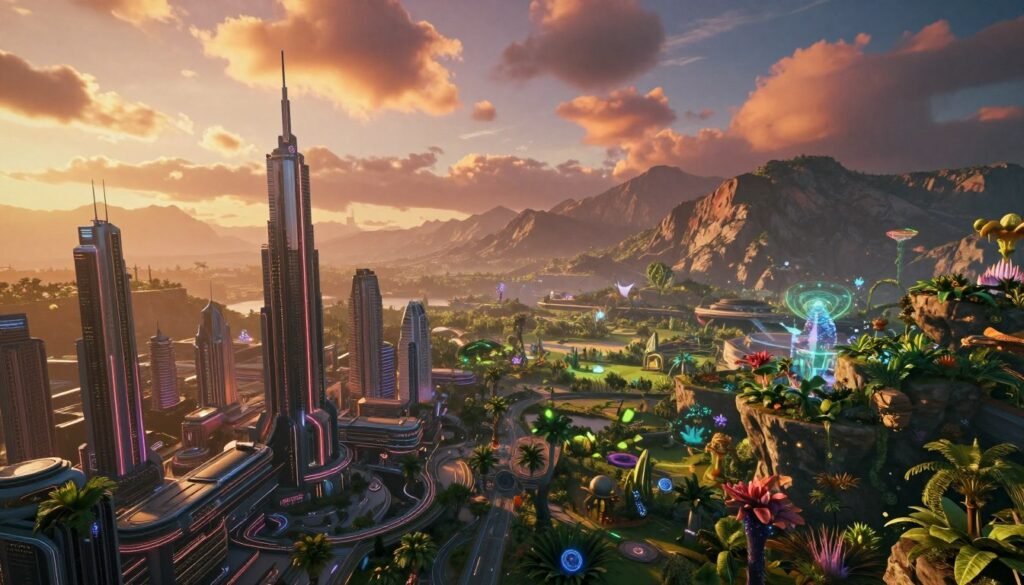
In this tutorial, we explore the world of building digital environments for films and games. These environments are key to creating immersive stories and engaging experiences. We will learn advanced techniques in environment design and landscape modeling.
Together, we’ll discover new ways to make digital worlds. These worlds will captivate audiences everywhere.
Key Takeaways
- Digital environments significantly enhance storytelling in films and games.
- Proper environment design is essential for creating engaging settings.
- Landscape modeling techniques are vital for realistic digital landscapes.
- Understanding terrain types helps in effective environment creation.
- Innovative tools make landscape modeling easier.
- Collaboration boosts creativity and efficiency in digital environment projects.
Introduction to Digital Environments
Digital environments mix creativity and technology. They change how we see and interact with media. We use creative tech to make virtual worlds that look amazing and feel real.
These digital places help stories come to life. They give us detailed settings for stories to play out.
Digital environments do more than look good. They connect with us on an emotional level. A great virtual world can make us feel nostalgic or excited. It invites us to join the story.
With new tech like 3D modeling, we can make these worlds even better. Each new tool lets us dream bigger. We learn how to make engaging stories for movies and games.
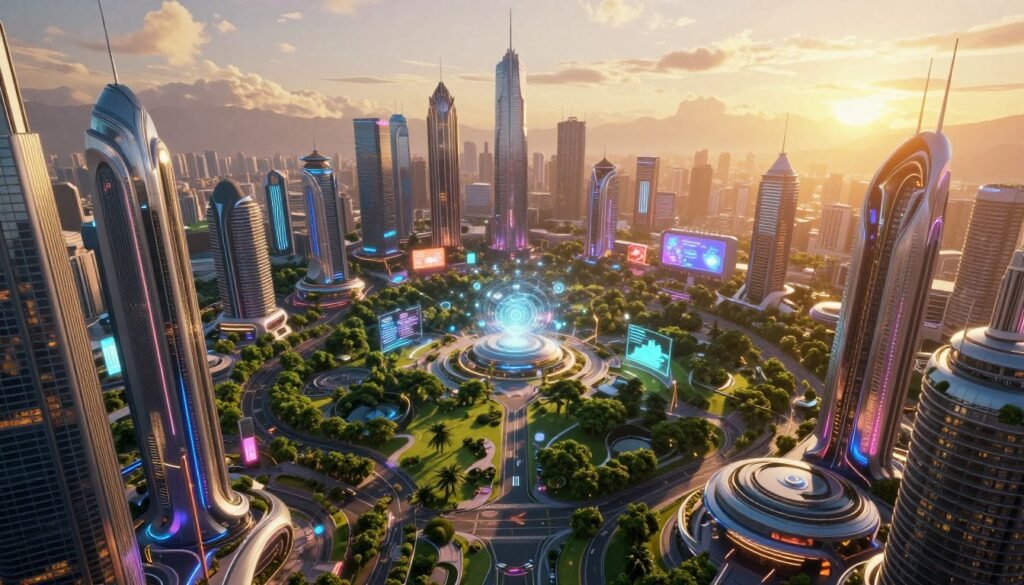
The Importance of Environment Design in Digital Media
Environment design is key to great digital media. It makes immersive storytelling real by giving a setting for the story. Every little thing, like textures and lights, changes how we feel and think.
Good visuals are vital for a true digital world feel. They grab our attention and make us care more. When environment design feels real, it sparks our imagination. We get lost in the story.
Creators use space and setting to pull us into stories that touch us. Each place adds to the mood and moves the story along. They help us feel and connect with the story.
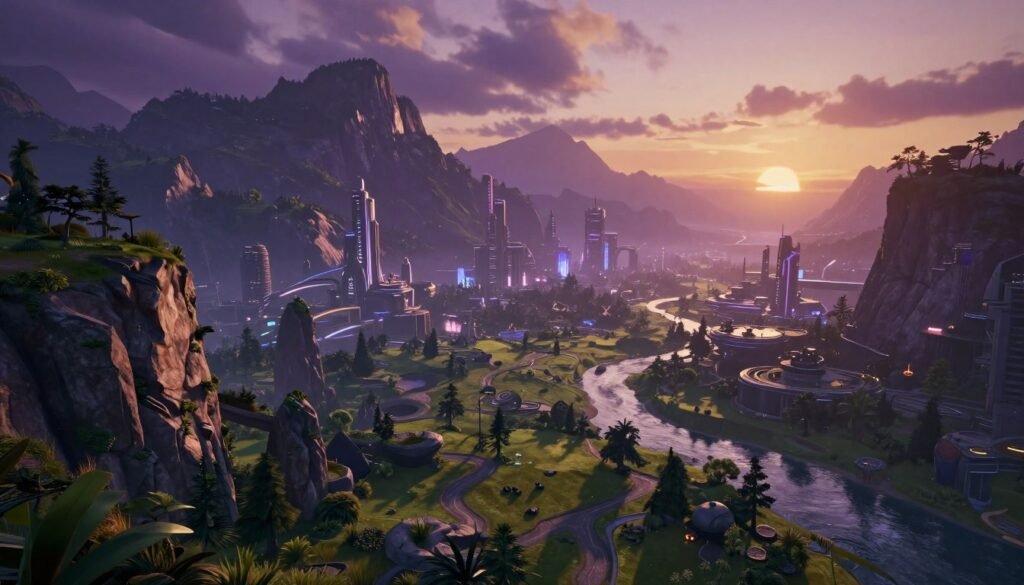
Key Techniques for Landscape Modeling
Learning about landscape modeling is key for making digital worlds feel real. Different terrains offer both chances and hurdles. Knowing these terrains well helps use digital tools better.
Understanding Terrain Types
The world has many terrain types, each unique. Let’s look at some main ones:
- Mountains: High and complex, mountains need special texturing.
- Plains: Flat and wide, plains set the scene for games or movies.
- Aquatic Systems: Water adds movement and reflection, making scenes look real.
Each terrain type shapes looks and gameplay, so planning is key.
Tools for Landscape Creation
Using the right tools makes landscape modeling easier. There are many software options:
| Tool | Key Features | Best For |
|---|---|---|
| Autodesk Maya | High-quality mesh modeling, advanced sculpting tools | Detailed character and environment design |
| Blender | Open-source, versatile, robust community support | Budget-friendly projects, indie games |
| Unreal Engine | Real-time rendering, immersive environment creation | Interactive applications, real-time visualizations |
These tools help make complex terrains look real, boosting creativity.
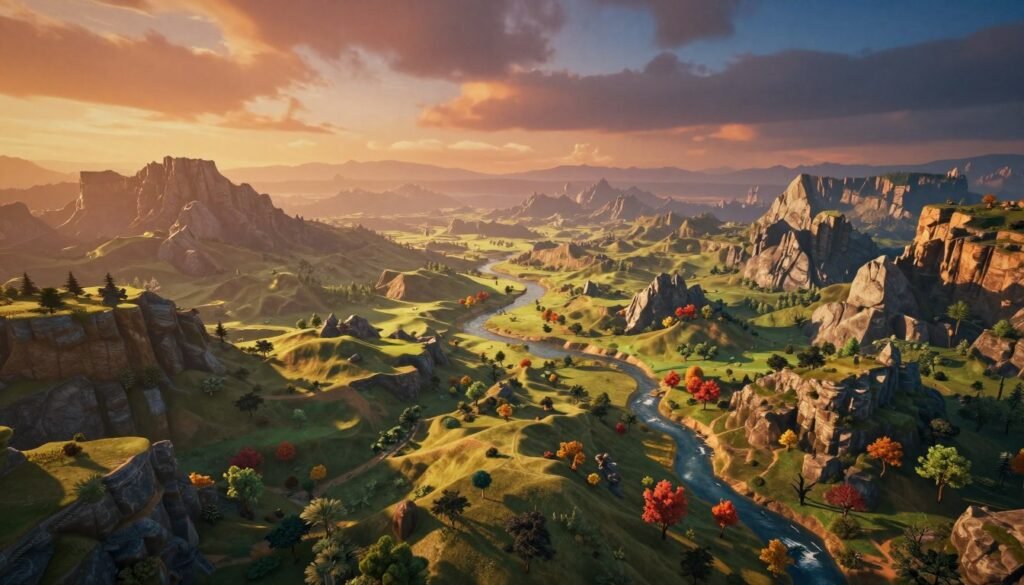
World Building Essentials for Games and Films
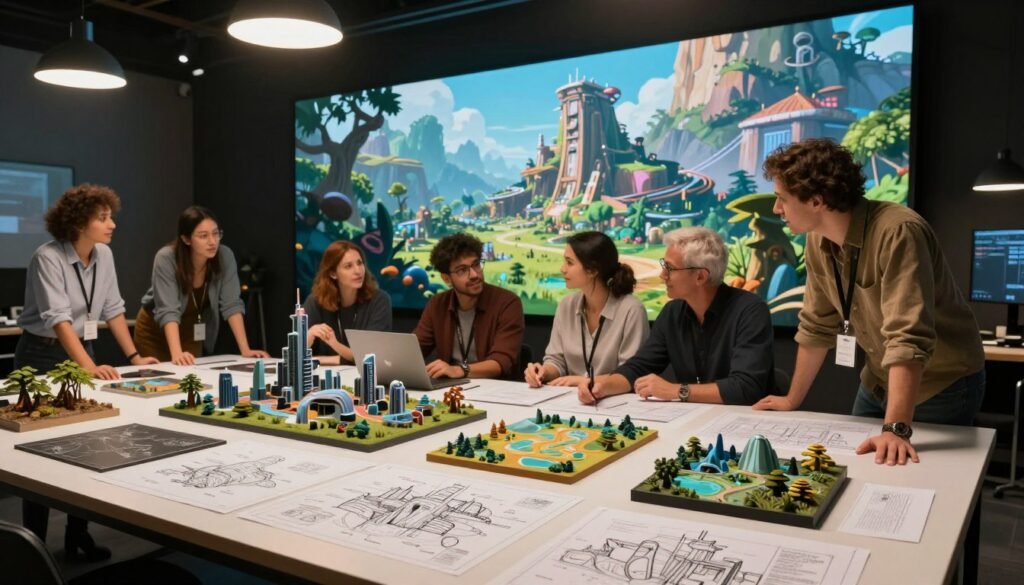
World building is key for games and films. It creates detailed settings that grab the audience’s attention. It involves making environments and settings that pull viewers and players into the story.
A good world building starts with a strong story. This story guides all design choices. It shapes the world’s look, landmarks, and culture. Every part adds to the story’s depth.
We’ll look at how to make worlds that feel real and connected. This includes adding lore to make the world’s history clear. It makes the world feel authentic.
Good setting design makes each place part of the story. It invites viewers to get lost in the tale. A well-made world is where stories come to life.
Creating Immersive Environments with DMP
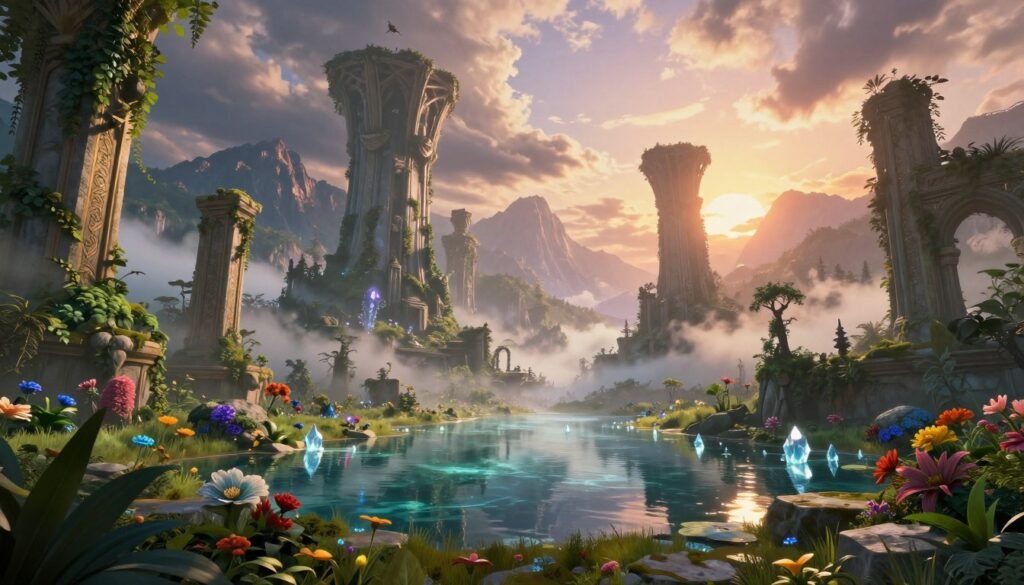
Digital Matte Painting (DMP) is a key tool for visual storytellers. It mixes painting and photography to create stunning views. These views make stories more real and emotional.
Introduction to Digital Matte Painting (DMP)
DMP combines old art skills with new tech. Artists use it to make detailed backgrounds. They blend these with live-action or animation, making scenes feel real.
Techniques for Seamless Integration of DMP
Using DMP techniques helps merge painted scenes with 3D elements. Here are some key methods:
- Layering Techniques – Add depth with layers like foreground, midground, and background.
- Color Grading – Match colors and brightness to blend DMP with footage.
- Lighting Effects – Add shadows and highlights that match the scene’s light.
- Camera Match – Use the same camera angles and focal lengths for a seamless look.
These methods help create amazing, connected immersive environments. They make stories more engaging and emotional.
3D Modeling Tools for Massive Environments
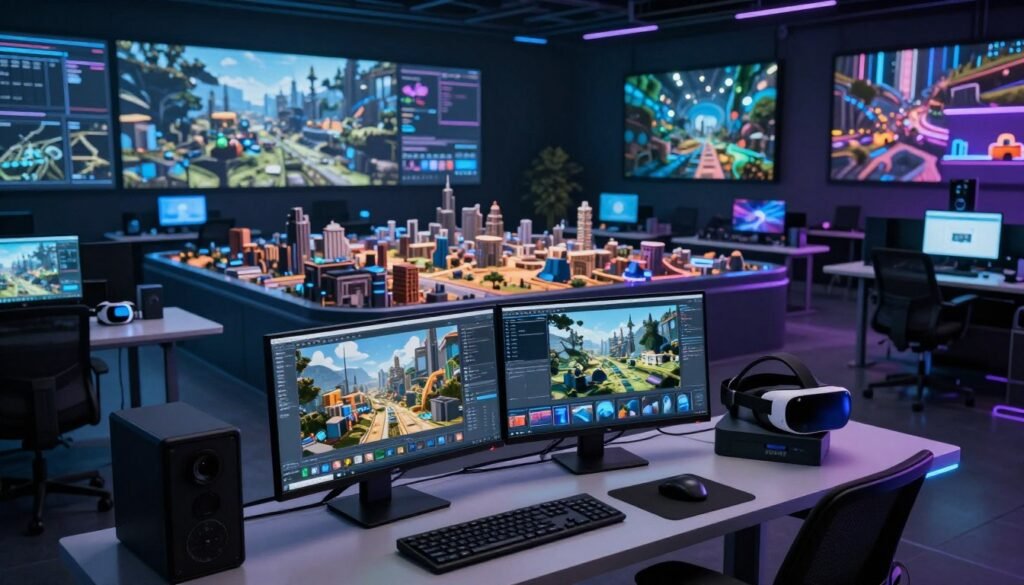
Choosing the right 3D modeling software is key for big digital projects. Many tools are great for different needs. They help us work better and be more creative.
Popular Software Options
- Unreal Engine: It’s known for fast rendering and being very flexible. It lets designers make amazing visuals and interactive stuff.
- Maya: It’s a top choice for complex animation and modeling. Maya has lots of customization options and supports big projects well.
- Unity: Unity is easy to use and great for games. It’s perfect for 3D modeling and has efficient workflows.
Comparing Workflow Efficiency
Workflow efficiency is more than just being fast. It’s about how well a tool fits into our creative work. Let’s look at a few important factors:
| Software | Ease of Use | Collaboration Features | Rendering Speed |
|---|---|---|---|
| Unreal Engine | Moderate | Excellent | High |
| Maya | Steep Learning Curve | Good | Moderate |
| Unity | Easy | Very Good | High |
Each tool has its own strengths for different projects. This variety lets us pick the best tool for our needs. It makes our work more efficient.
Textures and Materials in Digital Environments
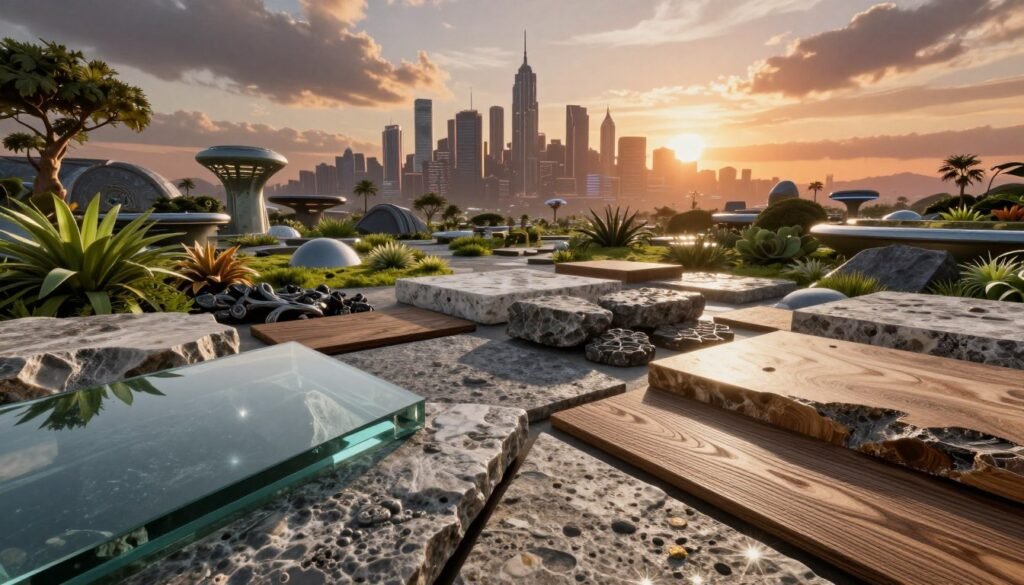
Textures and materials are key to making digital spaces look real. They can turn a simple surface into something amazing, like wood or stone. Each texture has its own look and feel.
For example, shiny textures reflect light, making things look vibrant. Rough textures add depth and structure. This makes our digital worlds feel more real.
Knowing how to map textures onto 3D models is important. It’s like putting a 2D picture on a 3D object. This makes sure the textures look right on the model.
Changing things like gloss, roughness, and transparency is also key. These changes help make our digital spaces look more real.
Using physically-based rendering (PBR) is a cool way to make materials. It uses real-world material properties for better results. This makes our digital spaces look even more real and engaging.
Light and Atmosphere: Setting the Mood
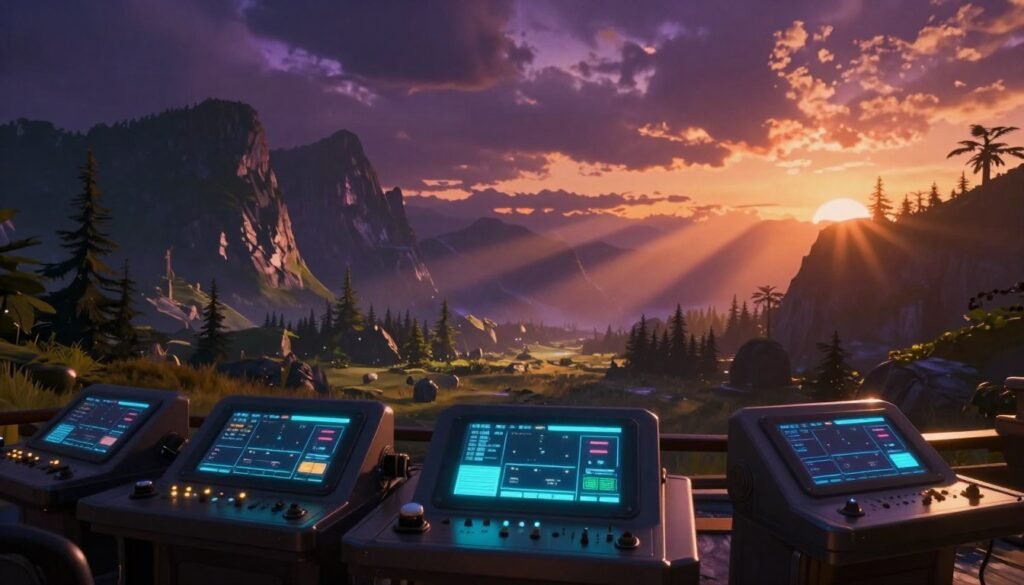
In digital environments, light is very important. It helps tell stories and change how we feel. By playing with light and dark, we can make scenes feel alive and interesting.
Different Lighting Techniques
There are many ways to light scenes. We use key, fill, and rim lighting to make things look real. Key lighting makes things bright, fill lighting softens shadows, and rim lighting adds a glow around subjects.
Creating Realistic Atmospheric Effects
Atmospheric effects add depth to digital worlds. Fog and depth of field make scenes feel real. Fog can make scenes feel mysterious or calm. Depth of field helps us focus on certain parts of the scene.
Animating Your Digital Environment
Animation is key to making digital environments fun and engaging. It turns static scenes into lively, interactive spots that grab people’s attention. We’ll look at the best tools for making animated environments and how to make movements look real.
Tools for Environment Animation
Many great software options help with environment animation. Adobe After Effects and Blender stand out for their ability to create smooth movements. Here’s a table comparing some top tools for animation.
| Software | Key Features | Suitable For |
|---|---|---|
| Adobe After Effects | Motion graphics, visual effects, compositing | Video production, animations |
| Blender | 3D modeling, game creation, fluid simulations | 3D artists, game developers |
| Unity | Game development, real-time rendering | Game designers, interactive experiences |
| Cinema 4D | Motion graphics, 3D rendering, animations | Animators, visual artists |
Strategies for Realistic Movement
Realistic movement comes from knowing how things move in digital space. Adding character actions, natural events, and environmental details makes animations feel real. Some good ways to do this include:
- Using physics simulations for natural effects.
- Applying motion capture data for real character movements.
- Adding small animations to things like trees or water.
- Using user feedback to make animations more dynamic.
Testing and Optimizing Digital Environments
Testing digital environments is key to making them fun and engaging. We look at how well they work on different devices. This helps us know how to make them better.
Performance Metrics to Monitor
Keeping an eye on performance is important. We watch a few key things:
- Frame Rate: It makes things look smooth.
- Load Time: How fast you can start using it.
- Visual Fidelity: How clear and detailed the graphics are.
Balancing Quality and Performance
Using smart optimization techniques is key. We use things like level of detail (LOD) to make things look good without using too much computer power. Reusing objects also helps. These methods keep things looking great and running well.
We keep making our environments better by testing and tweaking. Every change we make based on how things perform makes the experience better for users. This shows our dedication to making digital designs the best they can be.
Case Studies: Successful Digital Environments in Films
Looking at successful films gives us great insights into environment design. We see the detailed work and choices that make movie worlds so real. Movies like “Avatar” and “Blade Runner 2049” show us new ways to design environments.
“Avatar” created Pandora, a world full of life and light, using new CGI and design. This mix of old art and new tech changed how we see movies. It made scenes that touch our hearts.
“Blade Runner 2049” shows us a dark future with big cities and deep themes. Its mix of city views and atmosphere pulls us into the story. This shows how stories and pictures can come together in movies.
Studying these films teaches us a lot for our own work. We learn how art and tech can make movies feel real. Each film teaches us about combining creativity with technology to make amazing movie worlds.
| Film | Key Environment Design Feature | Innovative Technology Used | Impact on Audience |
|---|---|---|---|
| Avatar | Bioluminescent Landscapes | Advanced CGI | Immersive Experience |
| Blade Runner 2049 | Dystopian Cityscapes | Atmospheric Effects | Emotional Resonance |
Lessons from Game Development: Designing Engaging Worlds
Game development teaches us a lot about making worlds that pull us in. Games like “The Last of Us” and “Dark Souls” show us how to do it right. They teach us about making players feel like they’re part of the story.
Adding things for players to do makes the world come alive. It lets them feel connected to the story in a deep way. When players can change the world, they get a special kind of experience.
Good game design uses themes and details that stick together. This makes the world feel real and emotional. Every part of the world, from the ground to the buildings, helps tell the story.
The Future of Digital Environments in Filmmaking and Gaming
Exciting changes are coming to digital environments in films and games. New tech like virtual reality (VR), augmented reality (AR), and artificial intelligence (AI) is changing how we see stories. These tools make stories feel more real and interactive than ever before.
VR lets us step into stories like never before. It makes scenes feel as real as life. AR adds digital layers to our world, making stories more engaging. AI makes these worlds change based on how we interact, making each experience unique.
These new tools are changing how we tell stories. Filmmakers and game makers are using them to create deeper, more engaging stories. The future of digital environments will entertain, spark conversations, and challenge our thinking.
Conclusion
As we wrap up our look at building massive digital environments, we think about the details of design and creativity. We’ve covered key techniques and shared examples, mixing tech skills with imagination.
We now have the tools and knowledge to tackle digital environment challenges. Each of us contributes to the growth of digital storytelling. This enriches our creativity and expands what’s possible.
The future is bright with endless possibilities. Let’s motivate each other to bring new ideas to our projects. Together, we can create experiences that truly connect with people. The digital world is ready for our creativity and teamwork.