
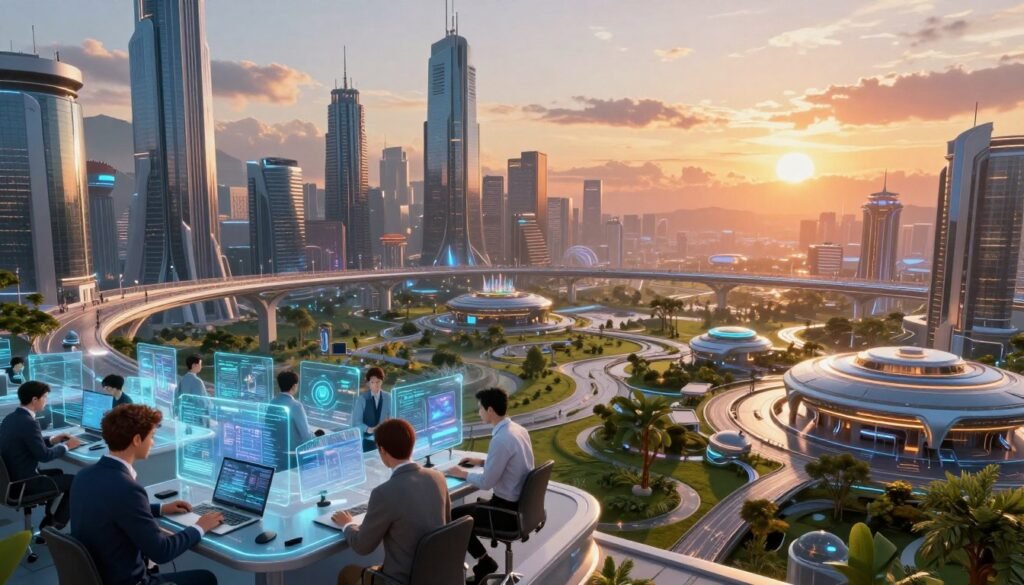
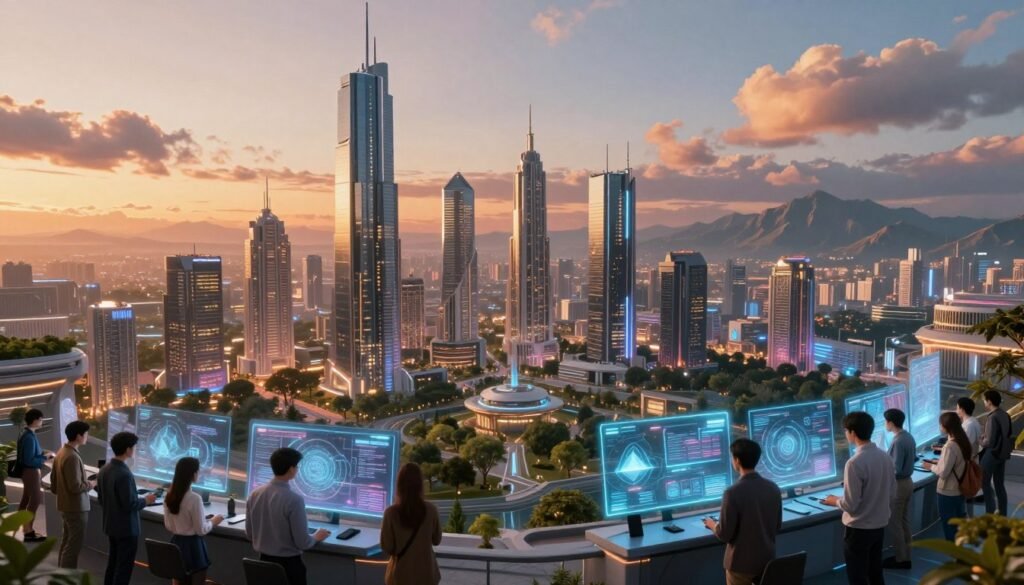
Welcome to the world of digital environments. Here, creativity meets technology to create amazing experiences in films and games. Immersive environment design is key for storytelling. It lets audiences connect deeply with the stories.
From detailed landscape modeling to the art of digital matte painting (DMP), creating believable worlds is a mix of skills and vision. In this article, we’ll look at the tools, techniques, and creative processes for building these digital realms. Join us as we explore world building and how it makes our favorite media even more special.
Introduction to Digital Environments
We start a journey through digital spaces made by advanced computer graphics. These spaces make stories in films and games come alive. They create worlds that grab our attention and spark our imagination.
As we learn about introduction to environment design, we see many kinds of digital places. Some look like our world, while others are totally new and magical.
Technology and art come together in digital environments. This mix makes stories more exciting and unique. Artists use special techniques to make settings that are part of the story. Every detail adds to the overall tale, making it richer for us.
Importance of Environment Design in Storytelling
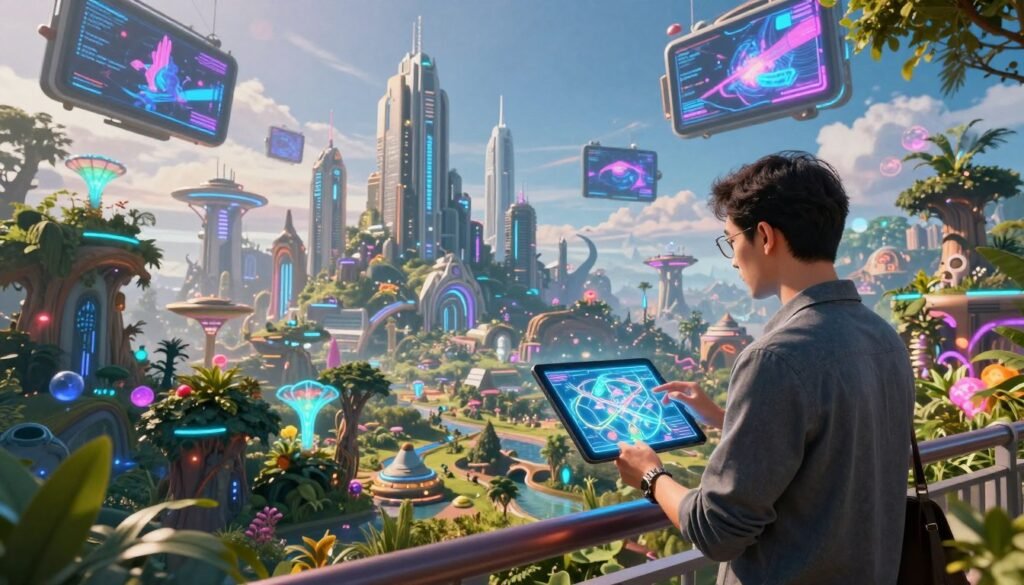
Environment design is key in making stories in films and games richer. It’s not just a setting; it’s part of the story. A good environment can make digital worlds feel more real, pulling people into the story. It can also show the story’s themes, making the emotional journey stronger.
Think about how films use amazing landscapes or detailed cities to create feelings. These settings help set the story’s mood. For example, a bleak wasteland can show sadness and loneliness. But a lively city can bring excitement and hope.
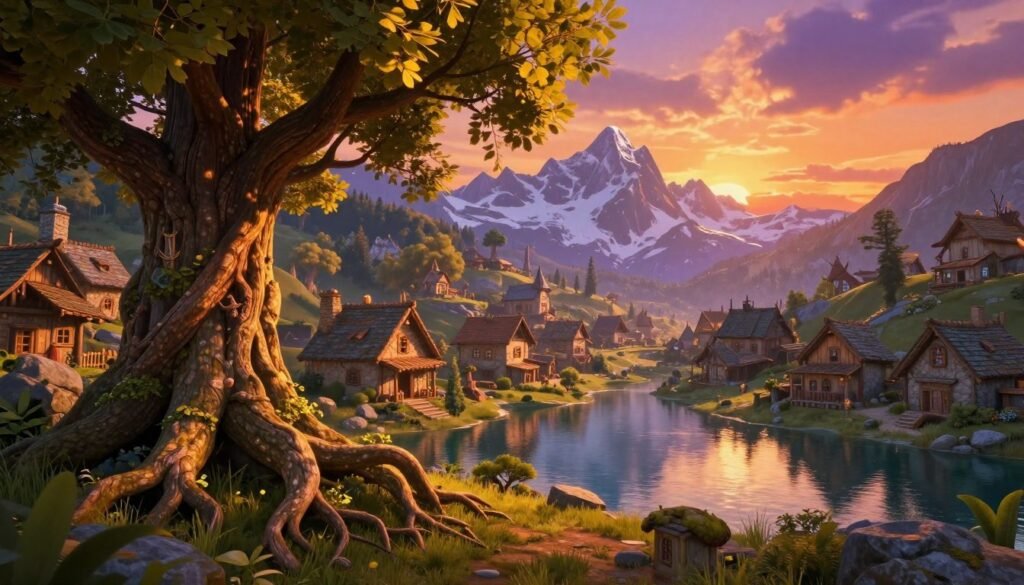
Games like “The Last of Us” show how important environment design is. They use detailed worlds to help characters grow. Each setting is designed to show the characters’ struggles and growth, making the game more engaging.
In short, good environment design does more than look nice. It connects characters, stories, and feelings, making the experience better. By understanding this, creators can make digital worlds that feel real and touch our hearts.
Key Elements of Landscape Modeling
Landscape modeling uses many techniques to make virtual and gaming worlds feel real. It focuses on making natural landscapes look real and designing cool artificial ones.
Understanding Natural Landscapes
Creating natural landscapes is at the heart of landscape modeling. It involves making terrain, like mountains and valleys, and adding plants and trees. Lighting and weather also play a big role in making these digital places feel real.
Creating Artificial Landscapes
Artificial landscapes let designers get creative. They use tools like Unreal Engine and Blender to make new, imaginary places. With these tools, designers can make worlds that are full of wonder and surprise.
Utilizing Digital Matte Painting (DMP)
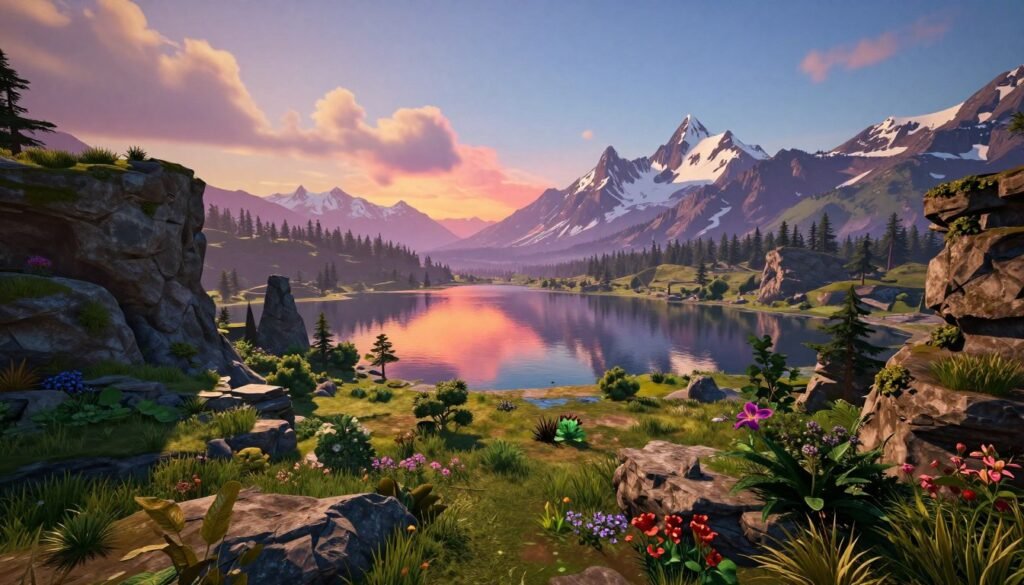
Digital Matte Painting (DMP) is key in making big digital scenes for movies and games. It mixes painted parts with photos to make big scenes. Knowing how to use DMP is important for making scenes look great.
Basics of DMP Techniques
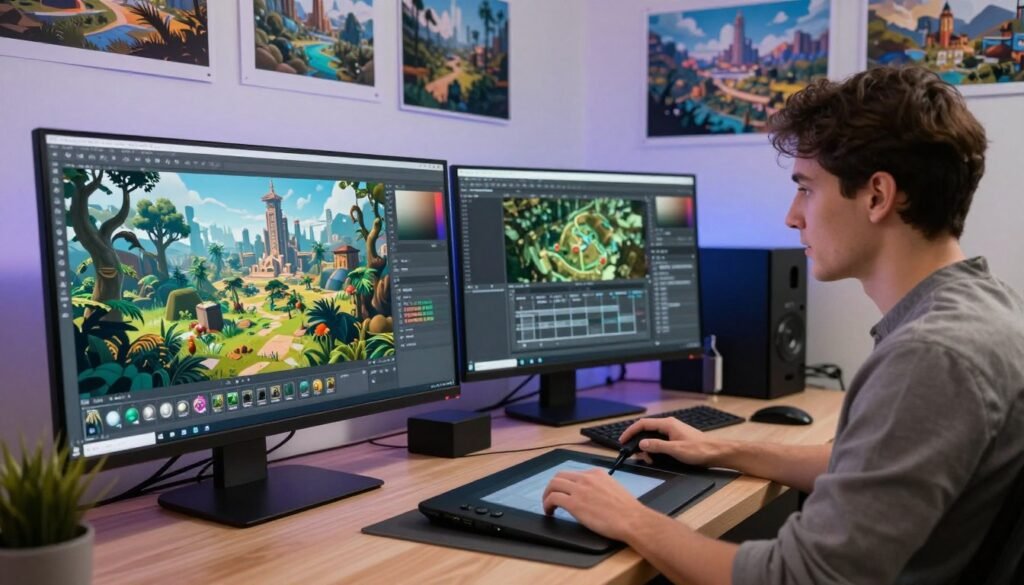
DMP uses a few main techniques. It starts with layering, where artists stack elements to get depth. Tools like Adobe Photoshop help with the painting, making it detailed and precise. Here’s how to do it well:
- Establishing a base layer for color and light
- Implementing secondary layers for details and textures
- Utilizing blending modes to create realistic visual effects
Integrating DMP with 3D Models
Using DMP with 3D models makes scenes look even better. Artists paint over or around 3D models to add realism. This way, painted parts match the 3D model’s look and feel. Here’s how to do it right:
- Use 3D model reference layers while painting
- Match the lighting between DMP and 3D models
- Adjust colors to match the model’s texture
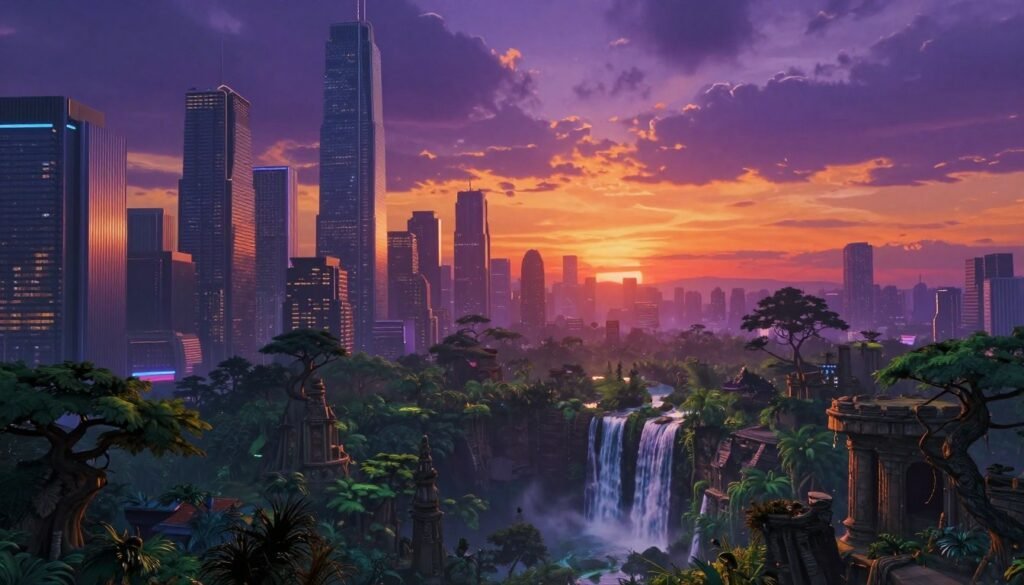
By mixing DMP and 3D models, artists make amazing digital worlds. Learning DMP helps artists tell stories better in movies and games.
World Building Fundamentals
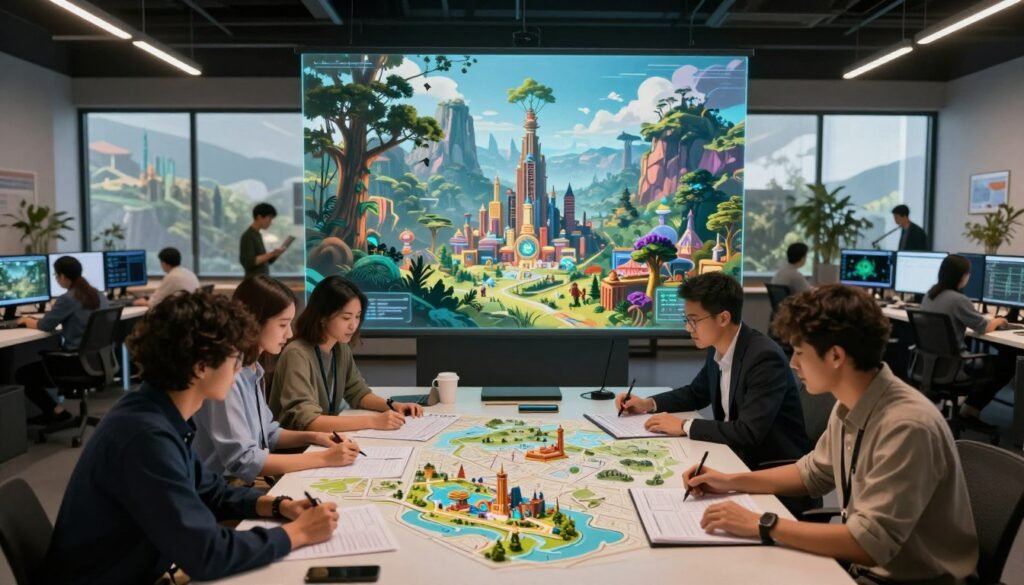
World building is key to creating amazing digital spaces. It helps creators turn into storytellers. Every part, like geography and culture, is important for making places that touch people’s hearts and minds.
Creating lore is at the heart of world building. It lets creators tell stories that fit the places they make. Without a strong story, even the most beautiful places can feel empty.
Geography and culture make settings feel real. They help make the world believable and interesting. This mix of elements helps us create worlds that feel real and fun to explore.
Tools for Creating Massive Digital Environments
Creating digital worlds needs a mix of skills and tools. Software and game engines help artists and designers. They bring visions to life. Let’s look at top tools for making digital environments.
3D Modeling Software Overview
3D modeling software is key for artists. Tools like Blender, Maya, and 3ds Max help create detailed digital landscapes. Each has its own strengths.
| Software | Key Features | Best For |
|---|---|---|
| Blender | Open-source, versatile modeling, and animation tools | Indie projects and hobbyists |
| Maya | Advanced animation and rigging capabilities | Professional studios and character modeling |
| 3ds Max | Robust rendering and texturing tools | Architectural visualization and detailed environments |
Game Engines and Their Features
Game engines are vital for making digital environments interactive. Unity and Unreal Engine are top choices. They offer different strengths.
- Unity: Easy to use and has a big asset store, great for mobile and indie games.
- Unreal Engine: Known for top graphics and physics, best for AAA games.
With the right tools, artists can create amazing digital worlds. These worlds engage and amaze people.
Textures and Materials in Digital Environments
In digital worlds, textures and materials are key. They help make settings look real and grab our attention. Knowing about diffuse, normal, and specular textures is important. They help add surface detail and make things look more real.
Different textures do different things. Diffuse textures show color, while normal maps add depth. This makes surfaces look more detailed.
Choosing the right materials is also important. Textures like wood, metal, or stone can show what a surface feels like. Using mapping techniques helps textures fit objects right. This makes scenes come alive and feel real.
Understanding material properties is also key. Things like reflectivity, roughness, and transparency help make scenes look real. Paying attention to these details makes environments stunning and engaging.
Lighting Techniques for Immersive Environments
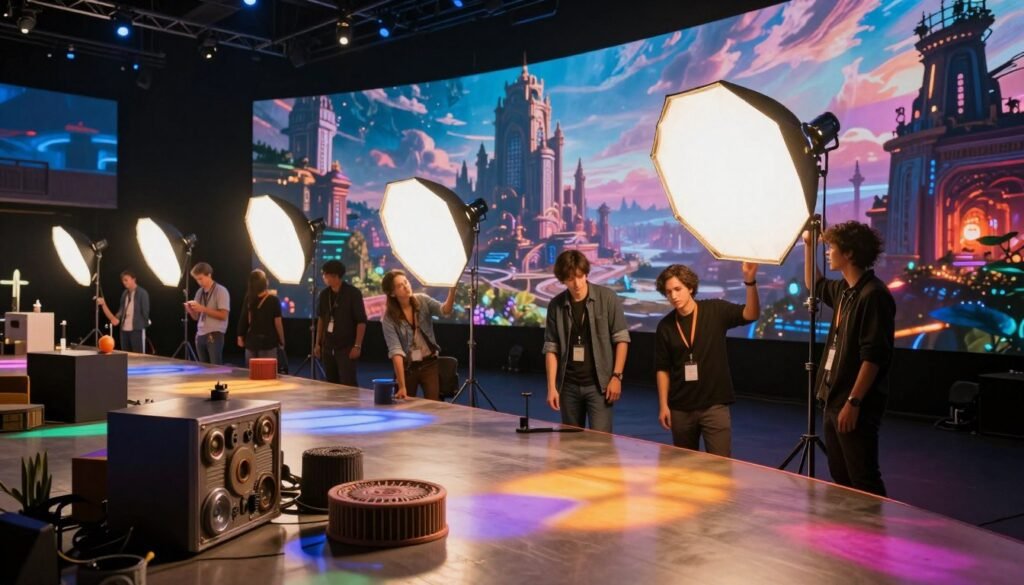
Lighting is key in making digital worlds feel real. It affects how we see and feel in these worlds. The right lighting can make stories come alive, changing how we feel and what mood we’re in.
By using different lighting styles, we can make spaces feel unique. This makes our stories more engaging and real.
Dynamic vs. Static Lighting
Dynamic lighting changes with what’s happening in the scene. It makes things feel more real by acting like natural light. This type of lighting has big benefits.
- Enhanced realism: It makes scenes feel more real by changing with the action.
- Flexible mood setting: We can change the mood by adjusting the lighting.
Static lighting, on the other hand, stays the same. It’s good for creating a specific look or feel. It has its own strengths.
- Predictable lighting: It keeps things steady, making it easier for players to know what’s happening.
- Artistic control: It lets artists play with light to create unique styles.
Using Lighting for Mood and Atmosphere
Lighting is a big part of setting the mood. By changing brightness, color, and shadows, we control how people feel. Warm colors can feel cozy, while cool colors can feel tense.
Shadows add depth, making scenes feel more dramatic or calm. In short, good lighting makes our digital worlds feel alive and real.
Scaling Digital Environments
Scaling digital environments is both a challenge and an opportunity. As projects get bigger and more complex, making them run smoothly is key. Designers and developers must find a balance between looks and function.
One key method is using Level of Detail (LOD) systems. LOD changes how detailed objects are based on their distance from the camera. This makes games look better and run smoother in big worlds.
Good texturing is also vital. Using smart texture maps and materials keeps things looking good while saving memory. This balance is important in big projects.
Optimizing geometry and using instancing are other important steps. Instancing lets many copies of objects use less resources. This makes big environments feel smooth and fun to explore.
In short, scaling digital environments is complex. Finding the right balance between detail and speed is an ongoing challenge. New ideas and techniques keep improving how we design interactive experiences.
Integrating Physics into Digital Worlds
Adding physics to digital spaces makes them feel real and exciting. Without it, things don’t feel right. We need to make sure our digital worlds move and act like real ones.
Realistic Movement and Interaction
Realistic movement is more than just looks. It’s about how things act in a digital world. Important parts include:
- Collision detection: This finds when two things are in the same place, so they can act right.
- Response systems: After finding collisions, things should act like they do in real life. This affects how they move and interact.
- Animation blending: This mixes different animations for smoother actions. It makes character movements seem more real.
By using physics well, we can make things move and act in more detailed ways. This helps developers make better games. When everything acts like it should, the game feels more alive and fun.
Optimization Techniques for Games
In game development, optimization is key. Good environment design boosts game performance. It lets developers make beautiful worlds without slowing down the game.
Reducing polygon counts in 3D models helps a lot. Fewer polygons mean faster frame rates without losing quality. Culling, or not rendering unseen objects, also boosts performance.
Texture compression is another big help. Using smaller textures saves memory. Streaming textures in real-time also helps, making big textures load only when needed.
Optimizing lighting and shadows is also important. Simplifying these effects or using pre-baked lighting improves performance. Level of Detail (LOD) techniques also help, making objects less detailed when far away.
In short, using these techniques balances great visuals with smooth gameplay. This focus on optimization makes games more engaging and efficient. It’s all about creating a better gaming experience.
Challenges in Large-Scale Environment Creation
Creating big digital worlds is tough. It needs careful planning and smart strategies. Managing complexity is a big challenge. With too many elements and actions, it can get very hard to keep track.
Managing Complexity
We tackle big challenges by managing complexity well. Modular design helps us build in parts. This way, we can work on each bit separately and test it.
Using good workflow tools and keeping everyone talking helps too. It keeps the team on the same page. This way, we avoid getting lost in the details.
Shooting for Performance
Big digital worlds can slow down. Lag, slow rendering, and low frame rates are common problems. We start thinking about performance from the beginning.
We aim for great visuals and smooth gameplay. Using asset optimization and level of detail (LOD) helps. This way, we keep things looking good while making them run smoothly.
Collaboration in Environment Design Teams
Good teamwork is key for environment design teams to succeed. Artists, engineers, and narrative designers work together. Their different skills make the team strong.
Good communication is vital for teamwork. It lets everyone share ideas easily. This makes the design process better.
- Fostering an Inclusive Atmosphere: Letting everyone speak up leads to new ideas.
- Utilizing Collaborative Tools: Special software helps the team work better together.
- Cross-Disciplinary Workshops: These help team members understand each other better.
Teamwork boosts creativity and makes digital worlds more engaging. By focusing on teamwork, we create amazing projects.
| Collaboration Aspect | Description |
|---|---|
| Communication | Facilitating ongoing dialogue to promote idea sharing. |
| Inclusive Atmosphere | Encouraging contributions from all team members to enhance creativity. |
| Collaborative Tools | Utilizing software that supports teamwork and project management. |
| Cross-Disciplinary Workshops | Enhancing understanding between different specialties within the team. |
Case Studies of Successful Digital Environments
Looking at famous case studies shows us how movies and games have changed digital worlds. These examples teach us about the hard work needed to make experiences that people love.
Films That Pushed the Boundaries
“Avatar” is a great example. It had amazing visual effects and detailed alien worlds. The team mixed new tech with art, making a world that drew people in.
They paid close attention to every detail. This made the movie feel like a real trip to another world.
Games That Created Immersive Worlds
“The Witcher 3: Wild Hunt” is another standout. It has a huge open world with lots of details. From forests to towns, it’s all there.
This world makes the story deeper and keeps players interested. It shows how important design is in making games great.
| Title | Medium | Key Features | Impact on Audience |
|---|---|---|---|
| Avatar | Film | Stunning visuals, dynamic environments | Captivated viewers and pushed the limits of visual storytelling |
| The Witcher 3 | Video Game | Open-world design, detailed landscapes | Engaged players through immersive narratives and explorative gameplay |
The Future of Digital Environment Design
The world of digital environment design is changing fast. New technologies are coming in, making stories and interactions more exciting. We expect Virtual Reality (VR) and Augmented Reality (AR) to become key for artists and developers. This will make experiences more real and engaging.
Cloud computing is making it easier for teams to work together, no matter where they are. It also means we can handle big projects better. This lets creators focus more on being creative and less on technical stuff.
The role of artists is changing too. They will work in new ways, using tools that let them try things out quickly. This will make the creative process more open and fun. By getting ready for these changes, we can use new tech to its fullest and inspire others.
| Trend | Description | Implication |
|---|---|---|
| Virtual Reality (VR) | Immersive environments that engage users through simulated experiences. | Enhanced storytelling and emotional connection. |
| Augmented Reality (AR) | Overlaying digital content in real-world settings for interactive experiences. | New opportunities for blending physical and digital interactions. |
| Cloud Computing | Utilizing online servers for resources, enriching collaborative efforts. | More efficient workflows and greater access to tools. |
| Real-Time Rendering | Creating graphics that can be modified immediately during development. | Accelerated feedback loops for design iteration. |
Educational Resources and Learning Pathways
In today’s digital world, learning about digital environment training is key. We can find many educational resources for all skill levels. Books, online courses, and tutorials give us deep insights into environment design.
Books like “Digital Art for Beginners” and “The Art of 3D Graphics” teach the basics. More advanced texts, like “Creating the Illusion of Life,” cover special topics. Online platforms like Coursera, Udemy, and LinkedIn Learning offer courses on both theory and practice.
YouTube and Skillshare tutorials show us how to do things step by step. They help us understand complex ideas easily. This way, we can learn by doing.
Here’s a table of educational resources for digital environment training:
| Resource Type | Name | Level | Focus Area |
|---|---|---|---|
| Book | The Art of 3D Graphics | Intermediate | 3D Modeling Techniques |
| Online Course | Digital Environment Design Fundamentals | Beginner | Basic Principles |
| Tutorial | Creating a Virtual World in Unity | Advanced | Game Development |
| Book | Digital Art for Beginners | Beginner | Digital Painting |
| Online Course | Advanced Lighting Techniques | Advanced | Lighting Design |
By searching for educational resources, we improve our digital environment design skills. These learning paths help us grow as creators. Together, we can shape the digital world’s future.
Conclusion
We’ve looked into making big digital worlds for movies and games. We found that knowing tech and being creative are both key. This mix helps make worlds that grab our attention.
Looking back, we see how important each step is. From making landscapes to setting the mood with light, it all adds up. Together, tech and art make amazing worlds that draw us in.
As we wrap up our look at digital environments, we see how combining skills boosts stories and design. We hope to inspire everyone to explore this exciting field. It’s a place where creativity and tech meet.
Creating digital worlds is all about working together and always learning. We urge you to use what you’ve learned. Add your own twist to your projects. This way, you can make something truly special.