
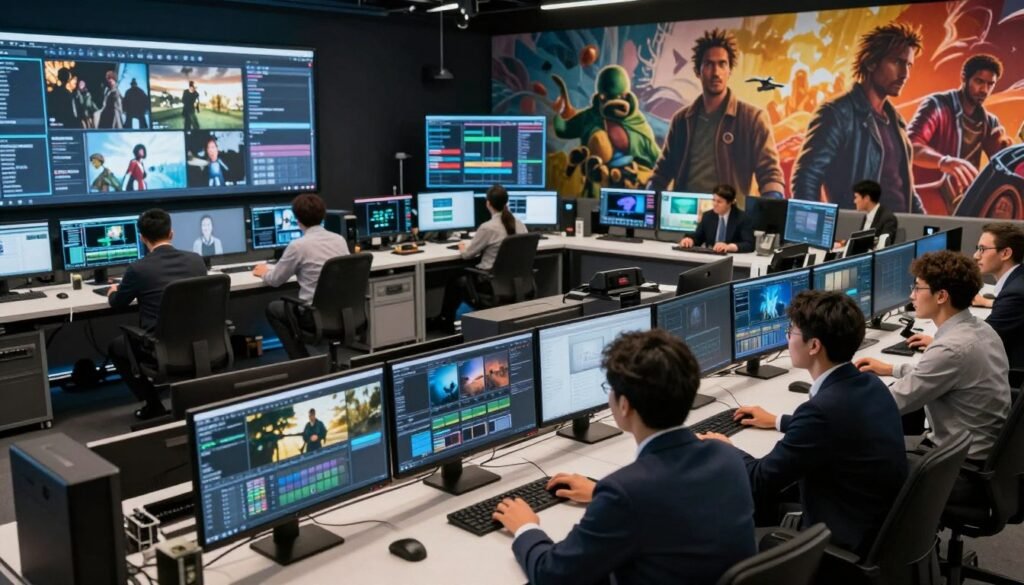
In the fast-paced world of visual effects, knowing about VFX pipelines is key. These pipelines are the heart of VFX work, blending creativity with tech skills. We’ll explore how ideas turn into amazing visuals, from the first spark to the final product.
A modern VFX pipeline boosts creativity and makes work more efficient. It shows the way forward for those in the field. Let’s dive into this exciting world where new ideas meet imagination.
Key Takeaways
- VFX pipelines are essential for organizing and doing visual effects work.
- Good planning is the first step to a successful VFX project.
- Today’s VFX pipelines mix technical skills with creative ideas.
- Knowing each part of the pipeline helps make projects better.
- Working together in VFX projects makes things more efficient and innovative.
Understanding the Basics of VFX Pipelines
Visual effects rely on a solid grasp of VFX pipelines. Each project follows a structured workflow. This lets artists and tech pros work together smoothly. It turns ideas into stunning visuals.
The pipeline’s core is built on key steps. These steps help projects move from start to finish. For example, the pre-production phase sets the stage with initial ideas and plans. This makes the next steps clearer for everyone involved.
Knowing the basics of VFX pipelines helps manage projects and boosts creativity. Clear workflows let artists be creative without worry. This blend of tech and art is what makes modern visual effects so impressive.
The Importance of Planning in VFX Production
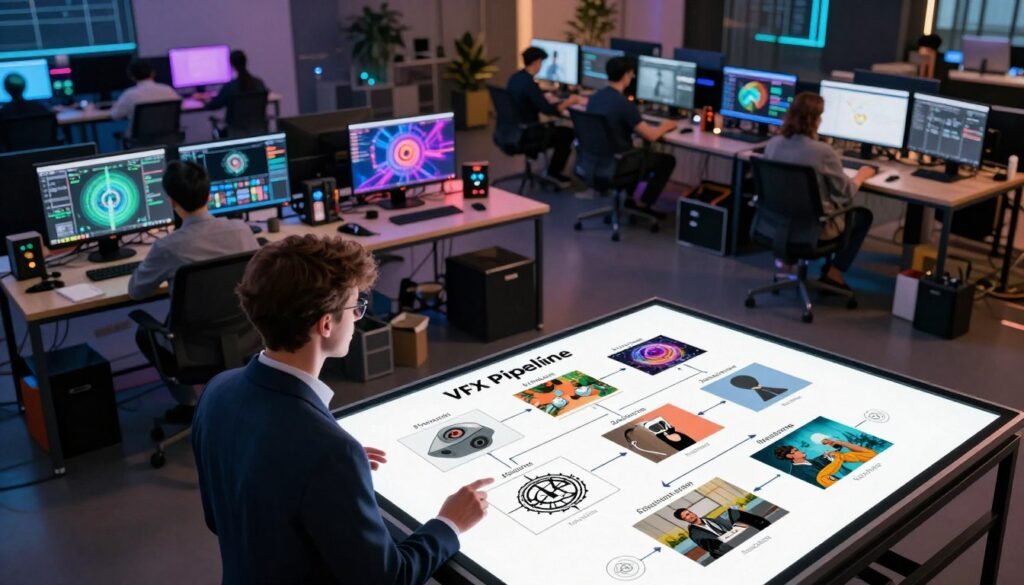
Effective pre-production planning is key to a VFX project’s success. It helps teams plan the whole workflow, foreseeing challenges and matching creative ideas with real actions. Good planning stops problems that could slow things down.
Using special tools for VFX project management makes things run smoother. These tools help set timelines, decide on resources, and spot risks. They make sure each step is clear, improving production efficiency and making the project work well together.
Putting planning first in VFX production makes things go better and improves quality. It lets teams stay flexible, adjusting to changes while keeping the artistic vision clear.
Key Stages of the VFX Pipeline
The VFX pipeline has three main stages: pre-production, production, and post-production. Each stage is vital for creating the final visual experience. They ensure a smooth journey from idea to final product. We’ll look at what happens in each phase and how they help the project.
Pre-Production Phase
In pre-production, teams lay the groundwork for the project. They break down scripts to grasp the story’s details. Concept art is used to guide the creative vision and practical steps.
Artists and directors work together closely. They decide on the visual style and direction. This planning is key before moving to the harder parts of the project.
Production Phase
Production is when the plan turns into action. On-set supervision is critical for capturing assets well. Visual effects are mixed with live-action footage, and every detail is recorded carefully.
Teams work together to ensure everything fits the vision. This sets the stage for the next phase, where details are refined.
Post-Production Phase
Post-production is where the magic really happens. This stage involves compositing, blending different visual elements into one. Editing is done to improve pacing and story clarity.
Details are fine-tuned based on feedback. This stage can make a project stand out, making it visually stunning and emotionally impactful.
The Role of Concept Art and Storyboarding
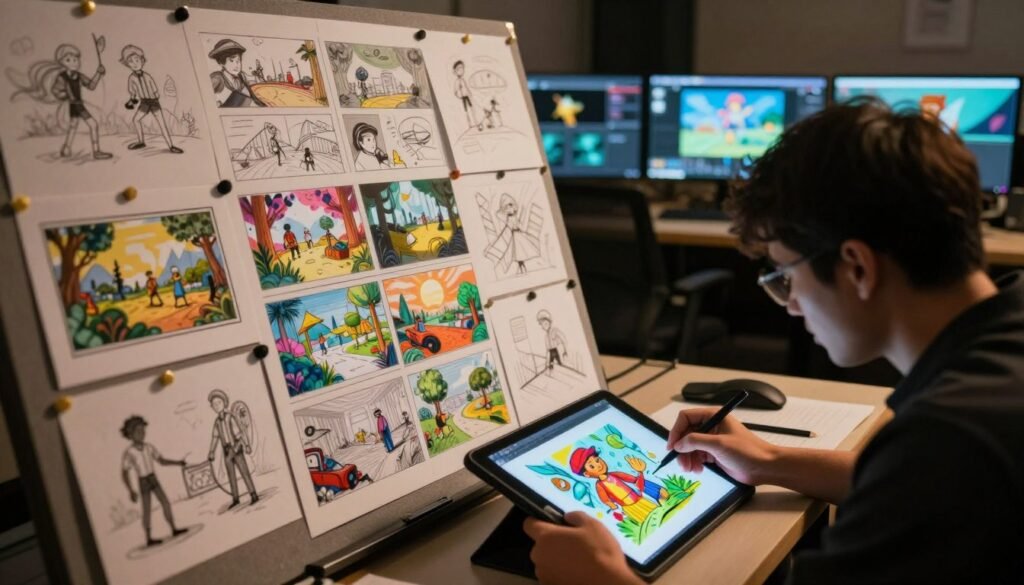
In visual storytelling, concept art and storyboarding are key. They serve as blueprints for designers and animators. Concept art sets the look and feel of a project, showing characters and settings.
Storyboarding is a roadmap for the story, breaking it down into frames. Each frame includes timing, camera angles, and movement. This helps ensure the story flows well.
Concept art and storyboarding work together well. They help everyone on the team understand the project. This teamwork boosts creativity and makes the production smoother, leading to great stories.
Asset Management in VFX Projects
Effective asset management is key in visual effects (VFX) projects. This is because a lot of digital assets are made during production. A good digital assets organization strategy helps keep everything organized and easy to find.
By using clear names and organized folders, teams can avoid confusion. This makes their work flow smoother.
Organizing Digital Assets
Organizing digital assets in VFX means setting up a clear system. Here are some tips:
- Consistent Naming Conventions: Choose names that clearly show what the asset is and where it fits.
- Folder Structures: Organize folders in a way that makes sense, based on asset type, project stage, and who worked on it.
- Documenting Assets: Keep a list of where and what each asset is, and its version number.
Version Control Practices
Version control in VFX is vital for keeping files safe and tracking changes. Tools like Git help teams work together and manage changes well. Here are some important practices:
- Consistent Commits: Make regular commits to save your work and avoid losing it.
- Branching Strategies: Work on new features in separate branches to keep the main work safe.
- Documentation: Keep detailed records of changes to make things clear and avoid confusion.
| Management Aspect | Recommended Practices |
|---|---|
| Digital Assets Organization | Use consistent naming, logical folder structures, and maintain an asset registry. |
| Version Control | Employ tools like Git, practice regular commits, and document changes diligently. |
VFX Pipelines: Tools and Software
The world of visual effects is always changing. New VFX tools and software keep pushing the limits. Knowing what’s out there helps us work better and be more creative. Big names like Autodesk Maya, Houdini, Adobe After Effects, and Nuke are key in this field.
Autodesk Maya is great for 3D modeling and animation. It has tools for all levels of artists. Houdini is top for visual effects simulations, letting artists control complex effects.
Adobe After Effects is a must for motion graphics and compositing. It works well with other Adobe tools, helping us tell stories better. Nuke is known for its node-based compositing, making scene setups easy and organized.
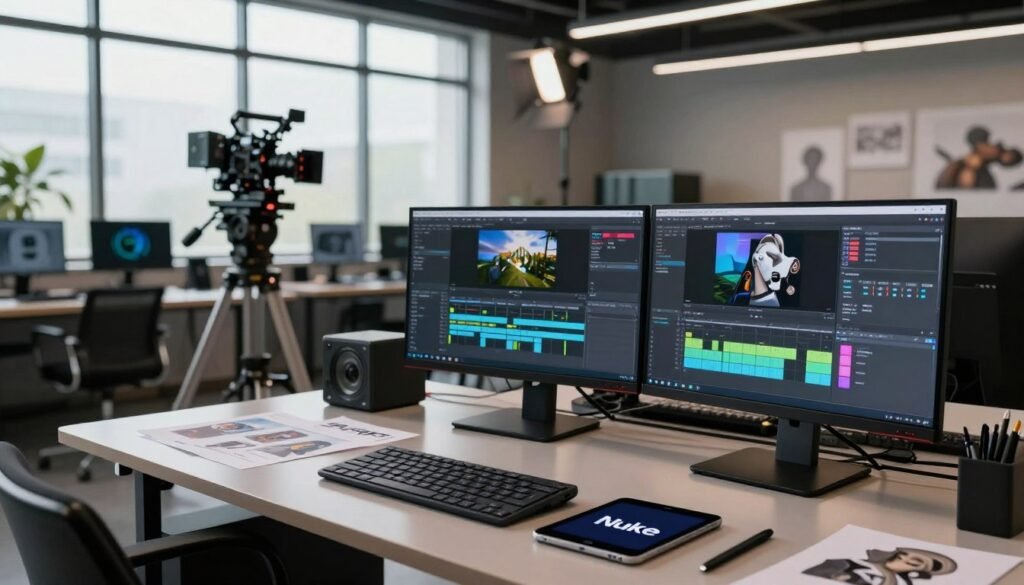
Understanding each software’s strengths and weaknesses is key. It helps us use the right tools at the right time. This way, we can make our visual work better, standing out in a tough industry.
Pipeline Automation in VFX
As VFX projects get more complex, pipeline automation becomes key. It boosts productivity and teamwork. With automation, teams can do less repetitive work. This lets them dive deeper into creativity, making visual effects better.
The Benefits of Automation
Automation in VFX has many perks. Here are the main ones:
- It makes processes smoother and faster.
- It cuts down on mistakes from manual work.
- It makes teamwork better by making sharing easy.
- It gives more time for being creative and new.
Key Automation Tools
Many VFX tools help with automation. Here are some top ones:
| Tool | Primary Function | Key Features |
|---|---|---|
| Shotgun | Project management | Task tracking, scheduling, and review workflows |
| RV | Review and playback | Real-time playback, version comparison, and annotations |
| Nuke | Compositing | Node-based editing, scripting, and automation tools |
Using these tools helps teams work better. It leads to better projects and a more exciting creative space.
Character and Environment Modeling
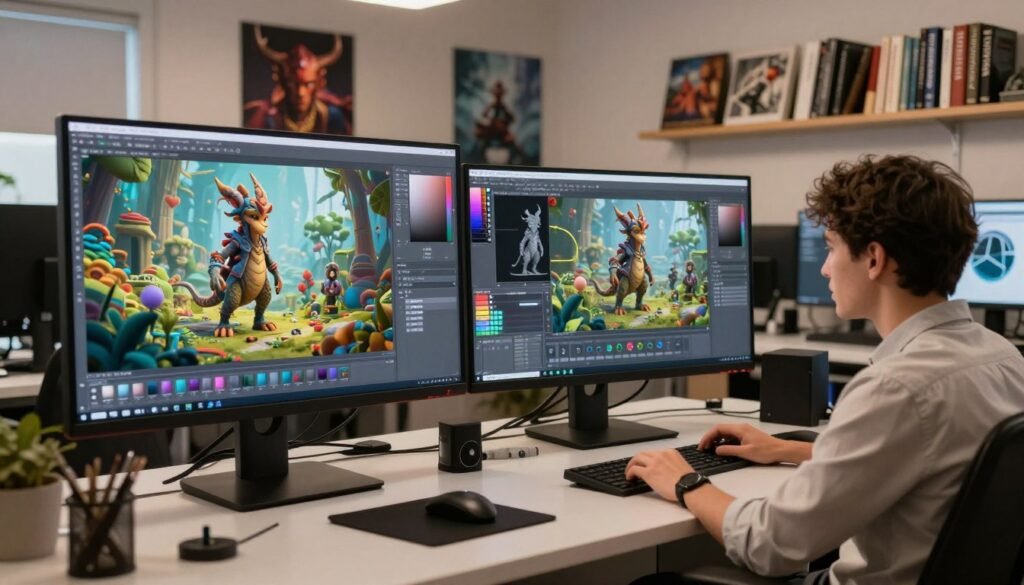
In the world of visual effects, character and environment modeling are key. They add depth to stories. These tasks mix art and tech, turning 3D models into engaging stories. It starts with exploring ideas through sketches and digital art.
Character modeling makes figures come to life. Artists use sculpting to add details that show a character’s personality. Texturing makes surfaces look real, showing light and texture. Rigging lets characters move and show emotions.
Environment modeling creates worlds that bring stories to life. It includes landscapes, buildings, and atmosphere. Using modular 3D assets helps build big environments efficiently.
Learning these skills in character and environment modeling boosts our VFX work. Knowing how to use and move 3D assets makes scenes more engaging and memorable.
The Process of Animation in VFX Pipelines
Animation is key in VFX, turning static images into moving stories. We’ll look at different animation techniques that make VFX magic happen. By learning these methods, we can tell stories better through visuals. We’ll cover important techniques, their uses, and how to mix them with live action.
Types of Animation Techniques
In VFX, many animation techniques are used for different goals. Here are some main ones:
- Keyframe Animation: This method sets key frames for smooth motion over time.
- Motion Capture: It records real actors’ movements to animate characters, adding realism.
- Procedural Animation: Algorithms create motion based on rules, perfect for things like fire or water.
Integration with Live Action
Mixing animation with live action is tricky but essential. It needs careful planning to look right. Here are ways to do it well:
- Using tracking markers on sets to guide animated parts.
- Applying compositing techniques to mix animation and live action smoothly.
- Matching lighting and shadows to keep the look realistic.
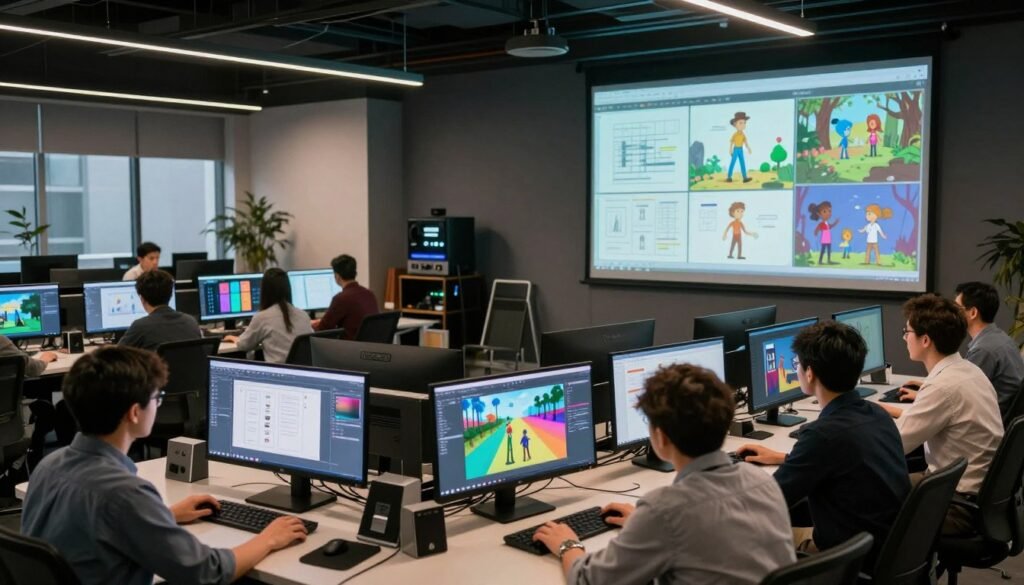
Visual Effects Simulation Techniques
Simulation techniques are key in visual effects. They help create realistic scenes of things like fire, smoke, and water. These methods use physics engines to make simulations look real.
Software like Houdini is popular for its ability to create detailed simulations. It lets artists play with different settings. This makes the visual effects look amazing and act like real things. It also makes stories more engaging for viewers.
Rendering: Turning Ideas into Visuals
The rendering process is the last step in the VFX pipeline. It turns detailed 3D models and animations into stunning visuals. Every detail, from shape to color, is key in making visual effects come to life. Techniques like ray tracing and rasterization are used in this process.
Lighting is critical in this stage, making scenes look real and engaging. Shadows and highlights help show depth and mood. Shading makes materials look real and textured. Adding textures makes everything blend well together.
Understanding rendering parameters is vital. Things like resolution, frame rate, and sample rate affect the quality and speed of visual effects. Adjusting these settings helps improve the look while keeping things efficient.
| Rendering Technique | Description | Advantages | Common Use Cases |
|---|---|---|---|
| Ray Tracing | Simulates the way light interacts with objects to produce highly realistic images. | High fidelity visuals with realistic lighting and reflections. | Feature films, video games, architectural visualization. |
| Rasterization | Converts 3D models into a 2D image using a series of polygons. | Fast processing times, ideal for real-time applications. | Video games, interactive media. |
Quality Control in VFX Production
In the world of visual effects (VFX), keeping high standards is key. Every frame is important. Ensuring visuals connect with audiences requires careful visual quality evaluation. Our dedication to this process greatly improves the final product.
Finalizing Visual Quality
Finalizing visual quality involves several steps. We check color grading, motion, and compositing alignment. These parts help the project look cohesive. Our quality control system lets us catch small details, making sure everything meets standards.
Feedback and Revisions
Feedback and revisions are vital. They help teams grow and innovate. We promote open communication among artists, directors, and supervisors. This allows for quick changes and improvements.
This ongoing process boosts artistic quality. It also encourages a culture of constant betterment. This leads to a final product that truly engages audiences.
Managing Workflow to Enhance Efficiency
Efficient workflow management is key in VFX production. Using Agile and Scrum, VFX teams can boost their productivity. These methods help with clear communication, task prioritization, and being adaptable in a fast-paced world.
These approaches support incremental development and feedback loops. This lets creative ideas grow while keeping projects on track. A solid workflow management system balances artistic freedom with the need to meet deadlines.
The table below shows how different workflow management methods impact VFX efficiency:
| Methodology | Key Features | Impact on VFX Efficiency |
|---|---|---|
| Agile | Iterative development, flexible planning | Fosters creativity, allows for ongoing adjustments |
| Scrum | Time-boxed sprints, daily stand-ups | Improves communication and shortens feedback cycles |
| Waterfall | Sequential design process | Less flexibility, suitable for linear projects |
Using these methods makes the production workflow dynamic and efficient. It leads to amazing visual effects. Strong workflow management meets deadlines and encourages innovation in the team.
Collaboration in the VFX Pipeline
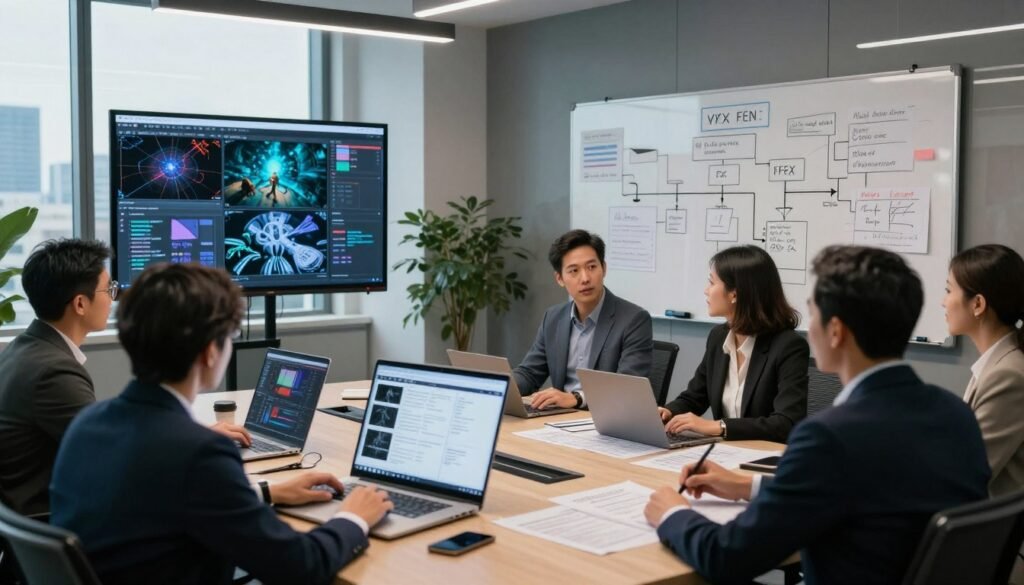
The world of visual effects is all about working together. Artists, animators, and supervisors come together for a shared goal. They make sure the project moves forward smoothly.
Creating a space where everyone can share ideas is key. This leads to more creativity and better work. Tools like Slack and Discord help teams talk easily, no matter where they are.
When we focus on teamwork, we spark new ideas. Meetings and brainstorming sessions make the story richer. This way, the team can keep improving, moving the project forward fast and well.
Final Compositing: Bringing It All Together
Final compositing is a key part of the VFX pipeline. It’s where all the pieces come together to make a stunning visual story. This stage combines many layers, each adding its own special touch to the final picture.
Using the right compositing techniques is vital for a polished look. Artists use layering, color correction, and effects to make sure everything looks good together. Tools like Nuke and After Effects help mix these layers, allowing for detailed tweaks that bring the visuals to life.
| Compositing Techniques | Description | Software Examples |
|---|---|---|
| Layering | Combining different visual elements to form a single cohesive image. | Nuke, After Effects |
| Color Correction | Adjusting the colors to achieve a balanced and visually appealing appearance. | Nuke, DaVinci Resolve |
| Effects Integration | Integrating visual effects with live-action footage to enhance storytelling. | After Effects, Flame |
The art of final compositing shows how all elements work together to tell a story and evoke feelings. As we get better at VFX integration, each project teaches us more about the art of compositing.
Delivery and Distribution of VFX Projects
After finishing a VFX project, the next steps are project delivery and VFX distribution. Moving the final output formats to the audience is key. Choosing the right formats for distribution is important for quality and accessibility.
File compression is vital in this stage. It helps keep the files small without losing quality. Before releasing the final product, quality checks are essential. This ensures viewers get the best experience.
Distribution platforms vary, from streaming services to physical media. Each has its own benefits. Promoting the project well helps reach more people, making a bigger impact in a competitive field.
By focusing on these aspects of project delivery, VFX teams can make their work more effective and satisfying for viewers.
Conclusion
A deep dive into the VFX pipeline shows us how vital each step is in filmmaking. From planning to final delivery, every phase is key. This careful work makes sure the visual effects add to the story and touch viewers’ hearts.
Looking ahead, visual effects are about to get a lot more exciting. New tech like artificial intelligence is coming. It will change how we work and create, opening up new ways to tell stories.
By using these new tools, we can work better together. This mix of skill and creativity will change the world of visual effects. It’s an exciting time for everyone involved.