
Welcome to our journey into texture art in CGI. Here, we explore how to make surfaces look alive and real. We’ll learn how to add depth and detail to digital creations, just like nature.
Texture painting is key to making models look like art. It brings realism and emotions to digital works. We’ll see how important these skills are in today’s digital world.
Understanding Texture Art in CGI
Texture art is key in CGI, linking the digital and real worlds. It uses surface design to make virtual places come alive. From early computer graphics, texture art has grown with tech.
At first, textures were simple and hand-painted. Now, we use advanced tools for detailed, realistic textures.
Texture does more than look good; it tells us about materials. For instance, a rough stone shows age and strength. A shiny metal looks modern and sleek. Knowing this helps us create experiences that feel real.
Texture art mixes detail and creativity, turning CGI into amazing stories. Learning about it boosts our skills in making surfaces come alive.
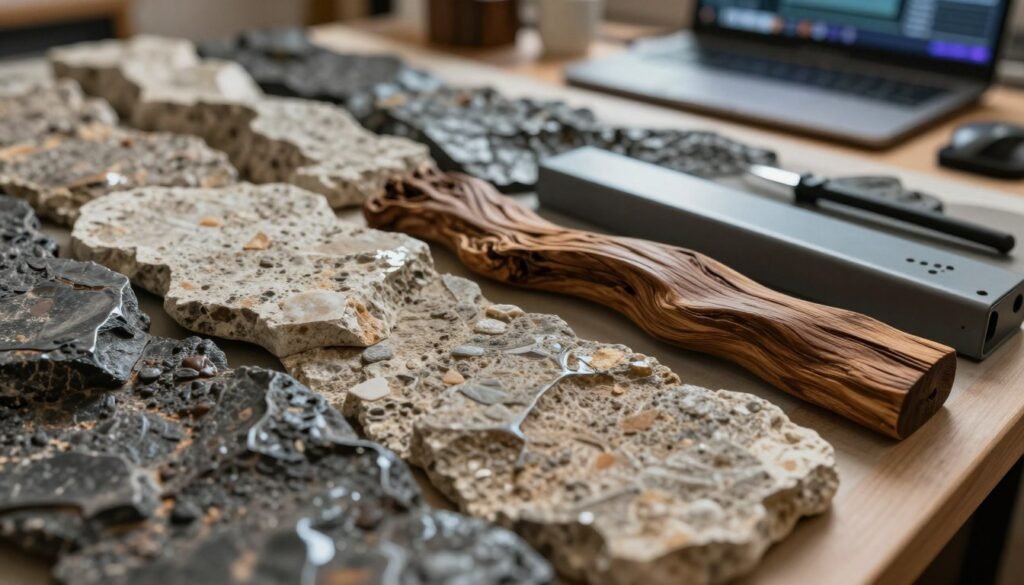
The Importance of Texture in 3D Design
Texture changes how we see digital worlds. It adds depth and life to digital models. Without it, things look flat and boring.
Using different textures makes materials feel real. For example, how light hits textures makes scenes look more real. This makes the visuals feel alive and engaging.
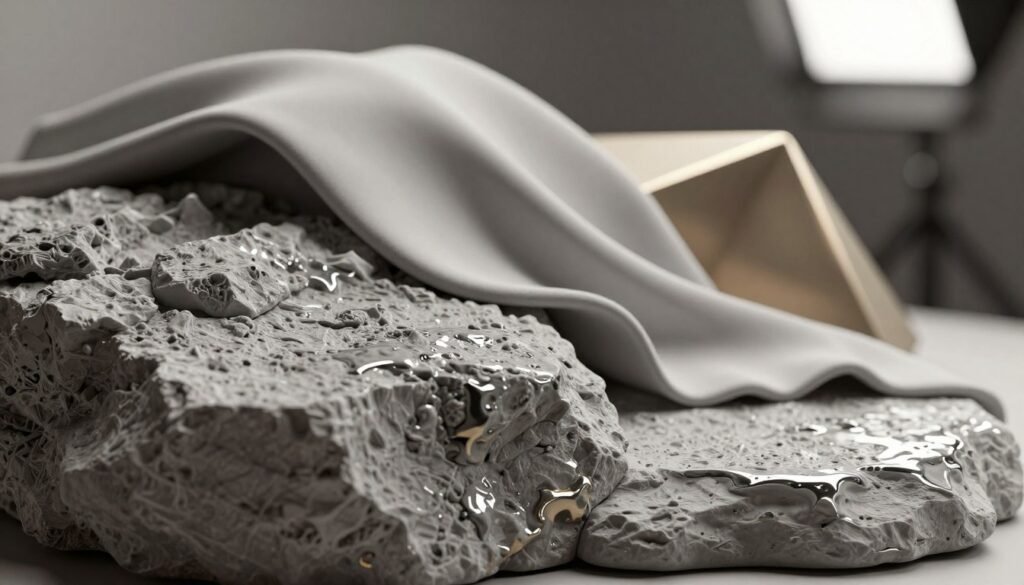
Look at CGI projects like movies and games. They show how textures make worlds feel real. When textures feel like our own, we connect more with the story. This shows how key texture is in making digital art feel real.
Key Techniques in Texture Painting
In digital art, knowing many texture painting techniques is key. These skills help artists make surfaces look real, like the roughness of stone or the smoothness of metal. Layering is important; it adds depth and makes details stand out.
Digital brushes are also vital. They mimic traditional painting, adding unique textures and strokes. Hand painting and photo manipulation can also be used to add a personal touch or real textures to designs.
Using patterns is another great technique. They help make surfaces look detailed and tie the whole picture together. By choosing the right technique, artists can make their digital art stand out and meet project needs.
Exploring PBR Maps for Realism
PBR maps are key for texture realism. They help artists make materials look real. We can break them down into several types, each important for the final look.
- Albedo maps: These show the base color of a material, without lighting effects.
- Normal maps: They make surface details look real without extra geometry. This adds depth to textures.
- Roughness maps: They control how smooth or rough a surface is. This affects how light hits it.
- Metallic maps: They show which parts of the texture are metallic. This changes how reflections and highlights look.
- Ambient occlusion maps: They tell us how much ambient light a surface gets. This adds depth and context.
- Height maps: They show the height of surface details. This makes things look three-dimensional.
Using these PBR maps together makes textures look incredibly real. This is key for making projects visually stunning.
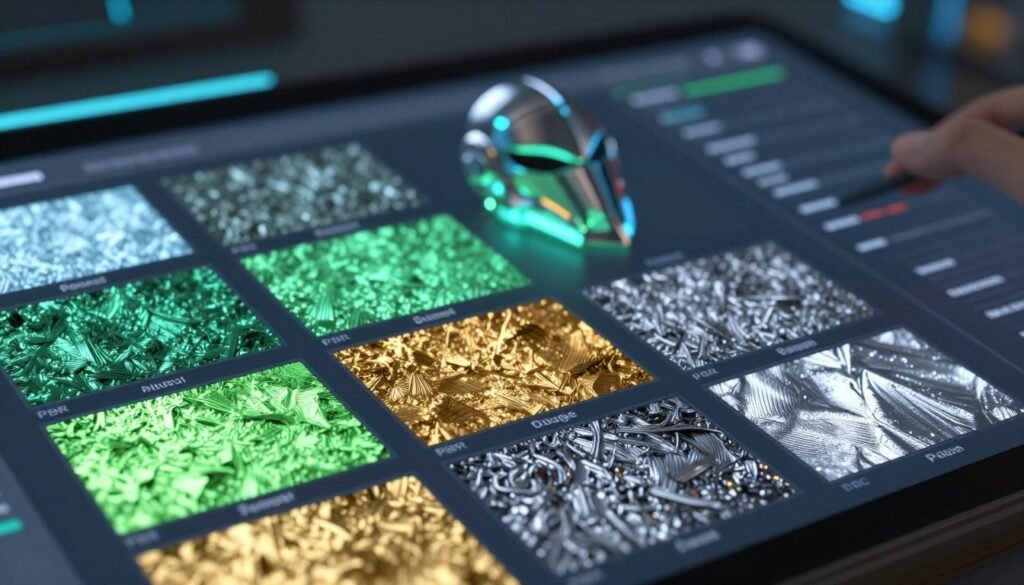
Mastering Roughness in Texture Art
In CGI, mastering roughness is key to amazing texture realism. Roughness maps show how light hits different surfaces. This affects how we see materials.
A glossy surface reflects light sharply. A matte finish spreads it out, adding depth. Artists use roughness levels to make materials look real, from shiny metals to rough stones.
Knowing about roughness can make our 3D models better. By tweaking roughness maps, we make surfaces look real. For example, a rusty surface has high roughness with scattered light.
A sleek ceramic tile looks more even and shiny. Finding the right mix of gloss and matte is important. It makes our digital scenes feel real and engaging.
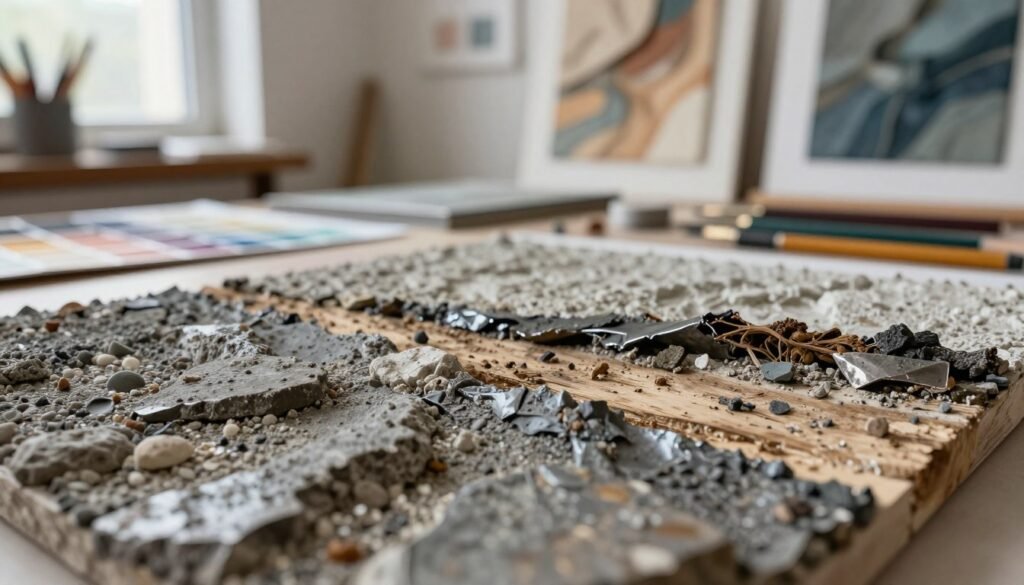
UV Mapping: The Foundation of Texture Application
In 3D modeling, UV mapping is key for applying textures. It projects a 2D image onto a 3D surface. This makes models look richer and more detailed.
UV mapping needs precision. It shows how a texture will fit on a 3D object. A good UV map makes textures look better and more real.
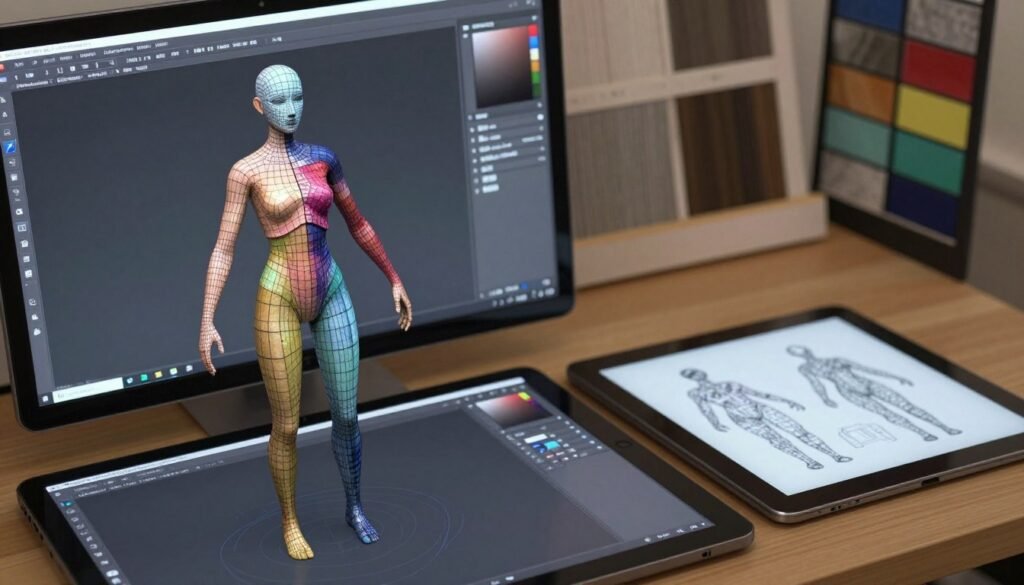
Good UV mapping makes a big difference. For example, in character design, skin textures must look smooth. If not, it can ruin the look of the model.
Learning UV mapping is important for artists. It helps make 3D models look real and engaging. With practice, we can make our textures look great.
Tools of the Trade: Software for Texture Art
In the world of texture art, the right tools can really help us create better. There are many texture art software out there. Each one has its own special features and ways of working.
Adobe Substance Painter lets us paint textures on 3D models with great detail. It has a strong layering system. This makes it a top choice for pros. Quixel Suite adds to this with a huge library of textures. This makes it easy to add textures quickly.
Blender is a great all-in-one tool. It can sculpt, animate, and texture all in one place. ZBrush is amazing for adding small details. It makes textures look alive.
Knowing about these tools helps us pick the best one for our projects. Using the right software makes our work better and faster. Here’s a quick look at what each software offers:
| Software | Key Features | Best For |
|---|---|---|
| Adobe Substance Painter | 3D texture painting, advanced layering, real-time feedback | Professional texture artists |
| Quixel Suite | Extensive texture library, easy integration, fast workflows | Quick texture application |
| Blender | Multifunctional tool, sculpting, texturing, physics | All-in-one design projects |
| ZBrush | High-detail sculpting, versatility | Intricate detail work |
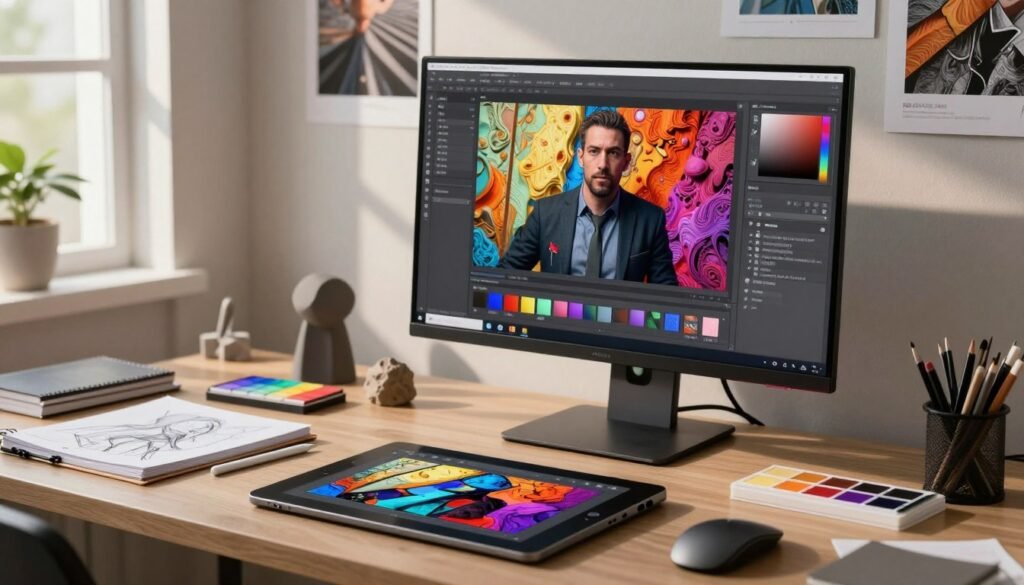
Creating Surfaces That Reflect Reality
We work hard to make surfaces look real, like nature. It takes both art and tech skills. We learn how light affects materials, which is important for reflection.
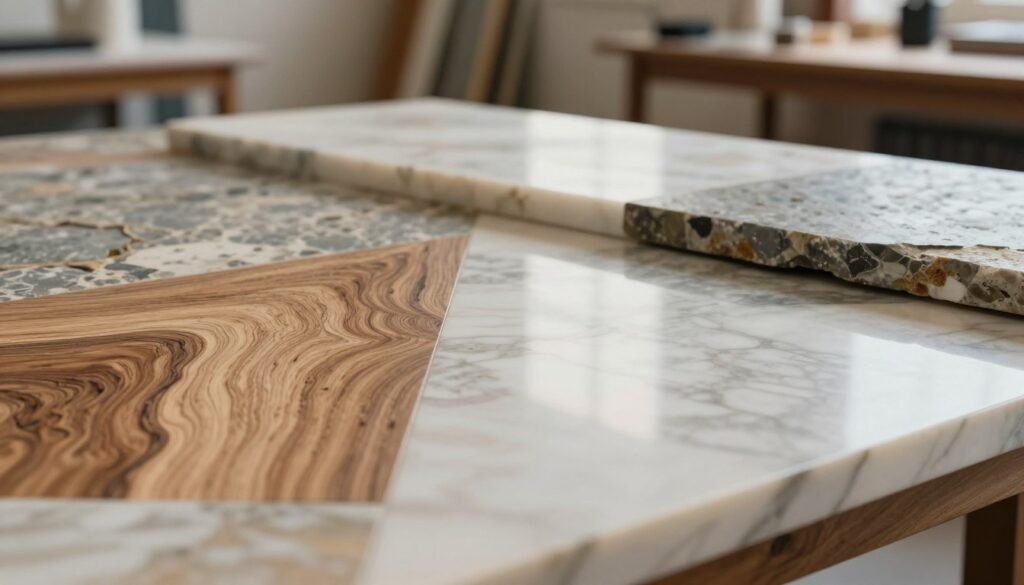
For example, wood has its own look, like grain or shine. We use software settings to copy these details. Adding texture and imperfections makes it look even more real.
We also focus on skin and fabric. The right colors, reflections, and shadows make them look better. Our work brings digital art closer to real life, exploring new CGI possibilities.
Common Challenges in Texture Painting
Texture painting can be tricky. One big problem is pixelation. This makes textures look bad on models, lacking depth and detail. It happens when images are too low-res or textures are scaled wrong.
Another issue is bad UV mapping. A good UV map helps place textures right on 3D models. But, if UVs are wrong or overlap, textures don’t line up right. Knowing UV mapping well can help avoid these problems.
Scale problems are also common. If a texture doesn’t match the size of the 3D object, it looks off. Getting the scale right makes textures look better, not worse.
To fix texture problems, artists can try a few things. Practicing and trying new software can help. Talking to others and getting feedback can also help. Learning and trying new things makes artists better at texture painting.
| Challenge | Description | Solution |
|---|---|---|
| Pixelation | Loss of detail due to low-resolution textures. | Use high-resolution images; adjust texture size in software. |
| Improper UV Mapping | Distorted or overlapping UVs cause texture misalignment. | Learn UV unwrapping techniques; use a UV template for guidance. |
| Scale Discrepancies | Textures not matching the object’s size lead to unrealistic visuals. | Consistently check proportions; adjust texture mapping to fit the model. |
Tips for Achieving Detail in Texture Art
Creating detailed texture art is key to making designs look real and engaging. We can improve our work by using advanced techniques. Layering is a great way to add depth and make textures feel real.
It’s also important to include small imperfections. Adding grain, dirt, and wear makes textures look more authentic. These tiny details can make our designs feel more real and emotional.
Using different brush strokes and opacities can also make our textures stand out. These techniques add depth and story to our designs. Our aim is to balance realism with creativity, making detail a key part of our art.
The Role of Color Theory in Texture Creation
Color theory plays a big role in making textures look good and feel right. It helps us create visuals that touch our hearts. By picking the right colors, we make textures that pull viewers in.
Color theory helps us tell stories with our textures. Warm colors make things feel cozy and exciting. Cool colors bring calm and peace. Mixing colors makes our textures come alive.
Understanding color theory makes our textures more than just pretty. It adds a story to our work. This way, our CGI projects become more than just visuals; they become experiences.
Case Studies: Successful CGI Projects
Looking into CGI case studies shows us the amazing artistry in successful projects. For example, “The Mandalorian” used advanced texture art. This made the show’s environments look stunning.
“The Last of Us II” also highlights the role of texture in character and world design. The game’s textures, like fabric and skin, make it feel real. This shows the artists’ skill.
Studying these projects teaches us a lot about texture art. It helps us appreciate the craft more. It also inspires us to use similar techniques in our work.
Conclusion
We’ve looked into the world of texture art in CGI. It shows us the detailed techniques and careful thought needed to make surfaces seem real. By knowing how texture works, using new CGI methods, and improving our skills, we’ve learned a lot.
The future of texture art looks bright and full of possibilities. New tech and ways of working will make our digital art even more real and detailed. We’re excited to keep trying new things and see what we can do.
By following these ideas, we can make our art better and more engaging. It will grab people’s attention in a powerful way. Let’s keep learning and using texture art to make our work stand out.