

UX Psychology is key in digital innovation. It explores how our brains and interface design work together. This field looks into how our minds affect our tech use.
It helps us make tech easier and more fun to use. By knowing the psychology behind design, we can make better choices. This changes how digital interfaces work.
We work together to make designs that match how people think and act online. This makes digital spaces better for everyone.
Understanding User Behavior in Digital Spaces
User behavior is key in digital spaces. It shows how people interact with different interfaces. Knowing this helps designers make better digital products.
By studying user behavior, we find patterns. These patterns guide the design of better interfaces. This makes digital products more user-friendly.
Designing digital spaces is all about user behavior. A good design makes users happy. But bad design can make them leave.
Users like to go back to places they enjoy. So, making digital spaces fun is important. It keeps users coming back for more.

In short, knowing how users behave is very important. It makes digital products better. By always learning about user behavior, we can make digital products that everyone loves.
The Importance of Cognitive Load in UX Design
Cognitive load is how much mental effort we use to process information. In user experience design, understanding this is key. It helps create interfaces that are easy to use. This makes interactions smoother and lets users focus on their tasks.
Defining Cognitive Load
Cognitive load is how much info our brains can handle at once. Too much can make users feel overwhelmed. But the right amount helps them work better by making things simpler.
Types of Cognitive Load
There are three main types of cognitive load:
- Intrinsic cognitive load: This is how hard the content is. Hard tasks need more brain power, affecting how we use interfaces.
- Extraneous cognitive load: This comes from bad design. Too much info or extra features can confuse users.
- Germane cognitive load: This helps us learn and remember. Good design encourages us to learn new things.
Managing Cognitive Load in Interfaces
Good design aims to manage cognitive load for better usability. Here are some ways:
- Simplifying navigation: Easy paths help users find what they need fast.
- Chunking information: Breaking down big info into smaller bits makes it easier.
- Minimizing distractions: Removing extra stuff helps users stay focused.

UX Psychology and User Experience
Understanding UX Psychology and user experience is key for making digital solutions work. Psychological theories give us insights for better design. This makes user interactions more effective.
Emotions play a big role in how we make choices. Using this knowledge, designers can make interfaces that connect with users. These designs meet users’ needs and make them feel good.
Designing with psychology in mind makes user experiences better. It meets practical needs and touches users emotionally. This approach makes interactions more enjoyable and builds strong bonds between users and products.

Heuristics in Decision Making
In the world of digital interfaces, heuristics are key. They make decisions easier by using shortcuts. Knowing these shortcuts helps designers create better user experiences.
Common Heuristic Principles
Many heuristics help users make choices:
- Availability Heuristic: Users often pick options based on what comes to mind first.
- Representativeness Heuristic: Users judge events by how typical they seem.
- Anchoring Heuristic: First information sets the standard for later choices.
How Heuristics Influence UX Design
Using heuristics in UX design makes things easier for users. Designers can make interfaces that meet user needs by understanding these principles. Here are some ways to do it:
- Make choices simple to avoid overwhelming users. Use heuristics to help them make the best choices.
- Use the anchoring effect to draw attention to important information. This helps users evaluate better.
- Design interfaces that feel familiar. This makes users comfortable and helps them navigate easily.

Behavior Design: Influencing User Actions
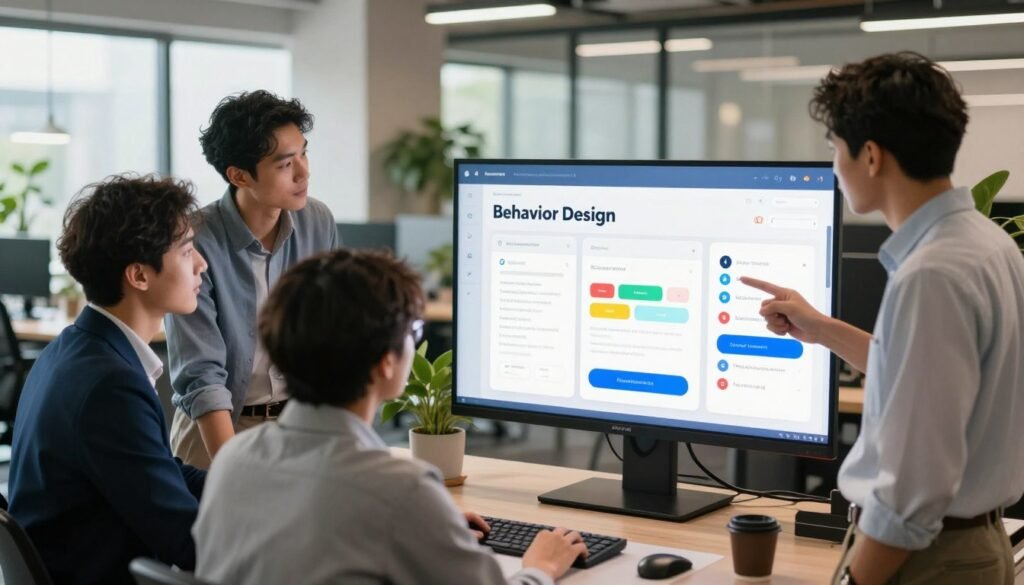
In UX design, behavior design is key. It guides users to act in certain ways. By knowing how it works, we can make interfaces that are not just fun but also lead users to act on purpose.
Understanding these principles helps designers make experiences that are more engaging.
Understanding Behavior Design Principles
Behavior design is all about how people use technology. It’s based on feedback loops, reward systems, and keeping things simple. These parts work together to push users in the right direction.
Feedback loops give users quick feedback, making them feel accomplished. Reward systems encourage users to keep going by giving them something in return. And making things easy to use reduces stress, making interactions better.
Examples of Effective Behavior Design
Behavior design is used in many places and it works well. For example, Duolingo uses games to get people to practice languages every day. It keeps users coming back with rewards for their streaks.
Online stores like Amazon also use it. They show users things they might like based on what they’ve done before. This makes shopping better and helps sell more.
Emotional Responses to Interface Design
Understanding how people feel about interface design is key to better user experience. Emotional design aims to make users feel good. This can greatly affect how they use digital products.
Research shows that feeling connected emotionally makes users more engaged. This leads to a deeper interaction with digital products.
Empathy is important in making interfaces that connect with users. Designers should think about the audience’s needs and feelings. This way, they can create experiences that are both useful and touching.
This approach helps us go beyond just making things work. It creates *meaningful* connections, leading to stronger brand loyalty.
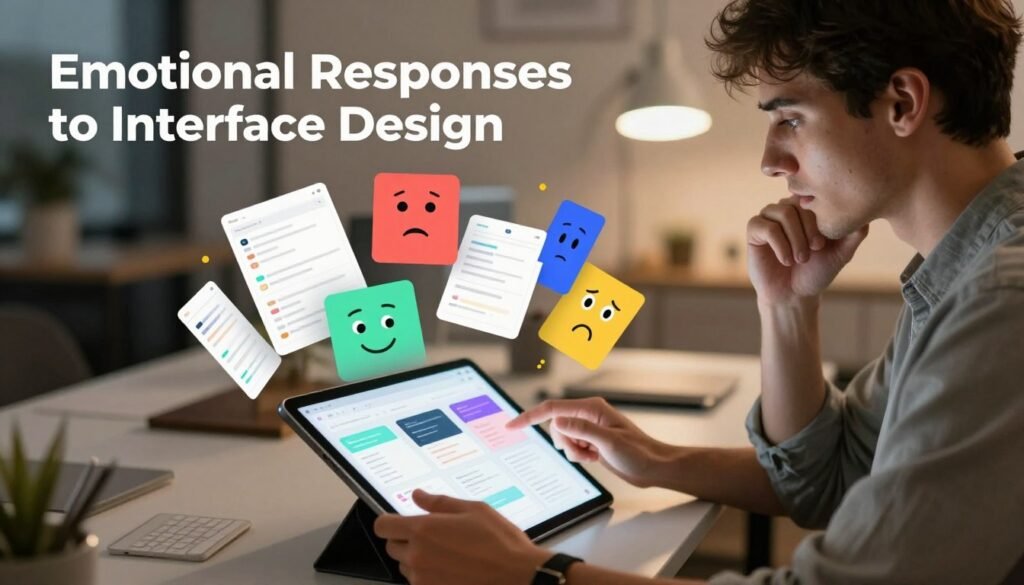
Adding emotional design elements can influence user behavior. An interface that makes users happy or excited can lead to more use and satisfaction. Seeing the emotional side of user experience helps us make interfaces that deeply resonate.
This transforms simple interactions into unforgettable experiences.
Tactile Interactions: The Role of Touch in UX
Tactile interactions make using things more fun and easy. Haptic feedback gives users real feelings that help them know what’s happening. This makes digital stuff feel more real and fun to use.
Importance of Haptic Feedback
Haptic feedback is key in making digital things feel like real things. It uses vibrations, textures, or movements to talk to users. People like it because it makes things feel more real and helps them know what’s happening.
Designing for Touch Interfaces
Designers need to think about touch when making digital things. Good touch design uses haptic feedback to make things feel natural. Here are some tips for making touch interfaces better:
- Feedback timing: Quick haptic feedback makes users feel sure about what they’re doing.
- Gesture recognition: Clear touch gestures make things easier to use.
- Adjustable sensitivity: Letting users change how sensitive things are makes it better for everyone.
By focusing on touch and haptic feedback, designers can make digital things that are not just useful but also fun to use.

| Feature | Description | Benefits |
|---|---|---|
| Haptic Feedback | Tactile sensations responding to user inputs | Increases user engagement, enhances action confirmation |
| Gesture Recognition | Identifying user gestures for interaction | Simplifies user actions, improves accessibility |
| Feedback Timing | Instant feedback upon interaction | Encourages interaction, reduces user frustration |
Visual Hierarchy: Guiding User Attention
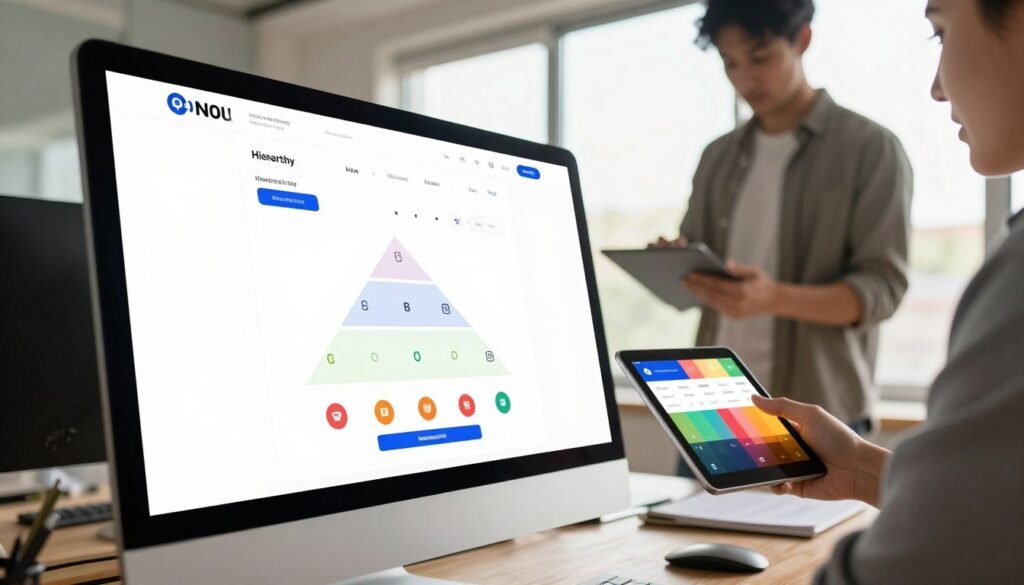
Good interface design uses a visual hierarchy. It organizes content to guide user attention. By using size, contrast, and placement, we make information easy to find.
Larger elements grab attention, perfect for headlines or key features. Contrast makes call-to-action buttons stand out. And, placing info at the top gets more attention.
Using a clear visual hierarchy makes things easier for users. It helps them navigate and find what they need. This leads to a better user experience.
Color Psychology and User Interaction
Color affects how we interact with digital things. It shapes our feelings and views. Designers use color to make things more appealing and easy to use.
The Impact of Color on Emotions
Colors can make us feel certain ways. Warm colors like red and orange make us excited. Cool colors like blue and green make us calm.
These feelings come from how we think about colors. They can change how we see brands and products.
Choosing Color Schemes for Interfaces
Choosing colors for designs is key. Designers need to think about looks and function. They should know who they’re designing for and where it will be used.
- Understanding the target demographic’s preferences
- Testing color combinations for visibility and readability
- Evaluating how colors align with intended emotional responses
By focusing on these, designers can make things better. They make sure colors work well with users and the design goals.
UX Psychology in Mobile Applications
Creating mobile apps is a big challenge. Designers must make things work on small screens while keeping users happy. They focus on short content, easy navigation, and simple interfaces. Knowing how users think is key to success.
Designing for Small Screens
Designing for small screens needs a lot of attention to detail. Important rules include:
- Simplicity: Keep things simple to help users focus.
- Responsive Layouts: Make sure designs work well on all devices.
- Touch Targets: Make buttons and links big for easy tapping.
By following these tips, mobile apps can be better and make users happier. Easy navigation is very important for user experience.
Engagement Strategies for Mobile Users
To keep users interested, we need to understand their psychology. Good strategies are:
- Push Notifications: Send personalized messages to bring users back.
- Gamification: Add fun elements like rewards to get users involved.
- Feedback Mechanisms: Give users quick feedback to make them feel in control.
Using these methods can help keep users coming back. It shows how important good mobile app design is. By combining good looks with user engagement, developers can make apps that really connect with people.
The Role of Memory in User Experience
Memory is key in shaping how we use digital things. We use short-term and long-term memory to get around and understand what’s happening. Knowing how memory works helps us make things easier to use.
Short-term memory helps us do things right now, like remembering passwords. Designers can make things better by making it easy to follow and less distracting. Long-term memory helps us remember things we use a lot, making us feel more at home with digital stuff.
Using design that works with memory makes things better for everyone. For example, using the same way to get around helps us remember better. Each part of the interface helps us learn and use things more easily.
User-Centered Design: Focusing on the User
User-centered design puts the user first. It makes sure their needs and experiences are met. This way, we create interfaces that really connect with people.
This method uses empathy, usability testing, and keeps improving. It makes sure the interface is easy to use and meets what users need.
Principles of User-Centered Design
Empathy is key in user-centered design. Designers talk to users or watch how they use products. This helps them understand what users like and don’t like.
Then, usability testing is done. Designers test their designs with real users. They use this feedback to make their designs better.
This cycle of making things better ensures the final product is what users want. It makes users happy and satisfied.
Benefits of User-Centered Design in UX Psychology
User-centered design brings many benefits. It makes users happier by making things easier to use. When designers listen to users, they make things that work better.
Interfaces that are easy to use make users feel good. They also make users want to come back. Companies that focus on users do better in the long run.
UX Psychology: Bridging Design and User Needs
Understanding UX Psychology and user needs is key for making great digital products. By using design-thinking methods, we can meet what users want and what designs offer. This makes users happier and more connected to the product.
To really get what users need, we must do deep research. This includes watching how they act, getting their thoughts, and looking at their feedback. There are many ways to do this:
- User Personas: Creating detailed pictures of our users helps us understand their needs and likes.
- User Journey Mapping: This method shows the whole user experience. It points out problems and happy moments.
- Usability Testing: Getting direct feedback on prototypes helps us make the product better. It makes sure it meets what users expect.
Using these methods helps us turn user insights into real design changes. When we focus on user needs, we make products that work well and touch people’s hearts.
Measuring User Engagement and Satisfaction
To know if our design works, we need to measure user engagement and satisfaction. We use specific metrics and KPIs to see if our designs meet user needs.
One good way is to look at satisfaction surveys. They tell us what users like and what they don’t. We also use analytics to see how users act on our site.
Using both kinds of data helps us understand better. Qualitative feedback gives us deep insights. Quantitative data shows us numbers on user engagement and satisfaction. This helps us make our designs better for users.
| Metric Type | Description | Example |
|---|---|---|
| User Engagement Rate | Measures the percentage of users who interact with the interface. | Clicks on call-to-action buttons. |
| Net Promoter Score (NPS) | Assesses user likelihood to recommend the product. | Survey asking users to rate on a scale from 0 to 10. |
| Task Success Rate | Determines the proportion of users successfully completing tasks. | Number of users who completed a checkout process. |
| System Usability Scale (SUS) | Quantifies user satisfaction based on specific criteria. | Standardized questionnaire evaluating usability. |
These metrics are key to making our UX better. By regularly checking them, we keep making our designs better for users.
Conclusion
As we finish our look at UX Psychology, it’s key to think about its impact on design’s future. Knowing how our brains work with digital stuff helps us make experiences that really connect. The ideas shared here guide us in using psychology in our designs, making tech more real and personal.
UX Psychology is truly powerful—it changes how we interact with tech, guides our design choices, and makes things better for users. As designers and developers, we must put these ideas first in our work. Doing so makes our interfaces smarter and opens doors to new ideas in the digital world.
Let’s use what we’ve learned to make a difference. By sticking to UX Psychology’s main ideas, we can spark new ideas and keep the user at the center of our designs. Together, we can make design’s future bright, creating experiences that truly touch people’s lives.