
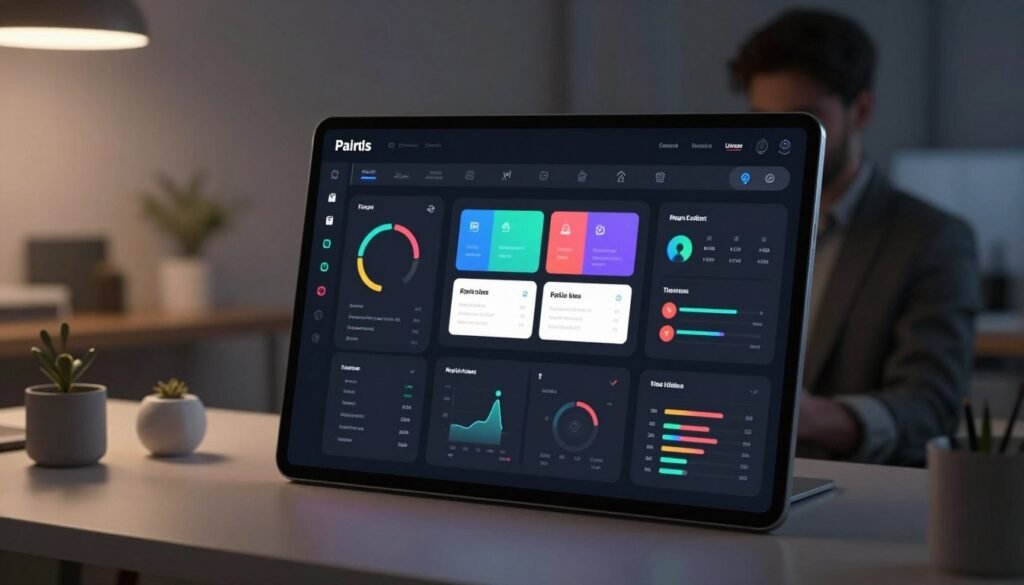
We introduce this guide to give engineers, designers, students, and educators a clear, practical path for Dark Mode Design. Our goal is to blend design theory with hands-on steps so teams can design, implement, and evaluate a dark mode UI with confidence.
Dark mode is more than a visual trend: it influences usability, performance, brand perception, and accessibility across the user interface. We’ll explain why adopting a dark theme can be strategic, when it’s appropriate, and what trade-offs to expect.
Throughout this article we will balance technical detail and accessible explanations. We write as a team: we share tools, code strategies, and testing methods that make dark mode practical. Topics include current UI design trends, user expectations, accessibility testing, color systems, and implementation across platforms.
This section anchors core terms—Dark Mode Design, dark mode UI, UI design trends, user interface, accessibility—to set a clear, SEO-relevant foundation for the full guide.
Key Takeaways
- Dark mode is a substantive design pattern that affects usability and brand identity.
- We’ll cover theory and practical steps for designing and implementing dark interfaces.
- Accessibility and testing are central—dark themes must meet WCAG and real-user needs.
- The guide addresses both visual design and technical challenges across platforms.
- Readers will gain a roadmap: trends, color systems, implementation, and future directions.
Why Dark Mode Design Matters for Modern Interfaces
We track the shift from niche experiment to mainstream feature: platform-level toggles from Apple and Google changed expectations, while apps such as Twitter/X, Slack, GitHub, and YouTube normalized dark mode UI. Those moves made Dark Mode Design a standard consideration for any user interface that targets professionals and general audiences alike.
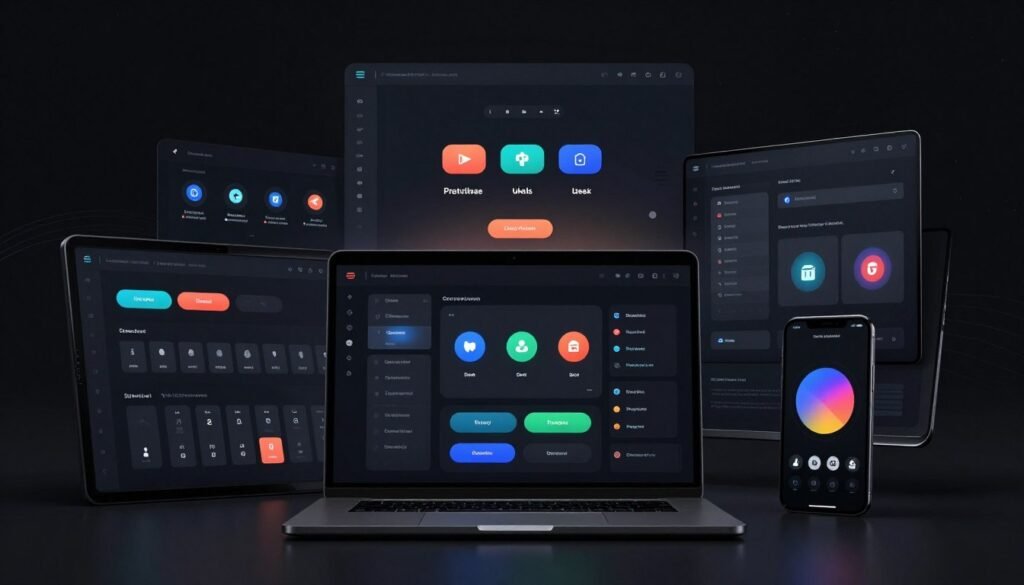
Current UI design trends favor minimalist, focus-driven screens. Developers and designers choose dark surfaces in tools like Visual Studio Code to reduce visual clutter and improve concentration. Media apps and streaming services use dark palettes to enhance imagery and create immersive viewing, reinforcing why dark interfaces are now central to many product roadmaps.
Users expect theme personalization as a basic control. They want per-app settings, time-based auto-switch, and cross-device syncing so preferences persist across iPhone, Mac, Android, and Windows ecosystems. Research shows people value persistent choices and granular options: offering both automatic and manual toggles meets varied contexts of use.
From a business perspective, Dark Mode Design can influence metrics that matter: session length in low-light contexts, engagement retention, and perceived premium quality. Products that present content in dark mode UI often report higher satisfaction in evening and entertainment scenarios, while developer tools benefit from longer focused sessions.
Product teams should assess user context: when and where the product is used, and which segments prefer theme personalization. We recommend instrumenting analytics to measure theme adoption and running A/B tests to validate hypotheses about engagement, complaints, and retention tied to a dark theme.
Benefits of Dark Mode UI for Users and Brands
We explore practical gains that dark interfaces bring to both end users and product teams. The benefits of dark mode vary by device, display type, and context. Careful Dark Mode Design turns potential perks into measurable improvements for comfort, battery life, and brand expression.

Reduced eye strain and improved comfort in low-light environments
In dim settings a low-luminance user interface can reduce glare and limit rapid pupil dilation. Ophthalmology and HCI literature shows that bright screens on dark backgrounds cause less visual fatigue when contrast, type size, and spacing are tuned correctly. For readers and developers working at night, a dark mode UI can feel gentler and allow longer sessions with fewer breaks.
Perceived battery savings and device longevity
On OLED and AMOLED panels pixels can turn fully black, which lowers power draw compared with uniformly bright themes. The scale of savings depends on factors such as screen-on time, how much of the UI is true black, and the user’s brightness setting. On LCDs this effect is minimal because the backlight stays active. Teams should measure power usage on representative devices before making broad claims about battery life.
Brand differentiation and visual impact
A dark aesthetic offers a distinctive canvas for imagery, accent colors, and motion. Media apps, creative tools, and premium brands often use dark themes to create cinematic depth and highlight visual content. Dark Mode Design lets teams emphasize hierarchy with glow, subtle elevation, and accent hues while keeping the interface refined. The trade-off: a heavy dark theme can feel closed or harder to scan if accessibility is not prioritized.
Practical takeaways for product teams
- Balance user comfort, measurable battery effects, and brand intent when crafting a dark mode UI.
- Run A/B tests and device-level measurements to validate perceived benefits before wide rollout.
- Prioritize accessibility: good contrast, readable typography, and alternatives for users who prefer light themes.
| Advantage | When it applies | Limitations |
|---|---|---|
| Reduced eye strain | Low-light reading, long viewing sessions | Requires careful contrast and type treatment to avoid decreased readability |
| Battery savings | OLED/AMOLED devices with many dark pixels | Minimal effect on LCDs; depends on brightness and UI composition |
| Brand differentiation | Visual-first products: streaming, photography, tools for creators | May feel less open; risk of reduced trust if accessibility is poor |
| Improved perceived focus | Content-centric interfaces and media playback | Not universal: some users prefer light backgrounds for clarity |
Dark Mode Design
We treat dark themes as full design systems: they need rules, tokens, and purpose. Good Dark Mode Design balances comfort and clarity while remaining aligned with broader UI design trends. This section outlines core principles, color theory for dark backgrounds, and typographic adjustments that keep interfaces legible and delightful.
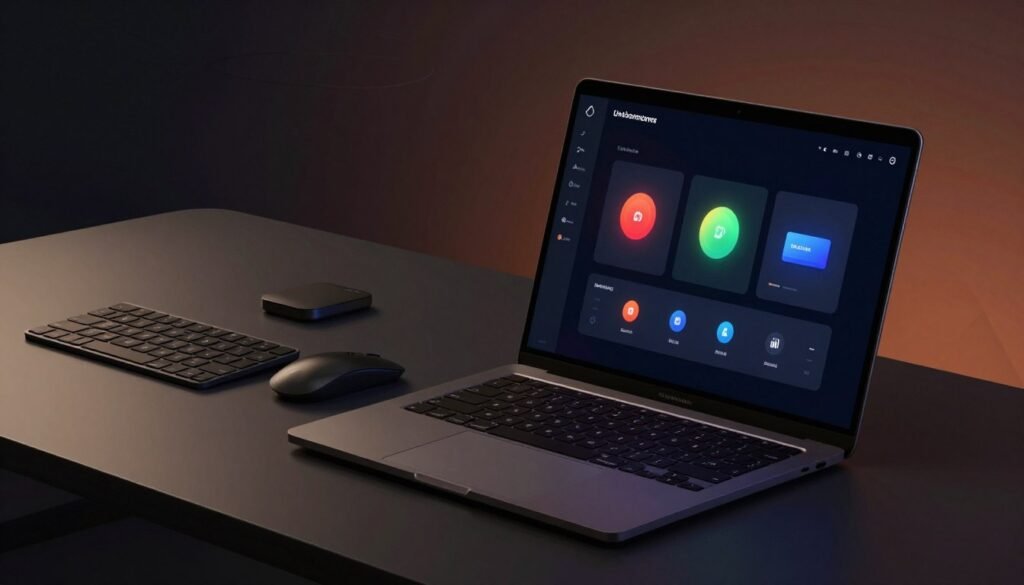
Principles that define effective dark theme systems
Design dark mode UI with contrast as a guiding constraint: avoid pure black for large surfaces and rely on layered surfaces to show depth. Preserve hierarchy by using subtle tints and elevation instead of heavy strokes. Treat dark mode as a first-class citizen in your design system: tokenized colors, spacing, and states must exist for both light and dark themes. Consistency across components reduces cognitive load and supports faster user scanning.
Color theory specific to dark backgrounds
Colors read differently on dark canvases: mid-tones look more saturated and small accents pop more. Use a limited palette: a set of neutral surface tones rather than #000, plus a few controlled accents for actions and highlights. Test hue shifts across devices since some blues and greens lose contrast on dark backgrounds. Validate choices with tools and by eye: certain colors that work on light backgrounds fail accessibility checks when inverted.
Type, contrast, and hierarchy in dark interfaces
Typography needs adjustment: increase body weight or size slightly to offset lower perceived contrast. Keep line-height and letter-spacing consistent so paragraphs stay scannable. Use subtle tints for secondary and disabled text instead of pure grays; this preserves hierarchy without harsh boundaries. Maintain WCAG contrast goals while recognizing perceived contrast differs—visual validation is essential.
- Use soft surface contrasts instead of stark borders for separation.
- Prefer elevation and shadow micro-interactions to signal layers.
- Design focus states with clear, visible cues that feel native on dark surfaces.
- Adjust microcopy and spacing to aid quick scanning and comprehension.
These approaches align with evolving UI design trends and help teams ship dark mode UI that feels intentional. When color theory, typography, and system thinking work together, dark themes become reliable, accessible, and on-brand across products.
Accessibility Considerations for Dark Mode UI
We prioritize accessibility when crafting Dark Mode Design. Dark themes change how contrast and legibility behave on screens. Numeric compliance with WCAG ratios is a start, yet real-world readability must guide our choices for every user interface element.
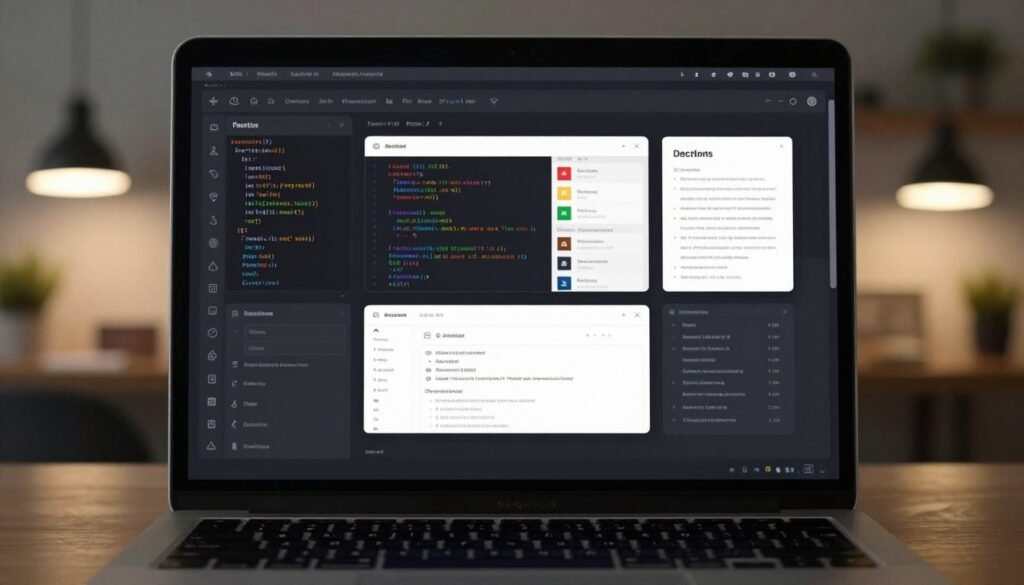
WCAG contrast requirements and practical testing
WCAG 2.1 sets measurable targets: 4.5:1 contrast for normal text, 3:1 for large text, and 3:1 for graphical objects and UI components. We run automated checks against these thresholds with tools, then validate by sight to catch perceptual issues unique to dark backgrounds.
Device rendering matters: OLED panels produce deeper blacks than LCDs and can change perceived contrast. We test on representative hardware and under varied lighting to ensure the user interface remains clear and consistent.
Addressing readability for users with low vision and dyslexia
Low-vision users need stable, predictable contrast and clear hierarchy. For dyslexia, very high contrast between pure black and bright white can cause halation and fatigue. We favor softer background tones with strong text contrast: this balances readability without glare.
We tune font choice, letter spacing, and line height. Dyslexia-friendly fonts, increased tracking, and generous line spacing improve scanability. Most importantly, we recruit users who rely on assistive technologies for targeted testing during the design process.
Tools and methods to evaluate accessibility in dark themes
We use a mix of automated and manual methods: WebAIM contrast checker, axe-core linters, and browser dev tools for quick audits. We then run assistive-technology tests using VoiceOver on macOS and TalkBack on Android to verify semantics and focus order.
Manual testing in realistic conditions is essential. We simulate dim and bright environments, inspect images and icons for adequate contrast, and confirm touch targets meet size and contrast needs. When trade-offs arise, we document justifications and alternative mitigations in the component library.
To embed accessibility into process, we add contrast checks to design sprints, include accessibility criteria in QA tickets, and version controls for Dark Mode Design tokens. This approach keeps accessibility measurable and repeatable across releases.
Technical Challenges When Implementing Dark Mode
We outline engineering hurdles and pragmatic solutions for rolling out a dark mode UI across products and platforms. This section focuses on the most common technical challenges and offers clear patterns for robust implementation.
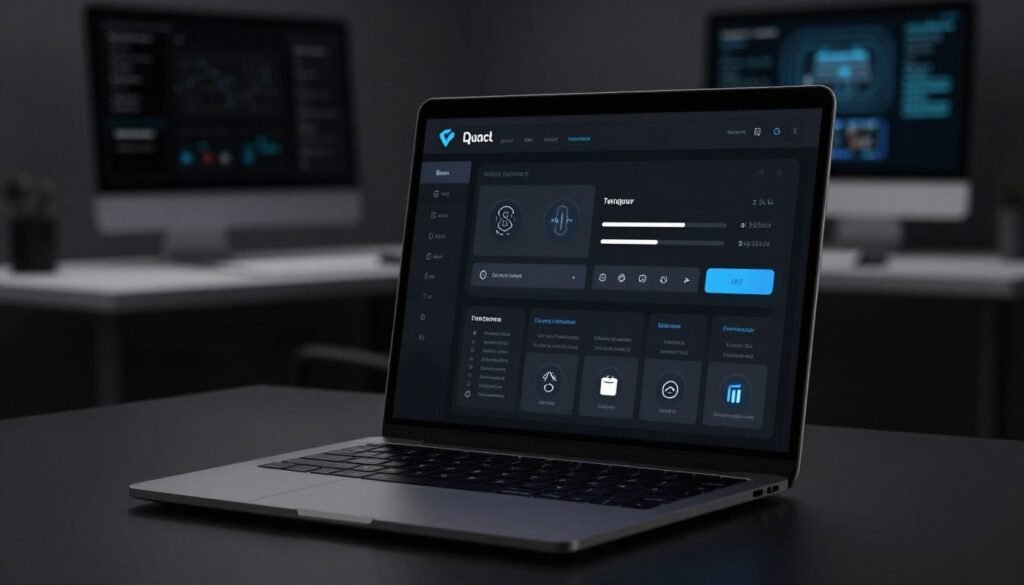
Managing theme state and synchronization
We store theme state locally with localStorage on the web and SharedPreferences on Android. We detect OS-level preferences using the prefers-color-scheme media query as a sensible default. For logged-in users, we persist theme choices server-side tied to their profile so settings follow them across devices.
To prevent the flash of the wrong theme on load, we inline critical CSS or server-render the initial theme. We prefer a high-level class on the root element to switch themes quickly rather than performing many DOM writes. We account for edge cases: private browsing with no localStorage, delayed server sync, and initial paint before JavaScript runs.
Handling images, icons, and media assets
We supply dual asset sets for icons and illustrations: light and dark variants. SVGs that use CSS variables let us invert fills or adapt strokes without duplicating files. For bitmaps and photographs, we apply subtle overlays or tint layers to preserve contrast and mood.
Video content needs careful caption styling and overlay management so UI elements remain legible. When possible, we prefer vector icons with masks and strokes that adapt gracefully to theme state rather than raster swaps that add maintenance overhead.
Performance considerations and CSS strategies
We centralize theme tokens in CSS custom properties. This approach minimizes CSS duplication and enables runtime switching by toggling a single class on a top-level container. We avoid high-specificity rules so overrides stay predictable and cheap to apply.
We rely on prefers-color-scheme for default behavior, then layer explicit classes for user overrides. Backdrop-filter and heavy paint effects can tax GPUs on mobile; we favor simpler elevation cues and use those effects sparingly. Rasterizing large areas or animating many layers causes repaints, so we limit animated transitions during theme toggles.
Testing, CI, and deployment
We include automated visual regression tests for both light and dark themes in CI pipelines. Tests flag missing theme assets and layout shifts. We run accessibility checks focused on contrast in each theme and add smoke tests for initial render to catch FOIT/FOUT cases early.
These practices reduce surprises when shipping a dark mode and keep the user interface consistent across environments and devices.
Design Systems and Dark Mode: Best Practices
We build shared systems so teams can scale consistent themes across products. Integrating dark mode UI into a design system means thinking of components as neutral building blocks, not fixed visuals. That approach keeps work portable between designers and engineers and speeds implementation.
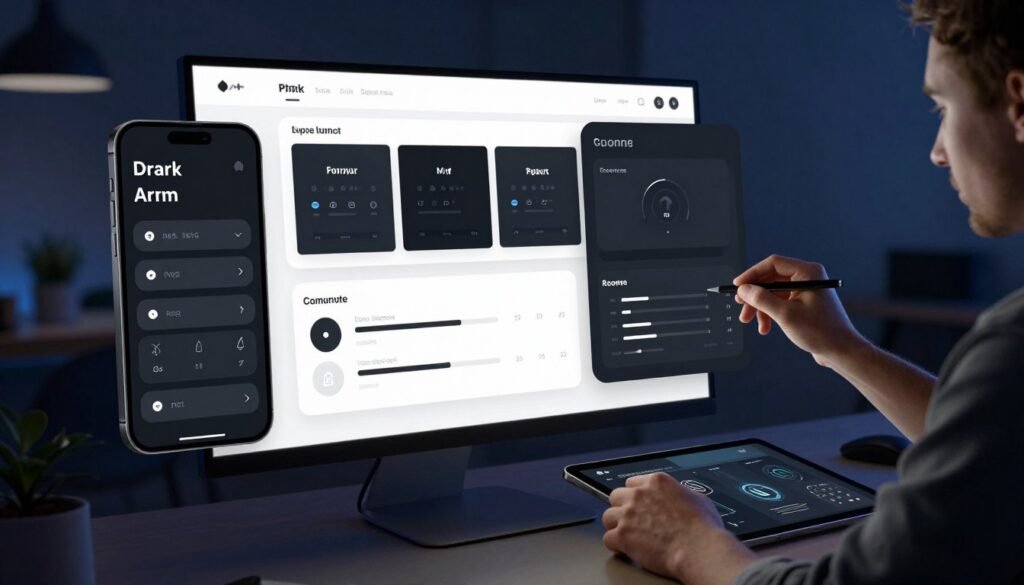
We extend component libraries by making each element theme-agnostic. Buttons, inputs, cards, and modals declare color roles — background, surface, border, text, icon — that map to tokens at runtime. This pattern lets a single Button component render correctly in light and dark without duplication.
Tokenization is central to this effort. We define color tokens like surface-1, surface-2, and accent-1 alongside spacing tokens and elevation tokens. Elevation is expressed with subtle tinting and controlled blur instead of heavy shadow, which suits dark surfaces and preserves performance.
Store tokens in one source of truth: JSON or the Design Tokens format. That file feeds Figma libraries, CSS variables, and platform theme files. A single file reduces drift between product, web, Android, and iOS implementations.
Document rules for contrast, elevation, motion, and tinted backgrounds so teams make consistent choices. Show code snippets, Figma components, and a component catalog with states in both themes. Visual examples clarify how a primary button appears on surface-1 and surface-2 under dark mode.
We recommend governance processes: review cycles, token change proposals, and a checklist for new components. Require token usage in pull requests and gate merges with visual regression tests that cover dark mode UI scenarios.
Collaboration practices reduce friction. Pair designers and engineers on token updates. Include accessibility sign-off in releases. Use component libraries and automated checks to catch contrast regressions early.
| Area | Best Practice | Outcome |
|---|---|---|
| Component design | Make primitives that accept theme tokens for roles | Single implementation across light and dark themes |
| Tokenization | Use named tokens (surface-1, accent-1, spacing-2) | Clear mapping between design and code |
| Elevation | Tint and blur tokens instead of deep shadows | Better legibility on dark surfaces, cheaper rendering |
| Documentation | Catalog components with states, code, and Figma links | Faster onboarding and fewer ambiguities |
| Governance | Token PR reviews, visual regression gating | Consistent Dark Mode Design and fewer regressions |
| Collaboration | Designer-developer syncs and accessibility sign-off | Smooth rollout and inclusive interfaces |
Color Choices and Contrast Strategies for Dark Themes
We focus on practical guidance for selecting background tones, accent palettes, and surface treatments that work in real products. Good color choices and clear contrast strategies make a dark mode UI feel intentional, reduce visual fatigue, and keep accessibility in view.
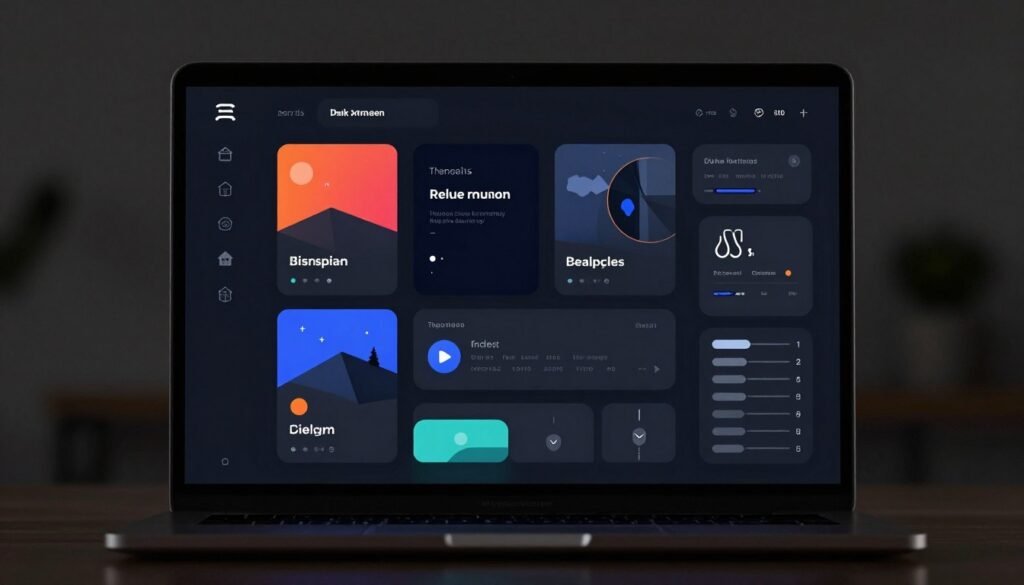
Neutral versus tinted backgrounds
Neutral backgrounds—warm or cool grays—give predictable contrast and reduce color shift across components. They make typography and icons easier to tune when we need consistent legibility.
Tinted backgrounds—deep navy, charcoal with a hint of teal or purple—can reinforce brand voice. Tints require extra testing because hue shifts change perceived contrast. We avoid absolute black for large surfaces: near-black with a slight hue is kinder to the eyes and to OLED rendering.
Accent colors, emphasis, and accessibility trade-offs
Accents appear brighter on dark surfaces, so a small dose can create strong emphasis. Choose hues that retain contrast when placed over primary and secondary surfaces.
Be mindful of color blindness: red/green distinctions fail for many users. Blue, cyan, or high-contrast golds often perform better in accessibility tests. Always validate accents with contrast tools and human review.
Elevation, shadows, and blur on dark surfaces
Depth on dark surfaces reads differently than on light ones. Use semi-transparent layers, soft highlights, and subtle shadows to suggest elevation without harsh drop-shadows that look like floating cutouts.
Translucency and backdrop blur work well for modals and overlays. They offer separation while preserving context. Test performance: backdrop-filter can be costly on some devices and platforms.
Practical testing and a simple matrix
Build a palette matrix that lists each token against primary and secondary surfaces. For each token, record contrast ratios and human-validated legibility.
- Test text and UI elements at real sizes and weights.
- Include color-blindness simulations and low-vision checks.
- Measure accents against both neutral and tinted backgrounds.
We recommend iterating tokens in the system: surface, text-primary, text-secondary, icon, accent-1, accent-2, and focus. This process ties Dark Mode Design to real accessibility outcomes for users and teams.
Typography and Legibility in Dark Mode UI
We examine typographic choices that keep content readable and clear when interfaces shift to a darker palette. Dark Mode Design changes how type appears: contrast, weight, and spacing must be tuned to protect legibility across devices.

Weight, size, spacing
We recommend slightly heavier weights for body copy on dark backgrounds. Ultra-thin fonts lose detail on many displays; medium weights improve clarity for small UI labels. Increase line-height and add modest letter-spacing for dense paragraphs to avoid visual crowding.
Rendering and anti-aliasing
Font smoothing differs by platform: macOS uses subpixel anti-aliasing for crisp stems, Windows clears differently, and iOS applies its own smoothing. Test on target devices and tune optical weight or switch to system fonts for tiny UI text to avoid fuzziness.
Font choices and fallbacks
System UI fonts like San Francisco and Roboto offer stable rendering and performance. Variable fonts give flexibility across sizes while keeping file weight down. Provide robust fallback stacks and test for Flash of Unstyled Text when using web fonts so the user interface stays consistent.
Accessibility and testing
Maintain contrast ratios required for accessibility and offer resizable text settings. Prototype with real content and conduct on-device checks to confirm legibility. Designers should include zoom and scaling scenarios in user tests to meet diverse needs.
Below we summarize practical recommendations you can apply when crafting a dark mode UI typographic system.
| Area | Recommendation | Rationale |
|---|---|---|
| Weight | Use medium or slightly heavier weights for UI labels; avoid hairline styles | Preserves stroke visibility on dark backgrounds and across renderers |
| Size & Spacing | Increase base size by 1–2px for body text, add 2–6% letter-spacing for long lines | Improves reading comfort and reduces perceived density |
| Rendering | Prefer system fonts for microcopy; tune optical weight per platform | Minimizes anti-aliasing artifacts and improves cross-device consistency |
| Font Strategy | Adopt system stacks or high-quality variable fonts with clear fallbacks | Balances performance, aesthetics, and fallback resilience |
| Accessibility | Meet WCAG contrast for text, enable text resizing and zoom support | Ensures inclusive legibility and compliance with guidelines |
Iconography, Imagery, and Media in Dark Mode
We focus on practical tactics for keeping media crisp and readable in dark mode UI. Good asset design keeps visual language consistent: icons, photos, illustrations, and video elements must adapt to surface colors and elevation. Think of media as flexible components that inherit theme tokens and stay legible at different contrasts.
Designing adaptive icons and SVG strategies
Use vector icons whenever possible. SVG strategies like currentColor and CSS variables let icons inherit theme tokens from the page. For multicolor marks, deliver dual-fill versions or use layered SVGs so fills swap based on a theme token.
Keep strokes visible: increase stroke width slightly for dark surfaces and avoid hairline strokes that vanish on small screens. For raster icons, provide transparent PNGs and explicit dark variants named with a convention such as icon-name.dark.svg so automated builds can select the right file.
Preparing photos and videos for dark backgrounds
Apply subtle gradient or vignette overlays to anchor subjects against deep surfaces. Desaturate highlights that bleed into UI chrome. Offer alternate crops focused on high-contrast areas for responsive layouts.
For video players, design controls with strong contrast and clear focus states. Use semi-opaque scrims under captions and timecodes to ensure readability without flattening the scene. Test player skins against sample footage so controls never disappear against dark content.
Techniques for contrast-preserving illustrations
Choose illustration styles that hold up in low-light contexts: line-art with lighter strokes, reduced saturation palettes, or deliberate two-tone assets tuned to the surface color. Create dynamic illustration layers that shift hue or brightness via tokens, so assets adapt without multiple static files.
When possible, export layered assets: a base layer for form, an accent layer for color, and a highlight layer for emphasis. That structure supports runtime mixing and keeps contrast consistent across surfaces.
Practical asset workflows
Adopt clear naming: icon-name.dark.svg, illustration-name.light.png, video-poster.dark.jpg. Automate builds to serve variants based on user preference or system theme. Provide fallbacks: if a dark asset is missing, apply a CSS overlay or swap to a neutral monochrome that preserves legibility.
We recommend integrating these practices into design systems so iconography, imagery, and media behave predictably across products. This approach ties Dark Mode Design to engineering workflows and makes theme switching robust and maintainable.
Dark Mode UI for Mobile vs. Desktop Experiences
We compare constraints and conventions that shape mobile dark mode and desktop dark mode, offering practical guidance for platform-consistent design. Readers will find focused notes on system behaviors, ephemeral UI patterns, and responsive scaling that matter when crafting a cohesive dark mode UI across devices.
Platform behaviors: iOS and Android expose prefers-color-scheme and lifecycle hooks that let apps follow system appearance. macOS and Windows provide appearance APIs for seamless switching. We recommend following Human Interface Guidelines and Material Design rules so the user interface feels native and predictable.
Navigation and ephemeral UI: On mobile, navigation relies on gestures, translucent overlays, and full-screen modals. Desktop favors persistent chrome, hover states, and multi-window controls. Popovers, toasts, and contextual menus must remain legible in dark themes: use clear elevation, higher contrast for closures, and visible affordances for swipe or drag gestures.
Designers should tune ephemeral elements for both input modes. Mobile gestures are often faster and more tactile; transient overlays should avoid large uniform darkness that masks content. Desktop micro-interactions can use subtle shadows and borders to separate layers without raising background luminance.
Responsive scaling: Test type sizes, spacing, and touch targets across densities and breakpoints. What reads well on a 6-inch OLED may collapse on a 13-inch monitor with different gamma. Increase minimum contrast for small text and icons on small screens. Ensure iconography scales and stroke weights remain crisp in both mobile dark mode and desktop dark mode.
Micro-interactions and animation timing require adjustment: animations that pop on light backgrounds can feel muted on dark surfaces. Speed up or amplify subtle motion, and boost contrast on focus states so peripheral cues remain visible.
Implementation tips: Prefer platform-native components when feasible. Maintain a single set of theme tokens that map to responsive breakpoints: neutral backgrounds, surface elevations, accent roles, and semantic colors. Sync tokens with system appearance hooks so state persists across app restarts and cross-device sessions.
We suggest automating visual checks across device families and including examples of ephemeral UI in your design system. Consistent tokens and adherence to platform conventions reduce surprises, speed development, and help users trust the dark mode UI on any device.
User Preferences, Onboarding, and Theme Controls
We design theme controls to meet real user needs: quick toggles, scheduled switching, and account-level settings that respect system defaults. When we place options where people expect them, adoption rises and frustration falls. This short guide covers patterns for opt-in, auto-switch, and scheduling choices plus simple onboarding that explains why Dark Mode Design matters.
Designing opt-in and auto-switch flows starts with clear affordances. Offer an explicit toggle in settings and a fast-access control in the profile or app chrome. Use prefers-color-scheme for automatic switching and provide a schedule option — sunset to sunrise or custom hours — so users can match lighting conditions or personal routines.
Per-device settings are easy to implement and respect immediate context. Account-based settings are best for consistent experiences across phones, tablets, and web. We recommend a hybrid approach: store a primary preference on the server for signed-in users and keep a local override for device-specific needs.
Onboarding should be concise and action-oriented. Use a single-screen microcopy that mentions comfort, reduced glare, and focus benefits. Offer a “try dark mode” CTA with a small preview snapshot so people can see the change without committing. Make toggles accessible with clear labels, large hit targets, and keyboard support.
Persisting user preferences requires careful sequencing. Apply the chosen theme as early as possible during page load to avoid flash-of-unstyled-content. For authenticated users, save the preference to the server and sync it via profile APIs. For anonymous sessions, fall back to localStorage with a clear migration path when the user signs up.
Handle race conditions by ensuring client code reads stored preferences before rendering. For mobile apps, sync changes through background APIs and reconcile conflicts using timestamps. When conflicts occur, favor the most recent action and surface a small hint in settings to explain the resolved state.
We track theme usage to refine defaults: toggles flipped, schedule adoption, and drop-offs during onboarding. Use analytics to identify friction points and iterate on microcopy, placement, or the preview experience. These metrics guide decisions about whether theme controls should be more prominent or simplified.
Testing and Quality Assurance for Dark Mode
We prepare a QA plan to make dark mode UI reliable across devices and edge cases. Testing dark mode is not a single pass: it requires layered automation, hands-on user checks, and focused accessibility audits. Our aim is to catch visual regressions, token fallbacks, and asset issues before release.
Automated visual regression tools are central to our pipeline. We capture screenshots for light and dark themes across breakpoints, set baselines, and review diffs for unintended changes. We recommend integrating Percy, Chromatic, or Loki into CI to flag regressions early and to detect missing dark assets or incorrect token values.
We design user testing scenarios that mimic real conditions: low-light reading, small-text tasks, and prolonged sessions to reveal cognitive load. Include tests with VoiceOver, NVDA, and TalkBack to validate assistive tech compatibility. Accessibility audits should combine axe-core scans with manual keyboard and screen reader checks.
Use the checklist below at launch readiness to ensure nothing slips through. Keep it short, actionable, and version-controlled so teams can verify every item before rollout.
| Checklist Item | Why It Matters | How to Verify |
|---|---|---|
| Contrast ratios for critical text | Ensures readability for low-vision users and meets WCAG | Measure with automated tools and manual spot checks on real devices |
| Dark tokens for all components | Prevents style regressions and token fallbacks | Audit theme tokens in design system and run visual regression tests |
| Images and icons have dark variants | Avoids washed-out or invisible media in dark themes | Inspect asset set, test retina and SVG fallbacks in dark mode |
| Theme persistence and sync | Preserves user choice across sessions and devices | Test local storage, account settings, and server-side preferences |
| Analytics instrumentation | Tracks theme adoption and unexpected errors | Validate events for toggles, defaults, and failures in staging |
| Performance on low-end devices | Prevents slow toggles and jank for resource-limited users | Run benchmarks and manual checks on older phones and browsers |
Edge cases demand special attention. Third-party embeds, legacy content, iframes, and PDFs can ignore our theme tokens and break contrast. Browser extensions may inject styles that conflict with dark rules. We mitigate these risks with content wrappers, sandboxed iframes, server-side PDF theming, and scoped CSS that minimizes specificity clashes.
QA teams should log visual regression failures, tag them by severity, and assign them to design or engineering owners. During user testing, capture screen recordings and assistive tech logs to reproduce issues. Run periodic accessibility audits after each release to keep the dark mode UI compliant and user-friendly.
Performance Optimization for Dark Mode Interfaces
We aim to switch themes without slowing the user interface or creating visible glitches. Small changes in CSS and asset loading can keep toggles instant and preserve perceived responsiveness. Below we outline practical tactics we use for smooth theme swaps and steady runtime performance.
Use CSS variables as central color tokens so a single root update flips the palette without touching many DOM nodes. Apply a top-level class on the html or body element for theme selection rather than toggling individual components. This pattern reduces style recalculation and supports fast repaints.
Prefer lightweight properties that avoid layout thrashing when toggling themes. Limit changes to color, background-color, and opacity. Avoid switching layout-affecting properties such as width, height, margin, or complex transforms during a theme swap. Reserve heavy effects for interactions that do not run on theme change.
Inline critical CSS for above-the-fold elements that differ between themes. Inlining prevents flashes of unstyled or wrong-theme content on first paint. Keep the inlined rules minimal: core layout and the color tokens needed for initial render.
Defer nonessential theme-specific assets using lazy-loading. Load high-resolution illustrations, decorative images, and alternate-theme sprites after the first paint. Use low-resolution placeholders or progressive JPEGs to speed visual stability on mid-tier mobile devices.
For icons favor SVGs or an icon font set that adapts with CSS variables. This approach avoids multiple raster fetches per theme and keeps bundle size lower. When SVGs must be heavy, consider inlining essential glyphs and lazy-loading the rest.
Measure both real metrics and perceived effects to assess optimizations. Track First Contentful Paint, Time to Interactive, and the visual flicker during a toggle. Use Lighthouse for lab testing, WebPageTest for throttled scenarios, and real user monitoring to capture on-device behavior across hardware tiers.
Provide fallbacks for expensive visual effects like backdrop-filter and deep blurs. Detect low-power devices or use prefers-reduced-motion and offer a simpler style. Let users opt out of heavy effects in settings so the interface stays snappy under constrained conditions.
We recommend the following checklist to balance performance optimization with visual fidelity:
| Area | Best Practice | Reason |
|---|---|---|
| Color Tokens | Use CSS variables at :root and switch via a single class | Minimizes repaint scope and avoids per-node recalculation |
| Critical CSS | Inline minimal theme-dependent rules above the fold | Prevents flash and speeds first meaningful paint |
| Asset Loading | Lazy-load noncritical illustrations; use progressive images | Speeds initial load and reduces network contention |
| Icons | Prefer SVGs or icon fonts over separate raster files | Single adaptable asset avoids duplicate fetches |
| Expensive Effects | Provide simpler fallbacks and user controls | Maintains responsiveness on low-power devices |
| Metrics | Track FCP, TTI, and toggle flicker with RUM tools | Uncovers real-world regressions on diverse hardware |
Examples and Case Studies of Successful Dark Mode Implementations
We survey real products to ground Dark Mode Design in practice. These case studies show how teams turned user feedback into measurable improvements. The examples below highlight approaches to contrast, asset handling, and system tokens.
Notable apps and websites with exemplary dark themes
GitHub, Visual Studio Code, Slack, Twitter/X, Spotify, and Apple Music offer instructive examples. Each balances readable typography with consistent color tokens. Visual Studio Code focuses on syntax contrast for developer workflows. Spotify uses deep blacks to emphasize album art and create a premium mood.
Lessons learned from redesigns and user feedback
Start dark-mode work early in the design system. Teams that delayed faced asset mismatches and legibility issues. Real user tests often force typographic tweaks: larger sizes, adjusted weights, and tuned letter-spacing. Avoid blindly inverting colors; many successful redesigns replaced hues with carefully chosen tints for accessibility.
Before-and-after comparisons and what drove improvements
User reports about readability led to typographic fixes in Slack and Twitter/X. Battery measurements on OLED devices pushed Apple Music and Spotify toward darker surface tones. Brand refreshes used dark themes to convey sophistication: the before state was inconsistent contrast, the after state used unified tokens and clearer hierarchy.
We summarize key contrasts and actionable signals from these cases in the table below. It highlights what teams changed, why they changed it, and the practical outcome.
| Product | Primary Driver | Core Change | Outcome |
|---|---|---|---|
| Visual Studio Code | Developer readability | Adjusted syntax color palette and increased contrast ratios | Fewer legibility complaints; improved code scanning speed |
| GitHub | System consistency | Introduced theme tokens and standardized iconography | Smoother cross-product experience; easier theming for extensions |
| Slack | User feedback on text clarity | Typography scale update and button contrast tuning | Reduced accessibility issues; better message legibility |
| Twitter/X | Readability and brand tone | Tuned background tints and image overlays for dark surfaces | Improved image legibility; stronger brand presence |
| Spotify | OLED battery and visual impact | Shifted to deeper blacks and showcased album art with higher contrast | Perceived premium feel; measurable battery gains on OLED |
| Apple Music | Brand premium and device optimization | Harmonized dark surfaces and refined media controls | Sleeker interface; consistent cross-device presentation |
Redesign lessons from these examples are clear. Prioritize accessible contrast, test with real users, and treat dark mode as functional rather than cosmetic. Teams should study public changelogs and engineering posts to learn implementation details and repeatable patterns.
Future Trends: Evolving UI Design Trends Around Dark Mode
We look ahead at practical shifts shaping dark mode UI and what teams should prepare for. The coming years will blend sensor-driven context, smarter personalization, and tighter device harmony to make interfaces feel more natural and humane.
Adaptive theming will tie interfaces to real-world context. Phones and laptops already expose ambient-light and time APIs. Designers will use those signals to shift color ramps, tweak surface elevation, and alter emphasis levels so the UI matches lighting and task. Small, testable ramps that preserve contrast will keep visuals consistent across conditions.
We must plan token systems that allow runtime adjustments. Tokens make it feasible to change neutral bases, accent tones, and on-surface contrasts without rewriting components. Teams should prototype dynamic color behavior and measure perceived comfort under varied light.
AI-driven personalization will refine comfort at scale. Machine learning can learn reading distance, contrast preferences, and motion sensitivity to suggest font sizes, contrast ratios, or palette tweaks for individuals. Such models can reduce eye strain and improve legibility for diverse vision profiles.
Privacy is central when using biometric or behavioral signals. We recommend on-device inference and explicit consent flows. Ethical defaults should favor minimal data retention and clear opt-outs to preserve trust.
Cross-device continuity will become a design norm. Users will expect theme harmony from phone to tablet, laptop, and TV. System-driven token synchronization will replace per-platform palettes. That leads to fewer visual surprises and a coherent brand voice across surfaces.
Designers should think in system tokens and shared primitives: neutral scales, elevation steps, and adaptive spacing. This approach eases maintenance and supports coordinated updates pushed through platform services.
Accessibility standards will evolve to address ambient-aware and adaptive interfaces. Expect more granular WCAG guidance on low-light contrast, motion reduction in shifting themes, and adaptive typography for vision needs. Early adopters who build inclusive defaults will influence standards and gain user trust.
We advise investing in flexible token architectures, telemetry for opt-in personalization, and robust testing suites that include real-world lighting scenarios. These investments will position teams to implement future trends while keeping accessibility front and center.
| Trend | Design Implication | Action for Teams |
|---|---|---|
| Adaptive theming | Dynamic color ramps and ambient-aware surfaces | Create tokenized color systems and test under varied lighting |
| AI-driven personalization | Per-user contrast, sizing, and motion adjustments | Build on-device models, consented telemetry, and opt-out flows |
| Cross-device continuity | System-wide theme harmonization and shared tokens | Standardize tokens across platforms and sync via system APIs |
| Accessibility evolution | Nuanced guidance for low-light UX and adaptive features | Engage with standards bodies and adopt inclusive defaults |
| Telemetry & testing | Real-world metrics on comfort and usability | Invest in instrumentation, user studies, and visual regression suites |
Conclusion
We have outlined a practical roadmap for Dark Mode Design that blends creativity with measurable engineering. Treat dark mode UI as a design system concern: define tokens, document elevation and color rules, and standardize component behavior so teams can scale consistently. Prioritize accessibility and legibility from the start by testing contrast, font rendering, and real-world device scenarios.
Address technical complexity with asset strategies and performance-minded CSS. Use tokenization to toggle themes reliably, prepare images and icons for dark surfaces, and minimize repaint and reflow when users switch modes. Combine automated visual tests with hands-on user testing to validate both perceived benefits and objective metrics.
We encourage cross-functional collaboration: designers, developers, product managers, and accessibility specialists should prototype, iterate, and measure together. Start by auditing your current UI, implementing theme tokens, running contrast and device tests, and tracking user preference metrics. Apply these best practices and keep an eye on UI design trends to refine your approach over time.
Dark mode UI is both a technical and creative opportunity. When done well, it improves comfort, reduces friction, and strengthens brand presence. We invite teams to experiment responsibly, measure outcomes, and share findings with the community so the field of Dark Mode Design continues to evolve.