
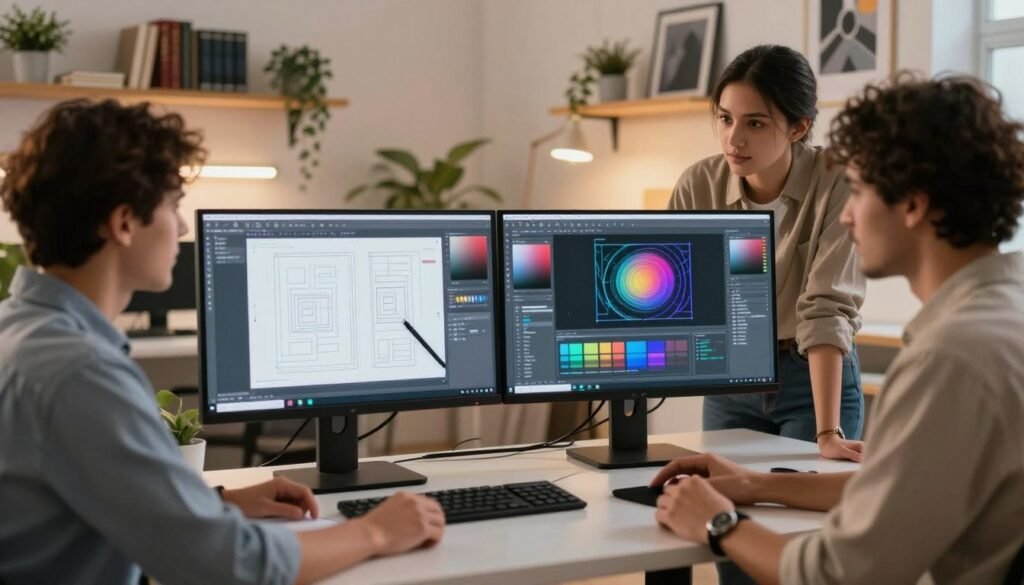
We are witnessing a shift: AI in Graphic Design is moving from experimental tools to everyday workflow essentials. Machine learning and deep learning power two broad capabilities—predictive models that automate classification and repetitive tasks, and generative models that create images, apply style transfer, and expand creative options. That distinction helps teams pick the right tool for the job.
In the United States, adoption of AI design tools such as Adobe Firefly, Canva’s Magic Tools, Midjourney, DALL·E, and Runway has accelerated across agencies, in-house teams, and classrooms. These platforms speed routine production, augment ideation, and let designers explore many directions in minutes—shaping the graphic design future by blending human judgment with machine-generated options.
This article is a practical blueprint. We will show how to integrate automation into established pipelines, measure ROI, manage ethics and IP, and train teams to use AI responsibly. Our aim: guide engineering professionals, students, and educators to harness AI workflow transformation while keeping creativity central.
Key Takeaways
- AI in Graphic Design splits into predictive automation and generative creative models.
- Adobe Firefly, Canva, Midjourney, DALL·E, and Runway lead US adoption as standard AI design tools.
- Automation reduces repetitive work—freeing designers for higher-value creative tasks.
- The graphic design future blends human intent with algorithmic suggestion for faster iteration.
- This guide offers steps to integrate tools, measure gains, and maintain ethical, compliant workflows.
What AI in Graphic Design Means for Modern Designers
We view AI in Graphic Design as a set of practical technologies that speed creative work, expand idea generation, and handle repetitive tasks. Designers keep control over aesthetics and intent while systems handle scale: rapid prototyping, bulk exports, asset tagging, and draft concepts become routine. This shift changes day-to-day craft without replacing human judgment.
Defining AI in Graphic Design and common terminology
Artificial intelligence is a broad label for systems that learn patterns from data. Machine learning describes algorithms that adapt with examples. Neural networks are layered models that map inputs to desired outputs. Deep learning is a family of neural networks with many layers and strong pattern recognition for images and audio.
Generative adversarial networks, or GANs, pit two networks against one another to produce realistic images. Diffusion models create images by reversing noise until a clear picture emerges. Prompt engineering is the craft of writing concise instructions for models. Natural language interfaces let designers describe visuals in plain words and get usable drafts back.
Key AI design tools reshaping the industry
Adobe Firefly brings content-aware generation directly into Photoshop and Illustrator, which keeps creative control inside familiar apps. Midjourney and DALL·E accelerate concept exploration by producing rapid visual iterations for mood boards. Canva Magic Design automates layout and template generation for marketing teams with limited design resources.
Runway focuses on generative video editing and effects. Topaz Labs and Gigapixel specialize in upscaling and detail enhancement for photography. Figma plugins powered by machine learning suggest layouts and component adjustments inside collaborative design files. Each tool targets specific needs: concepting, upscaling, templating, or video, letting teams pick a best-fit stack of AI design tools.
How automation integrates with traditional design workflows
Automation embeds into discovery, production, and delivery phases. During discovery, AI can generate mood boards and variants that speed client alignment. In production, automated asset tagging and metadata make digital asset management faster. Template engines export multiple sizes and formats without manual rework.
AI-assisted retouching and generative models plug into Photoshop actions or cloud pipelines for batch fixes and upscales. We see automation as a collaborator: it handles scale and iteration while designers set direction, refine composition, and enforce brand rules. That balance preserves craft and frees time for higher-value creative decisions.
Benefits of Using AI Design Tools in Workflow Optimization
We see practical gains when teams adopt AI design tools for daily production. Small changes add up: faster task completion, fewer manual checks, and clearer handoffs between designers and developers. These improvements help teams focus on creative decisions instead of repetitive work.
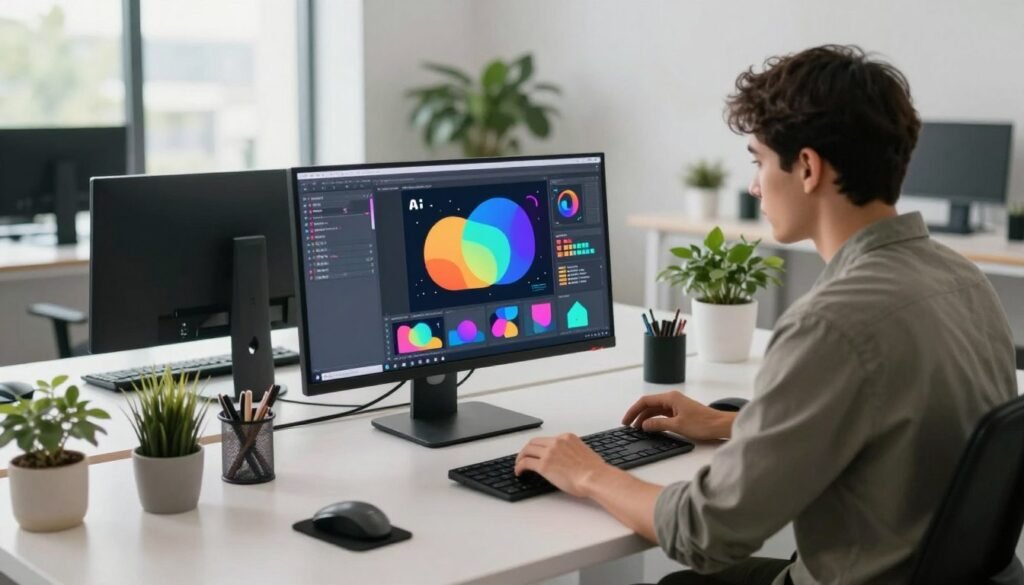
Speeding up repetitive tasks and versioning
Automated background removal and image upscaling turn hours into minutes. For example, batch processing hundreds of product shots can cut turnaround time by 70 to 90 percent. Automated variant generation creates dozens of A/B test assets in the time it used to take to make one.
We free designers from manual resizing, export chores, and tedious version control. That reduces review cycles and lets teams deliver more iterations to stakeholders faster.
Improving consistency across brand assets
Machine learning can enforce brand guidelines across thousands of outputs. Tools in Figma and Adobe Creative Cloud use plugins and templates to apply color palettes, logo placement, and typography rules automatically.
This automation strengthens brand consistency while reducing human error. Enterprise teams keep a unified look across channels without slowing production.
Enabling faster prototyping and iterations
Generative models enable rapid prototyping by producing many visual directions in minutes. Designers can test multiple concepts, gather feedback, and converge on a winner more quickly.
Faster prototypes shorten client review cycles and cut production costs downstream. Rapid prototyping supports agile decision making and improves the quality of final assets.
Practical Steps to Integrate Automation into Design Processes
We begin with a clear plan to integrate AI into everyday design work. Small, measurable steps reduce risk and speed adoption. Below we map a repeatable approach that ties workflow mapping to tool selection and measurable KPIs.
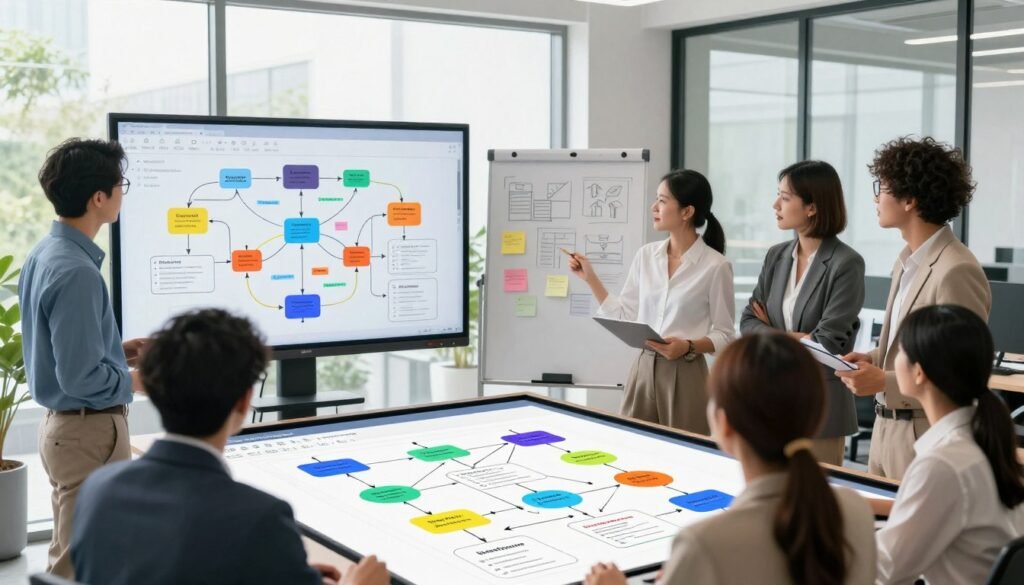
Mapping existing workflows to identify automation opportunities
Run focused process mapping sessions with designers, project managers, and stakeholders. Use intake forms, asset lifecycle diagrams, and review-loop charts to show handoffs and delays.
Conduct time-motion studies to quantify repetitive touchpoints such as resizing, exporting, and metadata tagging. Interview stakeholders to uncover decision bottlenecks and quality checks that slow delivery.
Produce artifacts that make gaps obvious: a swimlane diagram for asset ownership, a checklist of manual steps, and a ranked list of tasks by frequency and time spent.
Selecting AI tools compatible with your design tech stack
Choose AI design tools that integrate smoothly with existing software: Adobe Creative Cloud, Figma, and Sketch must be first-class citizens in your plan. Prioritize API access, data security, and whether on-prem or cloud deployment fits company policy.
Evaluate pricing and community support. Run pilot tests in a sandbox environment and have design leads validate output quality before broad rollout. Confirm compatibility with your tech stack and existing plugins to avoid workflow breaks.
Setting KPIs to measure workflow improvements
Define quantitative KPIs: time saved per task, number of versions produced, deliverable throughput, and cost per asset. Add qualitative indicators: stakeholder satisfaction and perceived creative quality.
Collect data using automated logs, time-tracking tools, and before/after comparisons. Compare baseline metrics to pilot results and scale only when KPIs show consistent gains.
We recommend an iterative cycle: map processes, pilot AI design tools, measure KPIs, then refine the tech stack and rules. This cycle helps teams balance creativity with automation while maintaining control over outcomes.
AI-Powered Tools for Creative Ideation and Concepting
We explore how AI design tools accelerate the jump from brief to visual direction. In our work we pair human judgment with models to speed idea generation and keep creative control. That mix helps teams move from vague concepts to tangible starting points without losing craft.
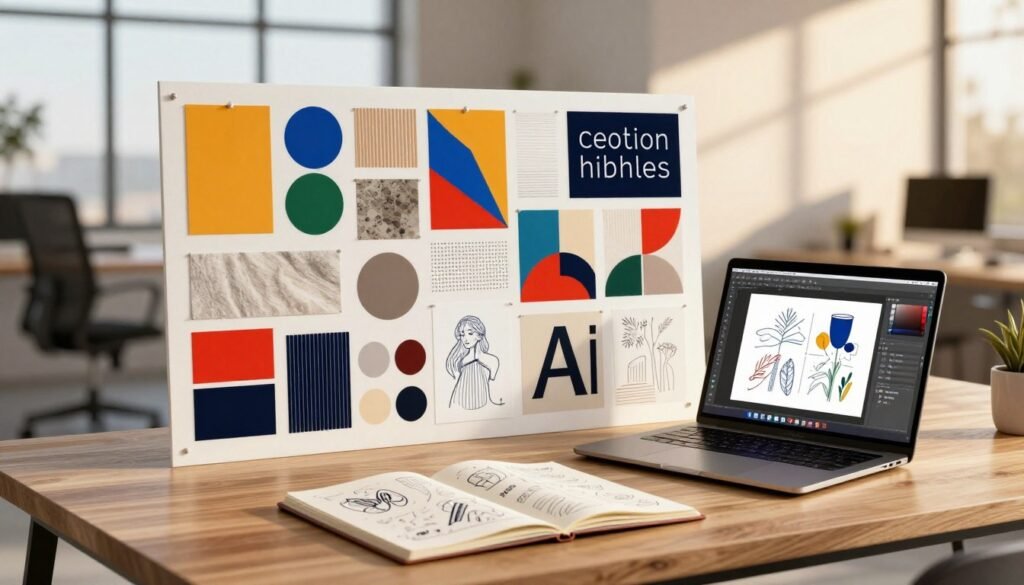
Generative image models such as Midjourney, DALL·E, and Stable Diffusion let us produce rapid visual variations for mood boards and concept art. We run batch prompts, tweak seeds, and sample style parameters to map a wide range of looks. This method shortens the early idea phase and supplies clear options for review.
Prompt engineering matters: precise descriptors, reference anchors, and stepwise refinement yield higher-quality outputs. We write baseline prompts, evaluate thumbnails, then iterate with targeted constraints—color palettes, era, or composition—to push concepts closer to the brief. Human curation remains essential to filter and combine the strongest results.
AI-assisted brainstorming adds structure to creative ideation. Tools that support text-to-image, text-to-layout, and multimodal prompts help teams branch ideas fast. We use prompt chains to evolve a seed idea into related directions and embedding searches to surface visual references from our asset libraries.
For wider exploration we run conditional generation: toggle composition rules, vary palettes, or request alternative focal points. Seed variation and parallel batch runs produce concept grids designers can scan quickly. That scale widens our visual choices while preserving the capacity to refine select directions.
We balance speed with risk management. Generative image models can hallucinate or echo copyrighted material, so we apply quality-control steps: provenance checks, style attribution, and selective human edits. These steps protect output integrity and keep work usable in client settings.
Below is a compact comparison of common ideation workflows using AI design tools. It highlights typical inputs, outputs, and control points we recommend for reliable creative exploration.
| Workflow | Primary Tools | Typical Inputs | Deliverables |
|---|---|---|---|
| Rapid mood board generation | Midjourney, Stable Diffusion | Short prompts, reference images, color swatches | 10–20 curated images for concept review |
| Iterative concept art | DALL·E, Photoshop with generative fill | Detailed prompts, composition notes, seed variants | Polished concept comps and layered files for refinement |
| AI-assisted brainstorming | Multimodal platforms, embedding search tools | Prompt chains, mood anchors, thematic keywords | Branched idea maps and ranked visual directions |
| Scaled visual exploration | Batch runners, conditional samplers | Parameter sweeps, palette toggles, rule sets | Large concept libraries and A/B-ready variants |
Streamlining Layouts, Templates, and Responsive Design
We explore practical advances in layout generation that cut design time and raise consistency across channels. Our focus covers how automation converts a single concept into usable assets for desktop, tablet, mobile, and social formats while keeping hierarchy and spacing intact. We compare native features in Figma and Adobe with third-party exporters that batch-produce multi-format files.
Automatically generating layouts for multiple formats
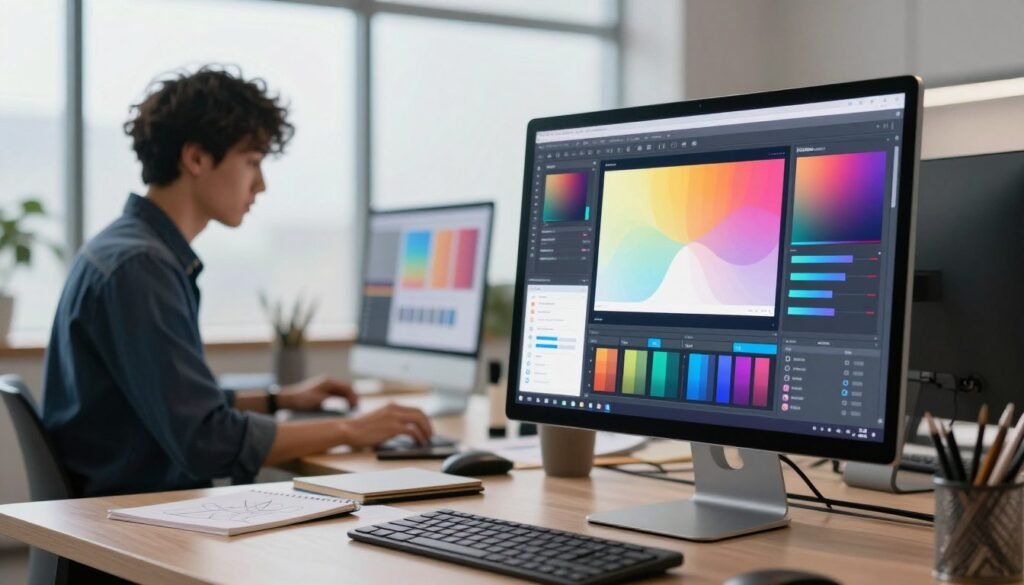
Auto-layout features in Figma translate groups and constraints into new breakpoints. Designers can feed a desktop frame and get tablet and mobile variants that preserve visual order. Adobe’s responsive layout tools adjust type scales and image crops so content remains legible across sizes. Third-party services export those variants as ready-to-publish assets, saving time and reducing manual retouching.
Template systems augmented by machine learning
Machine learning personalizes templates by swapping imagery, tuning typography, and adapting color palettes to campaign goals or audience segments. Platforms like Canva apply these rules programmatically, letting non-designers generate on-brand creative fast. Data-driven templates reduce approval cycles and improve repeatability for large campaigns.
Designing responsively with AI-driven constraints
Constraint-based engines evaluate readability, spacing, and hierarchy at each breakpoint and suggest fixes that maintain usability. AI design tools flag cramped layouts, low contrast, or poor line length and offer corrective options. We recommend testing outputs on real devices and keeping manual overrides to preserve craft and brand nuance.
Improving Image Editing and Retouching with AI
We explore practical ways AI accelerates core image work without disrupting established Photoshop and Lightroom routines. This short guide highlights tools and techniques that let teams move faster on production and still protect visual quality.
Background removal, upscaling, and noise reduction
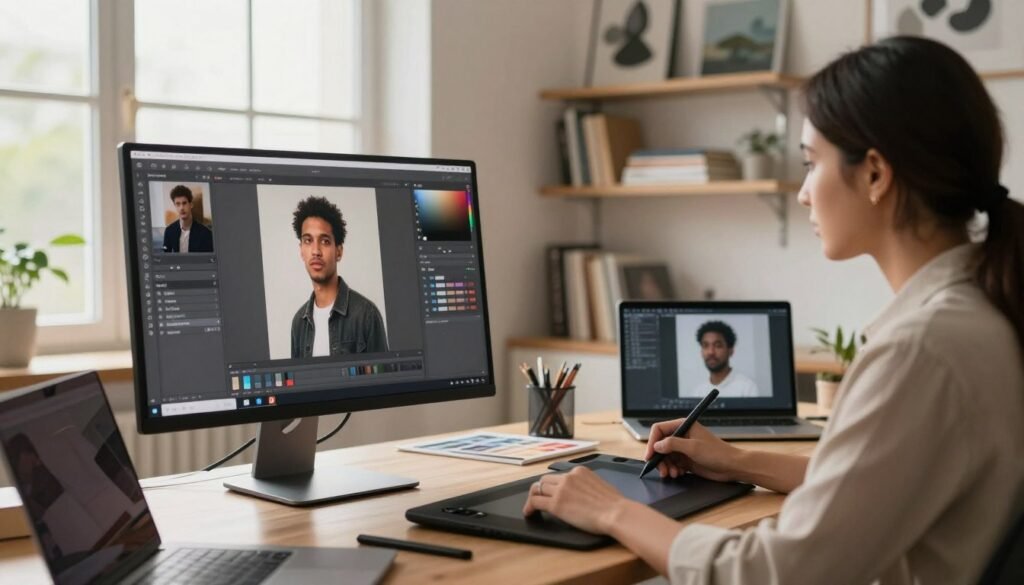
Topaz Labs and Adobe Sensei are now common choices for background removal and intelligent masking. These AI design tools analyze edges and depth to produce cutouts that need fewer manual strokes. Typical inputs are high-resolution JPGs or layered PSDs; lower-resolution images may require a quick cleanup pass.
Image upscaling uses super-resolution to restore detail when you increase size. Upscalers work best on files with moderate noise; denoising before upscaling yields cleaner results. We integrate these steps into Photoshop via plugins or export workflows from Lightroom for consistent results across asset sets.
Automated color correction and harmonization
AI can normalize exposure and white balance across a photo series, speeding approvals for campaigns. Tools analyze palettes and apply color grading that matches a target brand swatch. That process reduces manual tweaking and ensures consistent tone across hero images and thumbnails.
When a single image needs harmonization, algorithms suggest adjustments for highlights, midtones, and shadows. We use those suggestions as a starting point, fine-tuning curves in Lightroom for brand fidelity and predictable visual output.
Batch processing and time-saving techniques
For large libraries, batch processing is essential. Adobe Bridge, Photoshop Actions, and command-line tools like ImageMagick can run mass edits. Cloud functions or simple Python scripts let teams trigger AI design tools at scale while keeping source files intact.
Best practices: keep originals in a versioned archive, run quality-sampling checkpoints on a subset, and log parameters for reproducibility. That workflow reduces rework and preserves traceability for client reviews.
| Task | Recommended Tool | Input Needs | Best Practice |
|---|---|---|---|
| Background removal | Adobe Sensei / Topaz | High-res JPG or PSD | Mask refine and edge touchup |
| Image upscaling | Topaz Gigapixel / Super Resolution | Low-to-mid res images | Denoise pre-upscale |
| Noise reduction | Topaz Denoise / Lightroom | RAW or high ISO JPG | Apply before sharpening |
| Color correction | Lightroom / AI palette tools | Consistent series preferred | Use brand palette as target |
| Batch processing | Photoshop Actions / ImageMagick | Folders of assets | Sample QA and version control |
When we design pipelines, we balance automation and craft: automated passes remove tedious tasks while designers keep final creative control. This blend saves time, improves consistency, and scales production without sacrificing quality.
AI for Typography and Visual Hierarchy Decisions
We explore how machine learning refines typographic choices and layout order to improve clarity and conversion. AI in Graphic Design moves beyond automation: it becomes an assistant that says which font pairings work, where a call-to-action should sit, and how readers will scan a page.
Smart font pairing and readability optimization
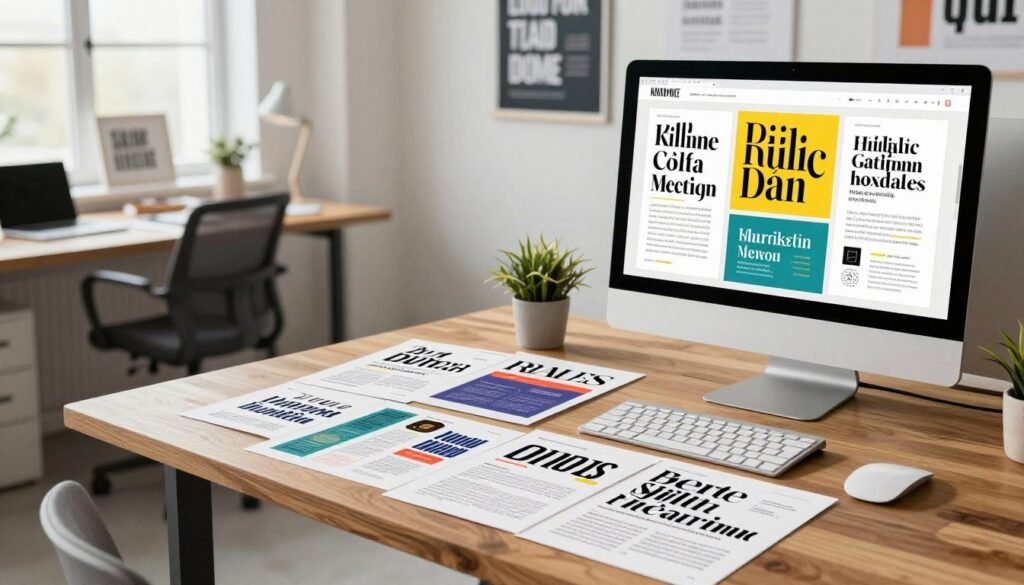
We rely on tools from Google Fonts and type-focused ML plugins to generate font combinations that match brand tone and legibility rules. These systems evaluate contrast, x-height, and spacing to recommend sizes and line heights that improve readability optimization for screens and print.
Designers can use plugins inside Figma or Adobe to test pairings quickly. The algorithmic suggestions speed font trials while preserving typographic nuance: serif for trust, sans-serif for clarity, scaled weights for emphasis.
Machine learning to suggest visual hierarchy changes
Models analyze layouts to recommend hierarchy tweaks that guide user flow. They flag weak contrast on headlines, undersized CTAs, and crowded margins that hurt conversions.
Applied on landing pages and ads, these suggestions reduce friction: larger CTA buttons, clearer heading scales, and spacing adjustments that make content skimmable. Teams report faster iteration cycles when they treat model output as a prioritized checklist rather than an absolute rule.
Tools that predict user attention and layout impact
Attention-prediction models produce heatmap forecasts trained on eye-tracking datasets. These forecasts indicate where users likely look first and how visual hierarchy directs that gaze.
We treat these predictions as hypotheses: validate them with A/B tests and real analytics from Google Analytics or Hotjar. Combining user attention prediction with qualitative feedback leads to safer, data-backed layout changes.
Below is a compact comparison of common approaches and their practical uses. It helps teams pick the right method for typographic and hierarchy decisions.
| Approach | Primary Output | Best Use Case | Validation Method |
|---|---|---|---|
| Rule-based typographic tools (Google Fonts pairing) | Recommended font pairs, sizes, line heights | Brand systems and accessible text defaults | Contrast checks and readability scoring |
| Type-specific ML plugins (Figma, Adobe) | Context-aware adjustments for spacing and scale | Rapid prototyping and multi-format exports | Designer review and quick usability tests |
| Layout analysis models | Hierarchy change suggestions (CTA, headings, spacing) | Landing pages, ads, product pages | A/B testing and conversion metrics |
| Attention-prediction heatmaps | Predicted gaze maps and priority zones | Visual optimization before launch | Eye-tracking studies and real user analytics |
Collaboration Workflows Enhanced by AI
We explore how smart automation reshapes team collaboration in design. Cloud-native apps like Figma and Adobe Creative Cloud now pair real-time co-editing with AI assistance to reduce friction for distributed teams. These features speed handoffs, lower meeting load, and let creative teams focus on intent over routine tasks.
Real-time co-editing in modern tools pairs live cursors with conflict resolution. AI design tools can auto-merge nonconflicting edits and suggest fixes when overlaps occur. Designers see generated versions and rollback options without long waits. That makes remote work smoother and reduces lost time during peak review cycles.
AI summaries transform long edit histories into clear changelogs. Natural language generation pulls key edits, asset swaps, and decision points into concise notes for stakeholders. Teams integrate these summaries via APIs into review pipelines so product managers and clients get fast context before giving feedback.
Version control automation ties file histories to actionable records. Systems create incremental snapshots, tag releases, and link commits to tasks. Automation reduces manual versioning errors and keeps teams aligned across formats and time zones.
Predictive task assignment uses activity signals and past performance to suggest owners, deadlines, and priorities. Machine learning balances workload and predicts blockers, freeing managers from routine scheduling. We must design these systems with privacy and fairness in mind: transparent models, opt-out choices, and bias audits protect team trust.
Feedback loops close the collaboration cycle. AI can summarize reviews, surface recurring issues, and recommend who should act next. When paired with version control automation and AI summaries, these loops accelerate iterations and improve throughput without adding coordination overhead.
We advocate for pilot programs: test AI design tools on a single project, measure impact on review time and handoffs, and iterate. Small, transparent deployments preserve team autonomy while unlocking the productivity gains that modern collaboration workflows promise.
Accessibility and Inclusive Design through AI
We prioritize practical ways to make designs usable by everyone. AI in Graphic Design can speed checks for accessibility and suggest fixes that keep the designer in control. Small workflows, paired with human review, create reliable results for diverse audiences.
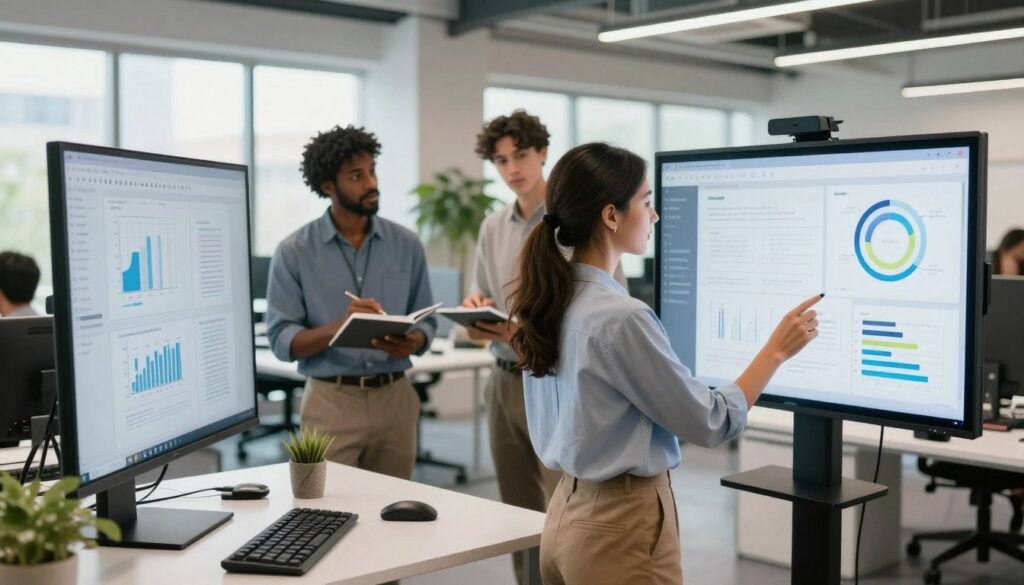
Automated tools scan layouts for color contrast gaps against WCAG standards. They flag failures, propose accessible palettes, and offer pixel-level adjustments. We recommend running scans as part of the export pipeline and treating fixes as review items rather than blind patches.
Practical remediation steps include: run batch checks, apply suggested palette swaps, validate interactive states, and then perform a visual inspection. This keeps the workflow efficient and ensures designers retain aesthetic control while meeting accessibility goals.
Image-captioning models such as Microsoft Azure Computer Vision and Google Cloud Vision accelerate alt text generation. These models produce quick drafts that reduce repetitive work. We must edit their outputs: descriptions can miss context, reflect bias, or omit key details important to users.
For alt text generation, use a two-step flow: generate captions automatically, then have a human editor refine them for clarity and intent. That approach balances speed with meaningful accessibility. Training teams on best practices for alt text ensures consistency.
Data-driven inclusive design uses analytics and audience segmentation to shape creative choices. AI can surface language variants, cultural visual references, and regional preferences. We use these insights to test imagery, tone, and messaging with representative user groups.
Testing should include diverse participants and quantitative metrics: time to understand content, error rates, and satisfaction scores. Pair analytics with qualitative feedback to uncover subtle exclusionary cues that models may miss.
Design systems must embed accessibility rules: automated color-contrast gates, scripted alt text prompts, and localized asset variations. These guardrails let teams scale inclusive design without slowing iteration. We view AI as an assistant that amplifies human judgment when crafting accessible experiences.
Managing Copyright, Ownership, and Ethical Concerns
We navigate a fast-changing landscape where AI in Graphic Design alters how creative work is made and owned. Designers, clients, and legal teams must align on rights, risks, and responsible use before assets reach production.
Understanding IP implications of AI-generated assets
Current U.S. copyright law treats creative authorship as a human act. Works produced solely by a machine generally lack copyright protection, while human-directed creations may qualify. This creates questions about who owns outputs when models were trained on third-party images.
We recommend documenting terms of service for every tool, keeping records of prompts and references, and consulting counsel for client contracts. Clear clauses on ownership and licensing reduce disputes about copyright and IP when delivering final files.
Ethical considerations when using generative models
Models can mirror dataset biases and produce misleading or harmful imagery. That risk affects brand trust and public safety. We advise curating training references, running bias audits, and keeping human review in the loop for sensitive projects.
Transparent disclosure builds credibility: state when assets are AI-assisted and note any synthetic elements. Treat ethical AI as a design requirement, not an afterthought—embed guardrails and escalation paths into review workflows.
Best practices for attribution and provenance tracking
Robust provenance tracking protects creators and clarifies reuse rights. Embed metadata that notes the tool, prompt text, and source materials. Keep audit logs for versions and contributor roles to preserve chains of custody.
We suggest adopting internal registries or provenance tools—some teams use blockchain ledgers while others rely on secure asset management systems. Define attribution rules in contracts and credit creators, whether human or tool-assisted, to honor contributions and limit future disputes.
Practical steps: 1) require written tool disclosures in briefs; 2) log prompts and source images; 3) include IP and attribution clauses in client agreements; 4) run periodic ethical reviews. These measures help teams use AI in Graphic Design responsibly while protecting copyright and intellectual property.
Measuring ROI and Productivity Gains from AI Adoption
We set clear goals before rolling out AI design tools so we can track real improvements in ROI and productivity. Baselines give us a point of comparison: hours per project, assets produced per week, average revision counts, and cost per asset. With those numbers locked in, post-adoption tracking shows the adoption benefits in plain sight.
To measure time saved we use time-tracking software and project management logs. We chart hours per task and compare weekly totals. For cost reductions we calculate cost per asset and multiply by output increases to estimate savings. Average revision count and assets produced per week provide direct measures of throughput. These metrics form a compact dashboard that ties productivity to dollars and hours.
Qualitative metrics
Numbers miss nuance. We run short surveys and structured interviews to capture creative confidence, client satisfaction, and team morale. Net Promoter Score–style client feedback complements internal pulse surveys. These qualitative metrics reveal adoption benefits that raw numbers can’t: faster ideation, richer concepts, and stronger client relationships.
Case studies and benchmarking approaches
We document anonymized case studies from in-house teams and agencies to illustrate gains: reduced production timelines, increased client throughput, and expanded creative exploration. Each case study pairs before-and-after metrics with qualitative notes from designers and account leads.
For benchmarking we recommend a three-step template: define your KPIs, collect baseline data for four to eight weeks, then track the same metrics for an equal period after adoption. Compare results against industry percentiles and peer agencies to highlight relative performance. This structured approach makes ROI and productivity improvements transparent and repeatable.
We blend metrics and stories so stakeholders see both hard savings and softer wins. That mix helps prove the business value of AI design tools and guides smarter investment in future adoption efforts.
Training and Upskilling Designers for AI-Driven Workflows
We focus on practical pathways that bring design teams up to speed with emerging tools and methods. Short, hands-on sessions help balance technical fluency and design fundamentals: core principles must stay strong even as teams learn new AI workflows.
Essential skills for designers working with AI tools
Technical skills include prompt engineering, basic data literacy, and version control with Git or design-system plugins. Designers should learn how models work, where they fail, and how to validate outputs before production.
Soft skills matter: critical thinking, communication, and ethical judgment help teams apply AI design tools responsibly. We recommend pairing tool practice with regular reviews of design theory to preserve craft quality.
Creating internal training programs and learning resources
Design a modular training plan: workshops, mentoring, and curated courses from Coursera, edX, and LinkedIn Learning. Add vendor tutorials from Adobe and Figma plus hands-on labs that mirror real projects.
Certifications and periodic hackdays give measurable milestones for upskilling. Build a shared library of learning resources: cheat sheets, playbooks, and recorded demos that expedite onboarding and refresh skills.
Fostering a culture of experimentation and responsible use
Create safe sandboxes for experimentation and an approval gate for production deployment. Document playbooks that define acceptable practices, data handling, and auditing steps to ensure responsible use.
Recognize innovators with peer awards and public showcases to reinforce learning. Governance should enable exploration while protecting IP and brand standards, so teams feel empowered to iterate without undue risk.
Preparing for the Graphic Design Future: Trends and Predictions
We are watching a shift in how teams work and what skills matter. The graphic design future centers on strategic thinking, storytelling, and shaping systems that guide creative output. As automation grows, designers will move away from repetitive tasks and toward roles that require judgment, ethics, and cross-disciplinary coordination.
How automation will redefine roles and responsibilities
Automation will handle routine production: layout variations, batch edits, and asset export. That frees designers to focus on concept, brand voice, and user experience. We expect future roles to include AI curator, design systems engineer, and creative strategist.
Teams will need clear governance: who trains models, who reviews outputs, and who owns ethical decisions. Training and oversight will be as critical as creative skill.
Emerging AI design tools to watch
Multimodal models that combine text, image, and video will speed ideation. Real-time generative interfaces will let teams iterate in the moment. On-device machine learning will support privacy-sensitive projects.
Major players—Adobe, Google, OpenAI, Meta—are investing heavily in these capabilities. Startups are focusing on niche integrations with Figma, Sketch, and design systems. We should track tools that embed AI design tools into existing production pipelines.
Implications for agencies, freelancers, and in-house teams
Agencies can scale services by automating repetitive work and expanding output without proportional headcount. Freelancers can increase productivity using templates, presets, and AI-powered assistants to serve more clients.
In-house teams must balance speed with brand integrity. They will need governance, training, and tooling to keep AI outputs aligned with long-term strategy.
We recommend strategic planning now: update pricing models to reflect advisory value, invest in training for future roles, and pilot integrations of AI design tools to learn where automation adds the most value.
Conclusion
We believe AI in Graphic Design is a powerful enabler rather than a replacement. Throughout this guide we showed how AI design tools and automation accelerate routine tasks, free time for higher‑level problem solving, and expand creative possibility. The central thesis is simple: combine human judgment with machine speed to achieve workflow transformation that scales quality and consistency.
For teams in the United States, practical next steps matter: map your current processes, run small pilots with Adobe Firefly, Figma plugins, or open‑source generative models, and document outcomes. Pilot projects let you validate benefits, refine governance, and collect the KPIs that demonstrate time saved, cost reductions, and creative uplift.
Looking ahead, the graphic design future will reward groups that learn fast and share findings. We invite design educators, students, and professionals to experiment, publish learnings, and co‑create standards that keep ethics and accessibility front and center. When we pair thoughtful training with smart AI design tools and clear automation goals, we move toward a future where technology amplifies human creativity and transforms technical education through imagination and innovation.